

Tableau-Bewertung: Vorteile, Nachteile, Funktionen und Preise
Tableau überzeugt bei der Einzelhandelsanalyse durch intuitive Datenvisualisierung, die Ihr Team dabei unterstützt, schnell fundierte Entscheidungen zu treffen.

Wir bewerten Tools unabhängig und Provisionen helfen, unsere Tests zu finanzieren. Siehe unsere transparente Richtlinie, unsere Methodik oder schlagen Sie ein Tool vor.
Tableau is a retail analytics software built around visual data exploration—letting retail teams analyze sales trends, monitor inventory, and surface channel performance through highly customizable dashboards. It's worth considering when your team needs more control over how data is visualized and explored than Microsoft Power BI typically allows, particularly if you're connecting multiple data sources and need reporting that can flex to match how your business actually operates.
Tableau Evaluation Summary
4.5/5
- Pricing upon request
- 14-day free trial
Warum Sie unseren Software-Empfehlungen vertrauen können
6,700+
Reviews
20
Industry experts
16+
Evaluation factors
14
Years
Unser Team testet und bewertet Software seit 2012. Als Führungskräfte im Einzelhandel selbst wissen wir, wie schwierig – und wichtig – es ist, die richtige Software auszuwählen.
Für diesen Leitfaden haben wir Tools mithilfe von praktischen Tests und unabhängiger Recherche bewertet und dabei die Tools anhand unserer Bewertungskriterien bewertet.
Unsere Bewertungen spiegeln unser unabhängiges Urteilsvermögen wider – keine Verkaufsstrategie.
Tableau Overview
In my opinion, Tableau is a strong choice for retail analytics, especially for teams needing powerful data visualization. Its intuitive interface and robust onboarding make it accessible, but its value may vary depending on your budget. Compared to competitors, Tableau excels in visualizing complex data but might not offer the best integration options for reducing tool usage. It's best suited for mid-sized to large retail operations that prioritize insightful visual reports over minimizing tool count. If your team values detailed data representation and can handle the occasional integration hiccup, Tableau is worth considering.
Pros
- Your team can create detailed visual reports with ease.
- It offers a user-friendly interface that simplifies data analysis.
- Onboarding is smooth, helping your team get up to speed quickly.
Cons
- Your team might find some advanced features require a learning curve.
- It can be resource-intensive, potentially slowing down older systems.
- Customer support response times may not always meet your expectations.
Is Tableau Right For Your Needs?
Who Would be a Good Fit for Tableau?
Tableau is ideal for retail managers, data analysts, and marketing teams who need to visualize data and gain insights quickly. If your work involves handling large datasets, Tableau's powerful visualization capabilities can simplify complex data into understandable visuals. Teams in industries like fashion and electronics, where detailed sales and customer analytics are crucial, will find Tableau's user-friendly interface and visual reporting beneficial. It's especially valuable for organizations that prioritize data-driven decisions and need to present complex insights clearly
- Fashion RetailYour team can benefit from Tableau's visual reports to track and analyze seasonal sales trends effectively.
- Electronics CompaniesTableau helps your team understand customer behavior and product performance with its detailed analytics.
- Data AnalystsIf your work involves large datasets, Tableau's visualization tools make complex data easy to interpret.
- Marketing TeamsYour team can use Tableau to create impactful visual reports that drive strategic marketing decisions.
- Mid-Sized BusinessesTableau's functionalities fit well with your need for comprehensive data analysis without overwhelming resources.
- Sales DepartmentsYour team can leverage Tableau's insights to optimize sales strategies and improve performance metrics.
Who Would be a Bad Fit for Tableau?
Tableau may not suit small businesses or startups with limited budgets and resources. If your team needs simple analytics without complex visualization, Tableau's advanced features might be overkill. Industries with minimal data analysis needs or those requiring seamless integration with various tools might find Tableau's setup cumbersome. Additionally, if your team lacks technical expertise, the learning curve for some features could be a barrier.
- Small BusinessesYour team might find Tableau's advanced features unnecessary and costly for basic analytics needs.
- StartupsIf your work involves limited data analysis, Tableau's capabilities may be more than you require.
- Non-Technical TeamsWithout technical expertise, your team might struggle with Tableau's more complex functionalities.
- Low Budget OperationsYour team might find Tableau's cost challenging if resources are tight.
- Simple Reporting NeedsIf your work only needs basic reports, Tableau's advanced visualization tools might be excessive.
- Tool-Heavy WorkflowsIf your team relies on multiple integrations, Tableau might not fit seamlessly into your current setup.
Unsere Bewertungsmethodik
Wie Wir Tools Testen & Bewerten
Wir haben über Jahre hinweg unser System zur Softwarebewertung und -testung entwickelt, verfeinert und verbessert. Die Bewertungsmatrix ist darauf ausgelegt, die Feinheiten der Softwareauswahl und die Effektivität eines Tools einzufangen, wobei der Fokus auf entscheidende Aspekte des Auswahlprozesses liegt. Nachfolgend sehen Sie genau, wie unser Test- und Bewertungssystem anhand von sieben Kriterien funktioniert. Dies ermöglicht uns, eine unvoreingenommene Bewertung der Software basierend auf Kernfunktionen, besonderen Merkmalen, Benutzerfreundlichkeit, Einarbeitung, Kundensupport, Integrationen, Kundenrezensionen und Preis-Leistungs-Verhältnis anzubieten.
Kernfunktionen (25% der Gesamtnote)
Der Ausgangspunkt unserer Bewertung ist immer die Kernfunktionalität des Tools. Verfügt es über die grundlegenden Funktionen, die ein Nutzer erwarten würde? Sind wichtige Kernfunktionen eventuell nur in höherpreisigen Tarifen enthalten? Ein Tool sollte im Kern mindestens mit den Basisfunktionen der Wettbewerber mithalten können.
Besondere Funktionen (25% der Gesamtnote)
Anschließend bewerten wir außergewöhnliche Funktionen, die über die normalen Kernfunktionen vergleichbarer Tools hinausgehen. Ein hoher Score spiegelt spezialisierte oder einzigartige Funktionen wider, die das Produkt schneller, effizienter oder wertvoller für die Nutzer machen. Wir bewerten außerdem, wie einfach sich das Tool mit anderen Programmen, die typischerweise zum Technologie-Stack gehören, integrieren lässt, um dessen Funktionalität und Nutzwert zu erweitern. Tools mit zahlreichen nativen Integrationen, Drittanbieteranbindungen und API-Zugang für eigene Entwicklungen schneiden hier am besten ab.
Benutzerfreundlichkeit (10% der Gesamtnote)
Wir betrachten, wie schnell und einfach es ist, die Kernaufgaben mit dem Tool zu erledigen. Software, die gut gestaltet und intuitiv zu bedienen ist, mobile Apps bietet, Vorlagen zur Verfügung stellt und komplexe Aufgaben einfach erscheinen lässt, erzielt die besten Werte.
Einarbeitung (10% der Gesamtnote)
Wir wissen, wie wichtig die schnelle Einführung eines neuen Tools im Team ist. Daher evaluieren wir, wie einfach es mit minimalem Training ist, das Tool kennenzulernen. Wir ermitteln, wie schnell ein Teammitglied ohne Vorerfahrung startklar ist. Lösungen, die kaum oder gar keine Unterstützung benötigen, erhalten die höchste Punktzahl.
Kundensupport (10% der Gesamtnote)
Wir überprüfen, wie schnell und einfach man Hilfe per Telefon, Live-Chat oder Wissensdatenbank erhält. Tools und Anbieter, die Echtzeit-Support bieten, schneiden am besten ab; Chatbots liegen am unteren Ende.
Kundenrezensionen (10% der Gesamtnote)
Zusätzlich zu unseren eigenen Tests ziehen wir den Net-Promoter-Score bestehender und früherer Kunden heran. Wir überprüfen, wie wahrscheinlich sie das Tool erneut für die Kernfunktionen wählen würden. Ein hoher Score spiegelt einen hohen Net-Promoter-Score wider.
Preis-Leistungs-Verhältnis (10% der Gesamtnote)
Schließlich bewerten wir im Kontext aller anderen Kriterien den Durchschnittspreis von Einstiegsplänen im Verhältnis zu den Kernfunktionen und betrachten den Wert der übrigen Kriterien. Software, die mehr zu geringeren Kosten bietet, schneidet hier besser ab.
Core Features
Data Visualization
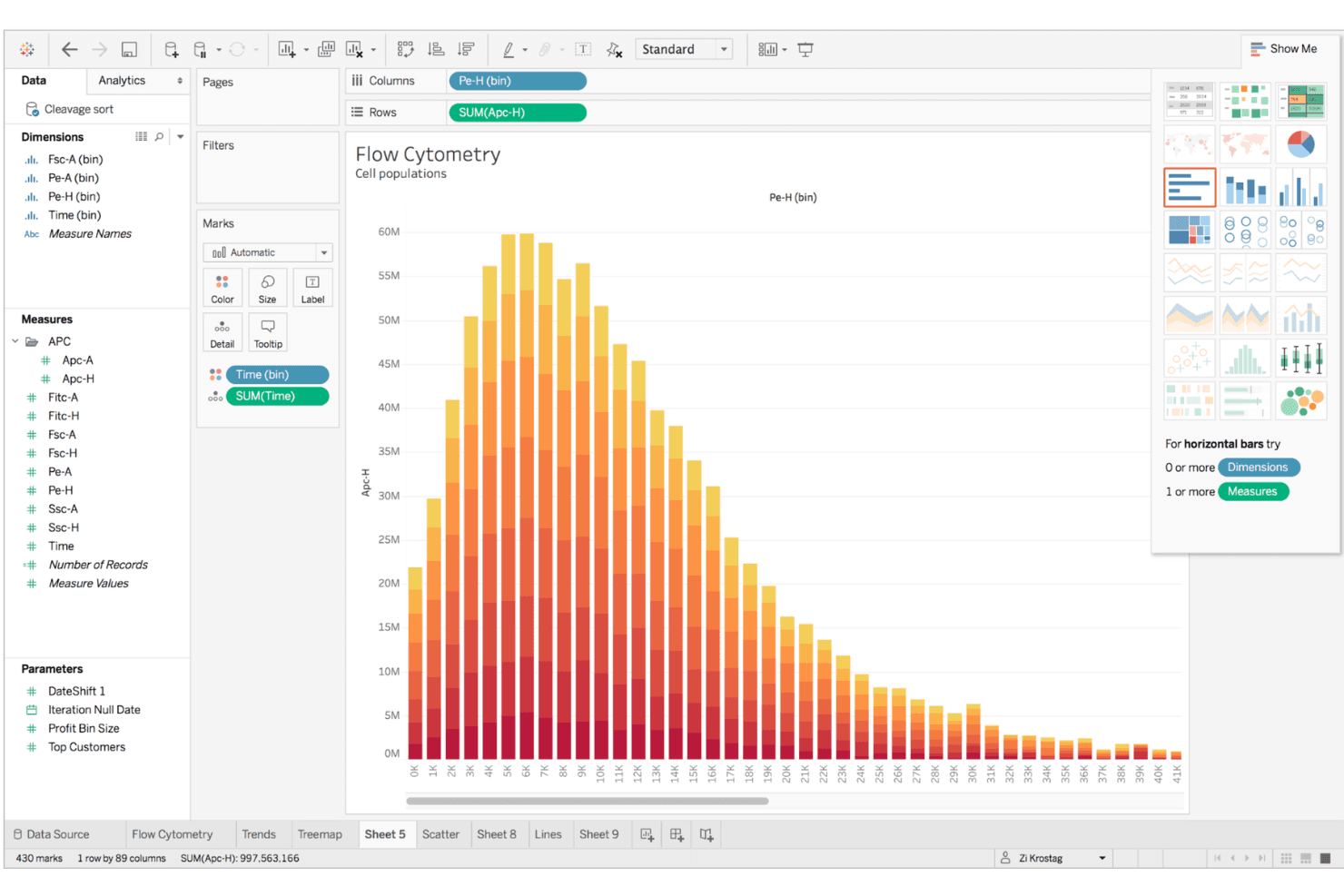
Tableau offers powerful tools for creating detailed visual reports, making complex data easy for your team to understand. You can drag and drop data to create graphs that highlight key insights.
Dashboard Creation
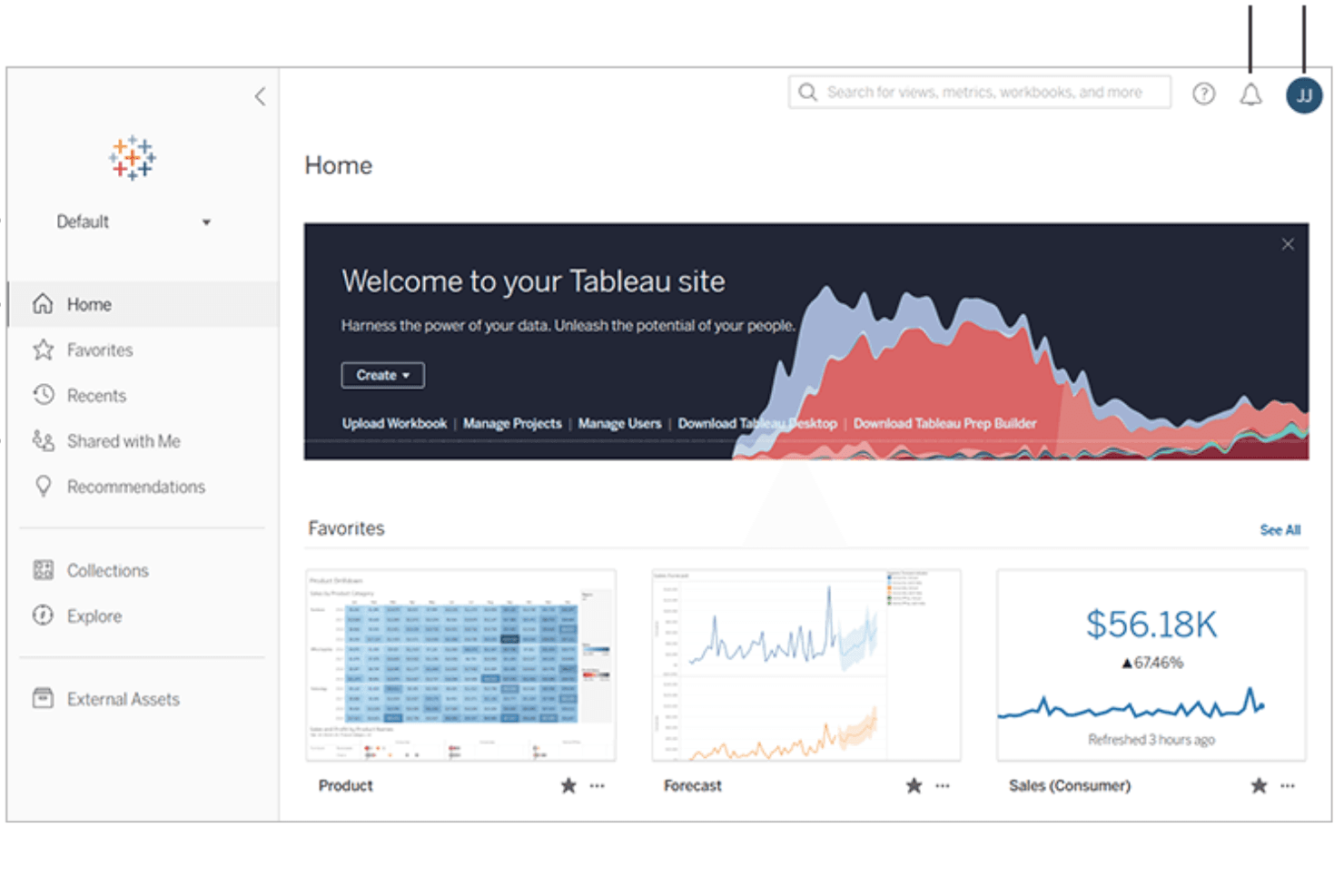
Build interactive dashboards that your team can customize to track KPIs, metrics, and trends. This feature allows you to see all your important metrics in one place.
Data Blending
Combine data from different sources to get a comprehensive view of your analytics. Your team can merge datasets and apply data modeling techniques to uncover deeper insights.
Real-Time Analytics
Tableau updates data in real-time, allowing your team to make informed decisions quickly. You won't miss out on current trends and metrics.
Collaboration Tools
Share insights and reports easily with your team to foster collaboration. Everyone stays on the same page with shared data visualizations.
Customizable Reports
Tailor reports to fit your team's specific needs and preferences. This flexibility helps you present data in a way that best serves your objectives.
Ease of Use
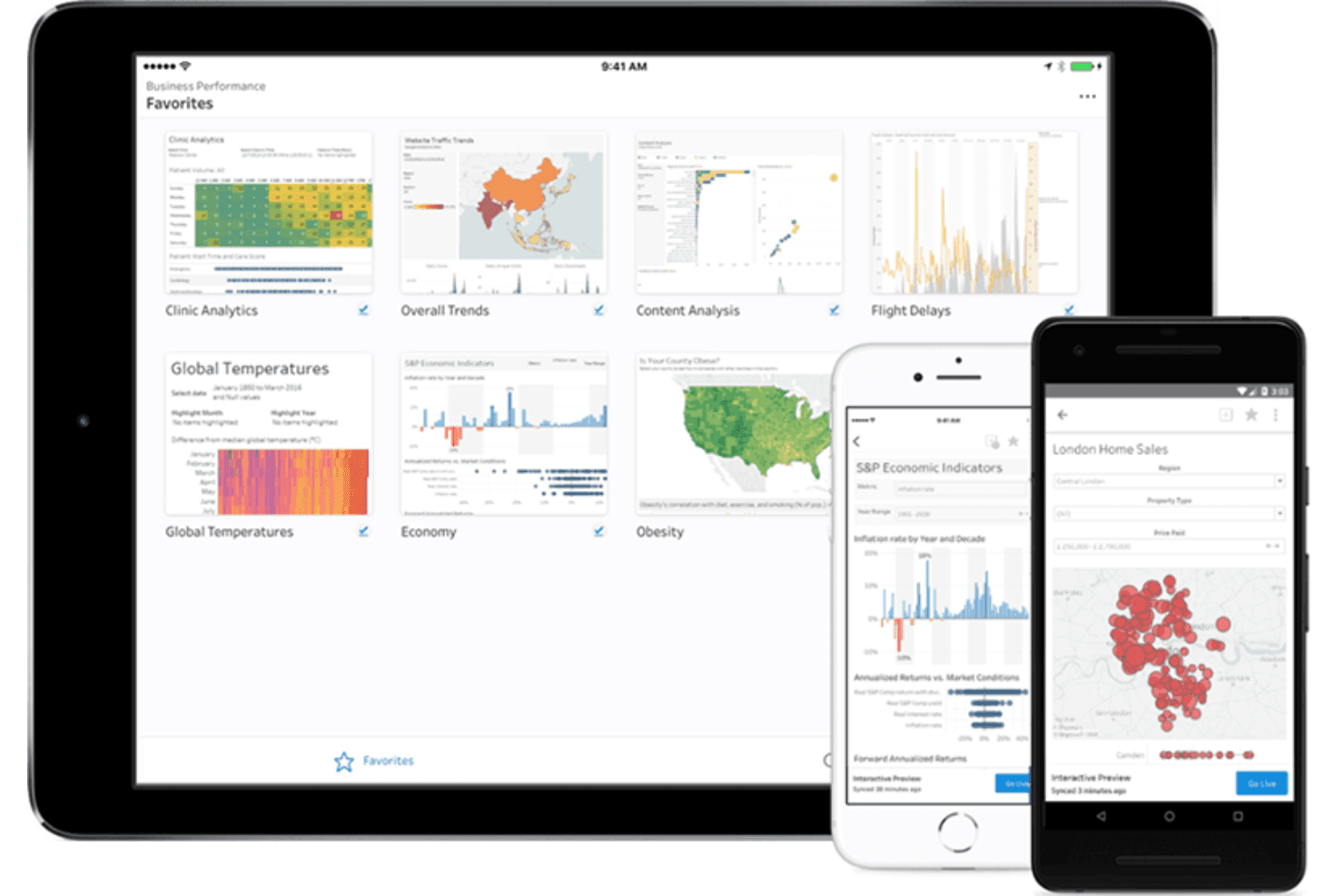
Tableau is generally user-friendly, with an intuitive interface that lets your team easily create visual reports and dashboards. Its drag-and-drop interface simplifies data visualization, making it accessible even for those with limited technical skills. However, some advanced features might have something of a steep learning curve, especially for non-technical users. Compared to other software, Tableau stands out for its ability to quickly turn data into actionable insights, which is valuable for your team's decision-making process.
Integrations
Tableau integrates with Azure Data Lake, Amazon S3, Google BigQuery, LinkedIn Sales Navigator, Salesforce CRM, Rollstack, dbt Semantic Layer, Ocient JDBC, MongoDB SQL, and Yellowbrick.
Tableau also offers an API for custom integrations and connects with third-party integration tools.
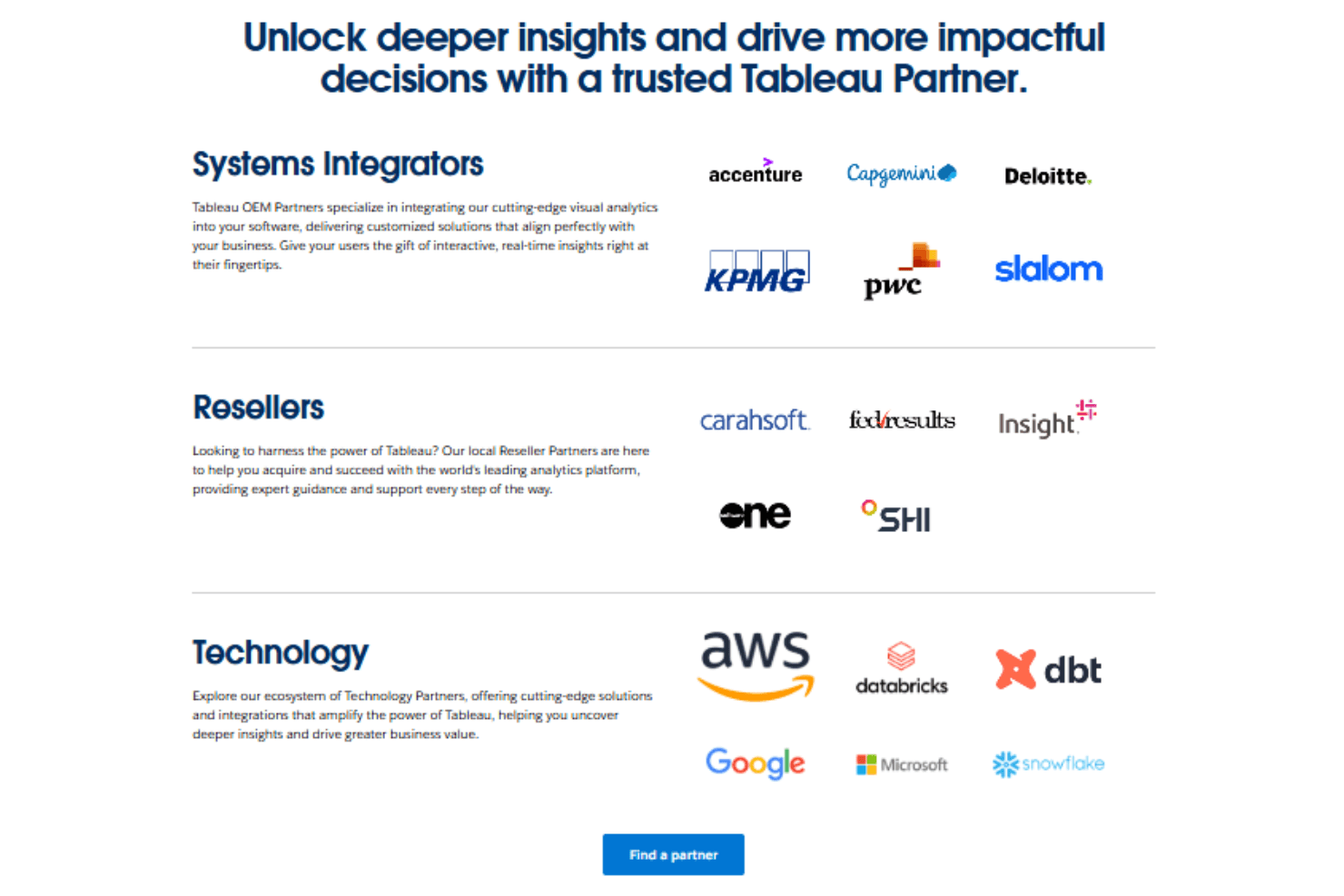
Tableau Specs
- A/B Testing: Yes
- Access Management: Yes
- Analytics: Yes
- API: Yes
- Conversion Tracking: Yes
- Custom Reports: Yes
- Customer Management: Yes
- Dashboards: Yes
- Data Export: Yes
- Data Import: Yes
- Data Mining: Yes
- Data Visualization: Yes
- External Integrations: Yes
- Forecasting: Yes
- Inventory Tracking: Yes
- Keyword Tracking: Yes
- Link Tracking: Yes
- Multi-User: Yes
- Notifications: Yes
- Project Management: Yes
- Reports: No
- Scenario Planning: Yes
- SEO: Yes
- Supplier Management: Yes
- Visualization: Yes


