



Square vs. Shopify POS: Comparison and Expert Reviews for 2026


Choosing the right POS system can feel overwhelming when you’re trying to balance in-store sales, online orders, and day-to-day operations. You might be wondering whether you need something simple and affordable—or a platform that can scale as your business grows. Square and Shopify POS both help you take payments and manage sales, but they differ in areas like pricing, ecommerce capabilities, and overall flexibility.
In this article, I’ll walk you through a clear comparison of Square vs. Shopify POS so you can decide which payment processing software fits your business best. You’ll get a breakdown of each platform’s pros and cons, ideal use cases, pricing, security, and overall usability.
Square vs. Shopify POS: An Overview
Square

Shopify POS
Why Trust Our Software Reviews
We’ve been testing and reviewing retail and ecommerce software and services since 2021.
As retail experts ourselves, we know how critical and difficult it is to make the right decision when selecting software. We invest in deep research to help our audience make better software purchasing decisions.
We’ve tested more than 2,000 tools for different finance and accounting use cases and written over 1,000 comprehensive software reviews. Learn how we stay transparent and our review methodology.
Square vs. Shopify POS Pricing Comparison
| Square | Shopify POS | |
|---|---|---|
| Free Trial | Free plan + free trial+ free demo available | 3-day free trial |
| Pricing | From $49/location/month | From $29/month (billed annually) |
Square vs. Shopify POS Pricing & Hidden Costs
Square offers a free POS with a pay-as-you-go model, using flat transaction fees and no monthly commitments—making it easy to start selling with minimal upfront cost. As your business grows, you can upgrade to Square Plus or Square Premium, which are paid plans that add advanced features and lower processing rates for higher-volume sellers.
Shopify POS, in contrast, includes POS Lite (free) with every Shopify ecommerce subscription, but you’ll still need to pay for that base plan to access it. For more advanced retail features, Shopify offers paid plans (POS Pro) with an additional monthly fee per location on top of your Shopify subscription. Both platforms may include extra costs for POS hardware, premium features, or integrations, so it’s important to look beyond the headline rates—and custom pricing may be available as your business scales.
To choose the right pricing model, map out your expected sales volume, preferred payment methods, and any hardware or advanced features you’ll need. Review each vendor’s terms for add-ons, processing fees, contract flexibility, and support fees. Ask for a detailed quote based on your actual business scenario—this helps you spot hidden costs before you commit.
Square vs. Shopify POS Feature Comparison
Both Square and Shopify POS cover the key features you need to run day-to-day sales. They let you accept payments, manage inventory, track sales, and build customer profiles—all within a single system, while also supporting both in-person and online selling.
Where they really differ is in what they’re built for. Shopify offers a deeply integrated, all-in-one ecommerce ecosystem, allowing you to seamlessly sync online sales and in-store inventory, orders, and customer data—making it ideal for omnichannel brands. Square’s hardware, on the other hand, shines with its simplicity and accessibility, offering a free plan, fast setup, and purpose-built POS features for services and restaurants (like tipping functionality, appointments, and offline payments) that make it especially strong for small business needs and in-person businesses.
| Square | Shopify POS | |
|---|---|---|
| 2-Factor Authentication | ||
| API | ||
| BitCoin | ||
| Budgeting | ||
| Contact Management | ||
| Custom Reports | ||
| Customer Management | ||
| Dashboard | ||
| Data Export | ||
| Data Import | ||
| Data Visualization | ||
| External Integrations | ||
| Fraud Detection | ||
| Inventory Tracking | ||
| Multi-Currency | ||
| Multi-User | ||
| Notifications | ||
| PayPal | ||
| Payment Processor | ||
| Stripe | ||
| Tax Management | ||
| Workflow Management |
Square vs. Shopify POS Integrations
| Integration | Square | Shopify POS- |
| QuickBooks | ✅ | ✅ |
| Xero | ✅ | ✅ |
| WooCommerce | ✅ | ✅ |
| Mailchimp | ✅ | ✅ |
| BigCommerce | ✅ | ✅ |
| Wix | ✅ | ✅ |
| Ecwid | ✅ | ❌ |
| Vend | ✅ | ❌ |
| Lightspeed | ❌ | ✅ |
| Oberlo | ❌ | ✅ |
| API | ✅ | ✅ |
| Zapier | ✅ | ✅ |
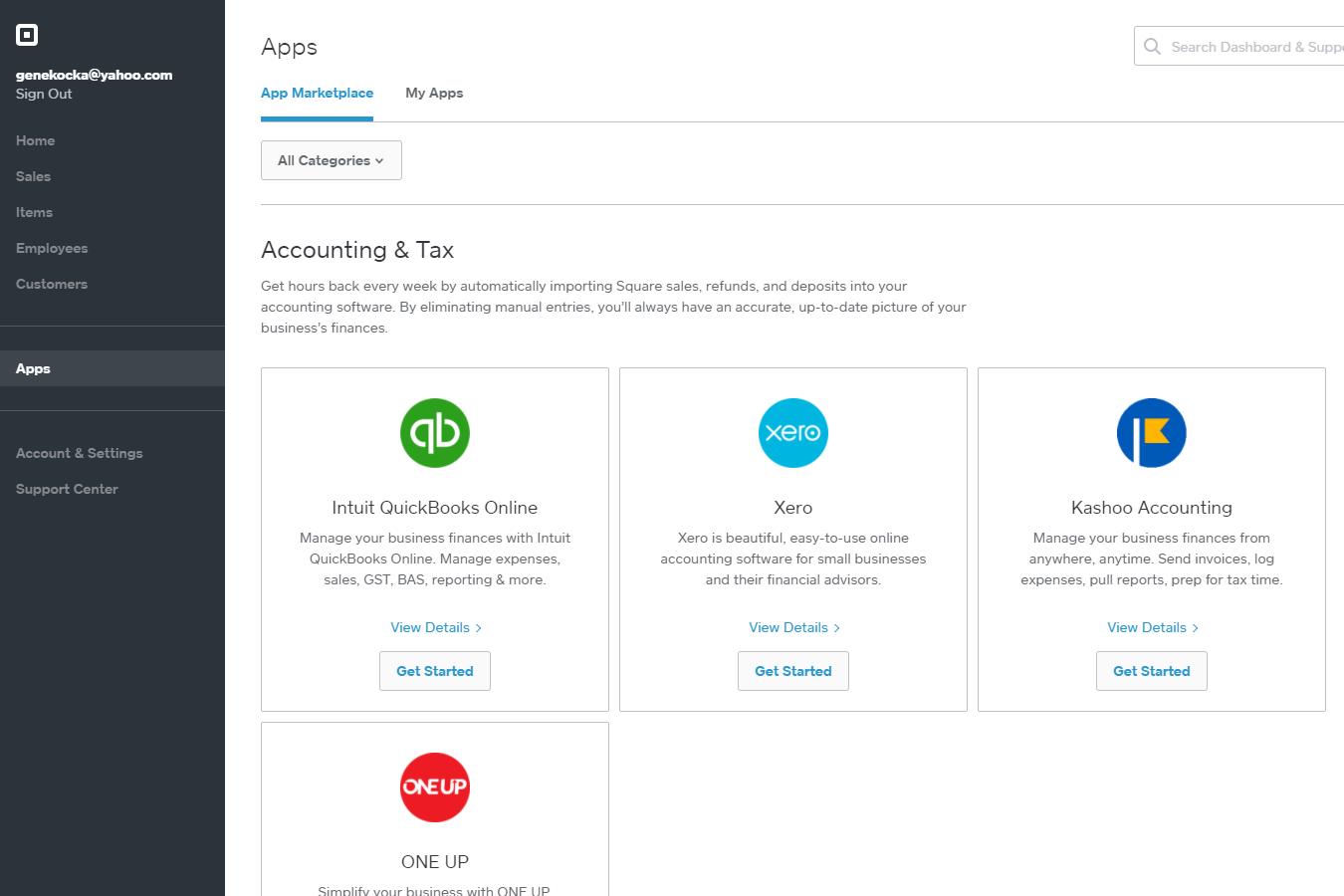
Both Square and Shopify POS cover the most popular accounting, ecommerce, and marketing integrations, but Square’s app marketplace offers more options for third-party POS and retail tools, while Shopify POS connects better with Shopify-specific and dropshipping apps. With API and Zapier support on both sides, you’ll have plenty of flexibility to connect your favorite tools and automate workflows, so most retail and ecommerce teams will find their integration needs well covered.
Square vs. Shopify POS Security, Compliance & Reliability
| Factor | Square | Shopify POS |
| PCI Compliance | Automatically PCI compliant with no extra fees or paperwork for merchants. | PCI compliant and handles all data from card payments securely on Shopify’s end. |
| Data Encryption | End-to-end encryption for all transactions, including mobile and hardware. | Uses industry-standard encryption for all payment and customer data. |
| Fraud Protection | Real-time monitoring and chargeback support to help prevent fraudulent activity. | Built-in fraud analysis and risk management tools for every order. |
| Uptime & Reliability | 24/7 monitoring with a strong track record of minimal downtime. | Cloud-based infrastructure with high uptime and global redundancy. |
| Privacy Controls | Strict privacy policies and limited employee access to sensitive data. | GDPR-ready with customizable staff permissions and audit logs. |
Both Square and Shopify POS deliver strong security and compliance, but Square’s hands-off PCI compliance and real-time fraud monitoring make it especially easy for busy teams, while Shopify POS stands out for its global infrastructure and advanced privacy controls. You can trust Square for simple, reliable protection out of the box, and Shopify POS if you need more granular privacy settings and international compliance.
Square vs. Shopify POS Ease of Use
| Factor | Square | Shopify POS |
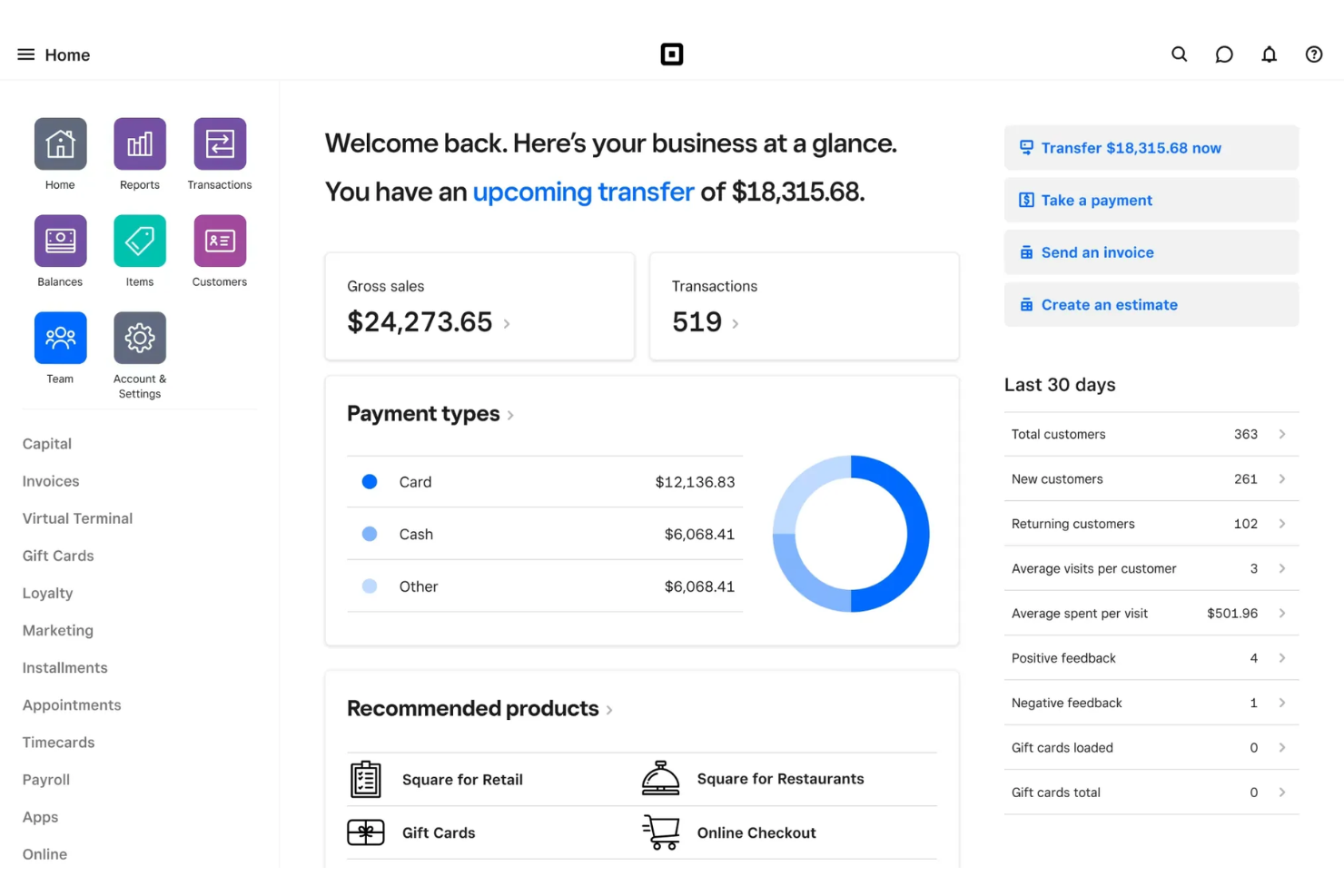
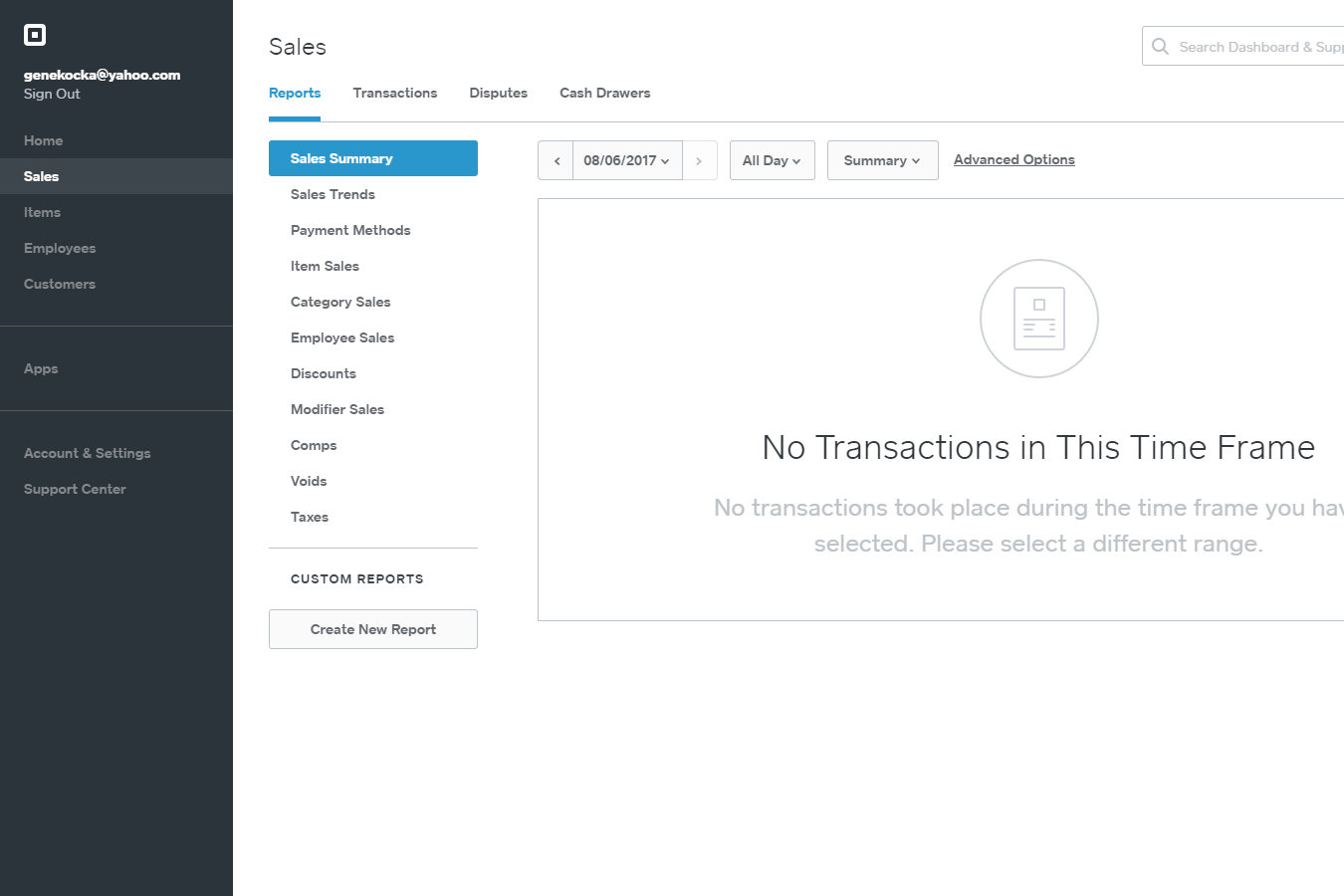
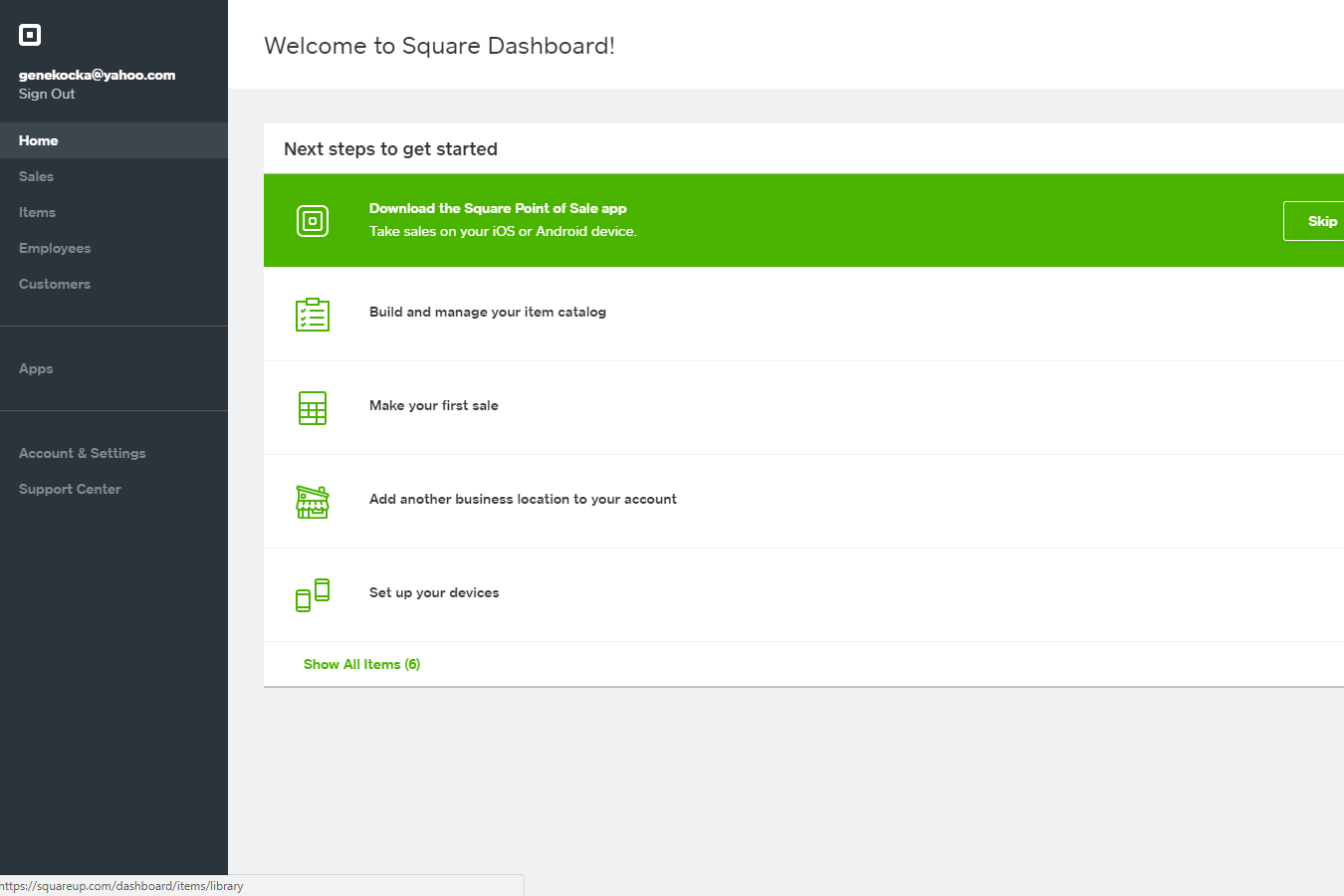
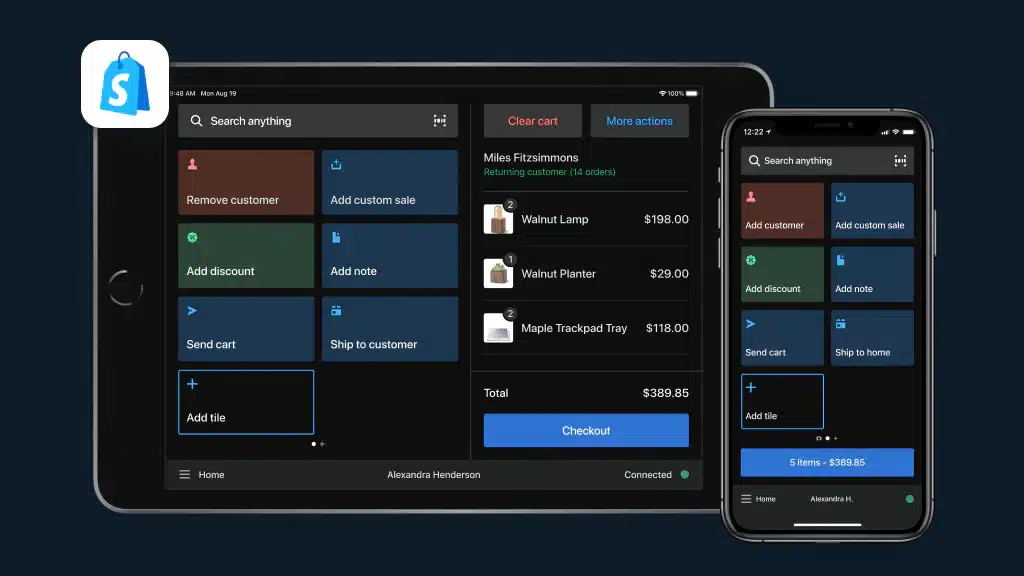
| User Interface | Clean, intuitive dashboard with simple navigation for quick actions. | Modern interface designed for Shopify users, with customizable tiles. |
| Onboarding | Guided setup and in-app tips help new users get started in minutes. | Step-by-step onboarding, especially smooth for existing Shopify stores. |
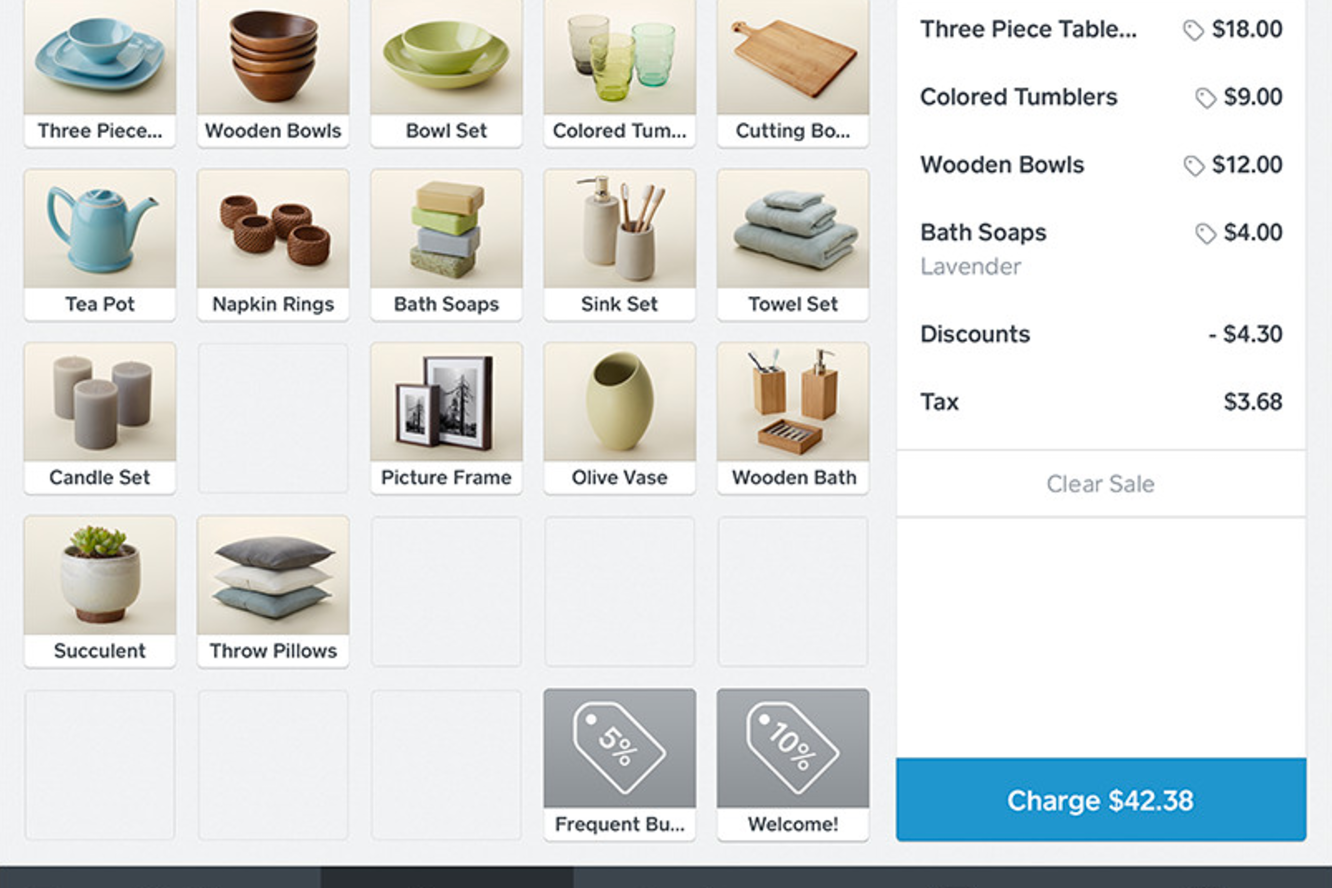
| Hardware Setup | Plug-and-play hardware like Square Reader, Square Terminal, and Square Register work out of the box with minimal setup. | Hardware setup is straightforward but may require more configuration. |
| Customer Support | 24/7 live chat and phone support, plus a large self-serve help center. | Email, chat, and phone support, with priority help for higher plans. |
| Training & Help | Built-in tutorials and quick-start guides for staff training. | Extensive help docs and video tutorials, especially for omnichannel. |
Square is better for fast, frictionless setup and daily use, while Shopify POS feels more familiar if you already run a Shopify store and want deeper customization. Square’s plug-and-play approach is perfect for teams who want to access selling features right away, while Shopify POS rewards users who invest a little more time in setup for a tailored experience.
Square vs Shopify POS: Pros & Cons
Square
- All-in-one platform combining POS, payments, and business tools.
- Free core POS with fast, simple setup process.
- Flexible hardware options for mobile, countertop, and retail use.
- Must use Square Payments, limiting processor choice and negotiation flexibility.
- Flat-rate processing fees can become expensive at higher volumes.
- Not ideal for complex or enterprise-level business operations.
Shopify POS
- You can easily manage both online and offline sales from a single platform.
- It provides a user-friendly interface that simplifies sales tasks for your team.
- You get access to detailed sales analytics to help grow your business.
- You might find the setup process a bit time-consuming.
- Your team may need time to fully adapt to its functionalities.
- You may encounter occasional issues with customer support responsiveness.
Best Use Cases for Square and Shopify POS
Square
- Food Trucks Mobile POS, offline mode, and tap-to-pay make selling anywhere fast and reliable.
- Pop-Up Shops Quick setup and no contracts make it ideal for short-term or seasonal retail.
- Service Providers Built-in scheduling, invoicing, and client management simplify operations for service-based businesses.
- Small to Mid-Sized Retail (Omnichannel Sellers) Syncs in-store and online sales with inventory, orders, and customer data in real time.
- Quick-Service Restaurants & Cafés Supports fast-paced ordering, tipping, and menu management for quick-service food environments.
- New & First-Time Business Owners Free POS (plus transaction rates) and simple setup make it easy to start selling quickly.
Shopify POS
- Boutique Shops Shopify POS is perfect for boutiques needing seamless inventory management and customer engagement tools.
- Pop-Up Stores It provides mobile capabilities that make it easy for pop-up stores to handle transactions anywhere.
- Small Cafes Your cafe can benefit from its straightforward interface and quick sales processing.
- Online Retailers If you’re an online retailer, Shopify POS helps you manage both online and in-person sales effortlessly.
- Artisan Markets Artisans at markets can use its mobile setup to capture sales and manage inventory on the go.
- Local Retail Chains For local retail chains, it offers centralized management for multiple locations and channels.
Who Should Use Square, and Who Should Use Shopify POS?
Square is a strong fit if you want something simple, affordable, and quick to set up—especially if your focus is on in-person sales. It works well for brick-and-mortar stores, startups, small retail stores, service-based businesses, and restaurants that need built-in tools like appointments, tipping, or basic inventory without a steep learning curve. If you’re just getting started or want a low upfront cost, Square is often the easier entry point.
Shopify POS makes more sense if you’re focused on growing an omnichannel business that blends online transactions and in-store sales. It’s ideal if you already sell (or plan to sell) through an ecommerce store and need everything—inventory management, orders, and customer data—fully synced. If scalability, customization, and a strong online presence are priorities, Shopify POS is usually the better long-term choice.
Differences Between Square and Shopify POS
| Square | Shopify POS | |
|---|---|---|
| Customization | Limited customization, focused on simplicity and speed. | Highly customizable workflows, especially for Shopify users. |
| Ecommerce Features | Basic online store tools, but not built for advanced ecommerce. | Deep integration with Shopify’s ecommerce platform for unified sales. |
| International Availability | Available in fewer countries with localized features. | Available globally with stronger support for international selling. |
| Omnichannel Features | Simple inventory and customer management across channels. | Advanced omnichannel tools for inventory, loyalty, and order sync. |
| Pricing Model | Pay-as-you-go with flat transaction fees and no monthly minimums. | Requires a monthly subscription, with lower fees if using Shopify Payments. |
| Read Square ReviewOpens new window | Read Shopify POS ReviewOpens new window |
Similarities Between Square and Shopify POS
| Inventory Management | Each platform offers real-time inventory tracking and low-stock alerts to help you avoid overselling. |
|---|---|
| Mobile Capability | Both providers offer a mobile POS app (iOS and Android) and hardware for on-the-go sales, making them ideal for pop-ups and events. |
| POS Hardware Options | Square POS and Shopify POS offer proprietary hardware like card readers, POS terminal options, and full registers. |
| Payment Acceptance | Both accept all major credit cards, debit cards, contactless payments, and mobile wallets, supporting fast, secure checkout. |
| Reporting & Analytics | Both provide built-in dashboards with real-time sales reports, revenue tracking, and performance insights. |
| Read Square ReviewOpens new window Read Shopify POS ReviewOpens new window | |