

Shopify POS Review: Pros, Cons, Features & Pricing


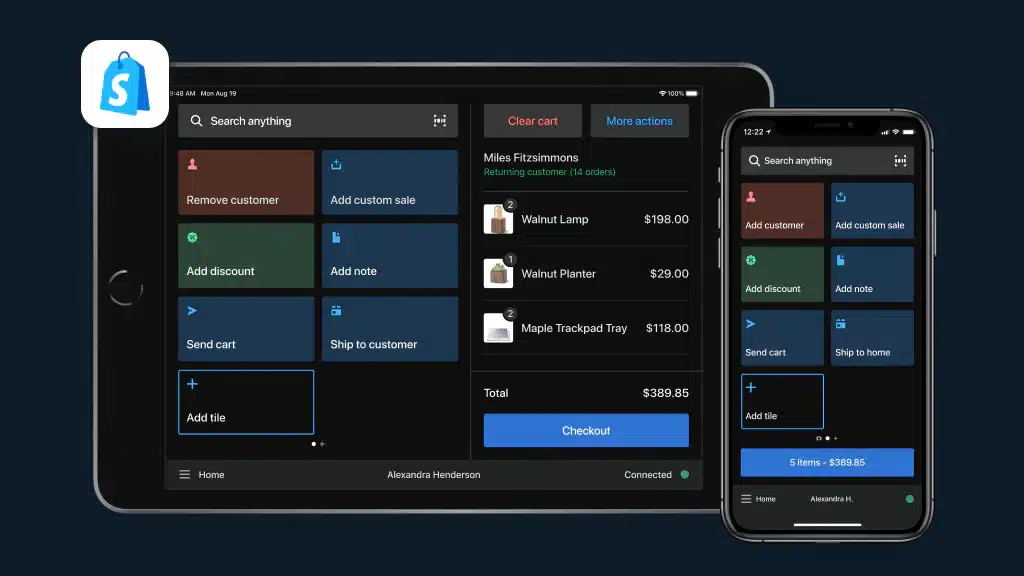
Shopify POS is a point of sale (POS) system that helps businesses manage sales and inventory across online and offline channels. It’s best for retailers like boutique shops, small cafes, and pop-up stores that need seamless integration between their online and physical storefronts. Shopify POS offers value by simplifying sales operations and providing a unified platform, saving you time and reducing the complexity of managing multiple sales channels.
Shopify POS Evaluation Summary
- From $29/month (billed annually)
- 3-day free trial
Why Trust Our Software Reviews
Shopify POS Overview
Shopify POS offers a robust, easy-to-use system that caters to both online and offline sales, making it ideal for businesses looking to unify their sales channels.
pros
-
You get access to detailed sales analytics to help grow your business.
-
It provides a user-friendly interface that simplifies sales tasks for your team.
-
You can easily manage both online and offline sales from a single platform.
cons
-
You may encounter occasional issues with customer support responsiveness.
-
Your team may need time to fully adapt to its functionalities.
-
You might find the setup process a bit time-consuming.
-

GoBolt
Visit WebsiteThis is an aggregated rating for this tool including ratings from Crozdesk users and ratings from other sites.4.2 -
4ALLPORTAL
Visit WebsiteThis is an aggregated rating for this tool including ratings from Crozdesk users and ratings from other sites.4.7 -
Mouseflow
Visit WebsiteThis is an aggregated rating for this tool including ratings from Crozdesk users and ratings from other sites.4.7



Our Review Methodology
How We Test & Score Tools
We’ve spent years building, refining, and improving our software testing and scoring system. The rubric is designed to capture the nuances of software selection and what makes a tool effective, focusing on critical aspects of the decision-making process.
Below, you can see exactly how our testing and scoring works across seven criteria. It allows us to provide an unbiased evaluation of the software based on core functionality, standout features, ease of use, onboarding, customer support, integrations, customer reviews, and value for money.
Core Functionality (25% of final scoring)
The starting point of our evaluation is always the core functionality of the tool. Does it have the basic features and functions that a user would expect to see? Are any of those core features locked to higher-tiered pricing plans? At its core, we expect a tool to stand up against the baseline capabilities of its competitors.
Standout Features (25% of final scoring)
Next, we evaluate uncommon standout features that go above and beyond the core functionality typically found in tools of its kind. A high score reflects specialized or unique features that make the product faster, more efficient, or offer additional value to the user.
We also evaluate how easy it is to integrate with other tools typically found in the tech stack to expand the functionality and utility of the software. Tools offering plentiful native integrations, 3rd party connections, and API access to build custom integrations score best.
Ease of Use (10% of final scoring)
We consider how quick and easy it is to execute the tasks defined in the core functionality using the tool. High scoring software is well designed, intuitive to use, offers mobile apps, provides templates, and makes relatively complex tasks seem simple.
Onboarding (10% of final scoring)
We know how important rapid team adoption is for a new platform, so we evaluate how easy it is to learn and use a tool with minimal training. We evaluate how quickly a team member can get set up and start using the tool with no experience. High scoring solutions indicate little or no support is required.
Customer Support (10% of final scoring)
We review how quick and easy it is to get unstuck and find help by phone, live chat, or knowledge base. Tools and companies that provide real-time support score best, while chatbots score worst.
Customer Reviews (10% of final scoring)
Beyond our own testing and evaluation, we consider the net promoter score from current and past customers. We review their likelihood, given the option, to choose the tool again for the core functionality. A high scoring software reflects a high net promoter score from current or past customers.
Value for Money (10% of final scoring)
Lastly, in consideration of all the other criteria, we review the average price of entry level plans against the core features and consider the value of the other evaluation criteria. Software that delivers more, for less, will score higher.
Core Features
Sales Tracking
Shopify POS lets you monitor sales in real-time, helping you keep tabs on your business performance. You can quickly access daily summaries and sales trends.
Inventory Management
It allows you to manage your inventory across multiple locations effortlessly. You’ll find it easy to update stock levels and track product variants.
Customer Profiles
Build customer profiles to personalize sales and enhance customer relationships. You can save purchase history and preferences for better service.
Staff Management
Assign roles and permissions to your team, ensuring secure access. Track staff performance and sales contributions easily.
Order Management
Manage orders from start to finish, whether they’re online or in-store. You can track order status and handle returns seamlessly.
Analytics and Reporting
Get detailed insights into your sales data with built-in analytics. You’ll be able to make informed decisions based on real-time reports.
Ease of Use
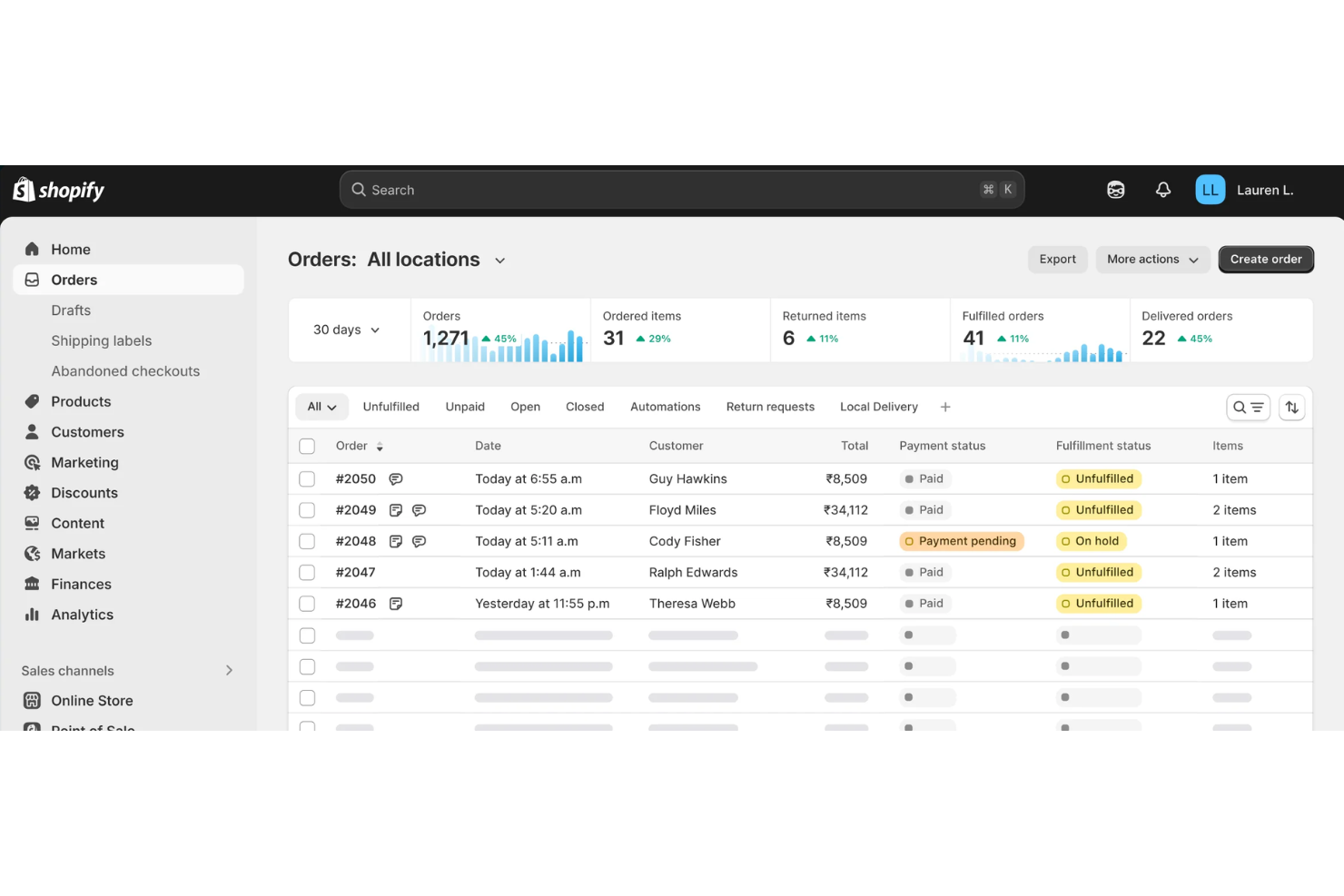
Shopify POS offers a user-friendly interface, but some users might find the initial setup a bit challenging. Once you’re past the setup, your team will appreciate how intuitive the system is for daily operations. The dashboard is clean and straightforward, making it easy to manage sales and inventory. However, some users report a learning curve when adapting to its full range of features. Overall, it provides a good balance of functionality and simplicity for small to medium-sized businesses.
Integrations
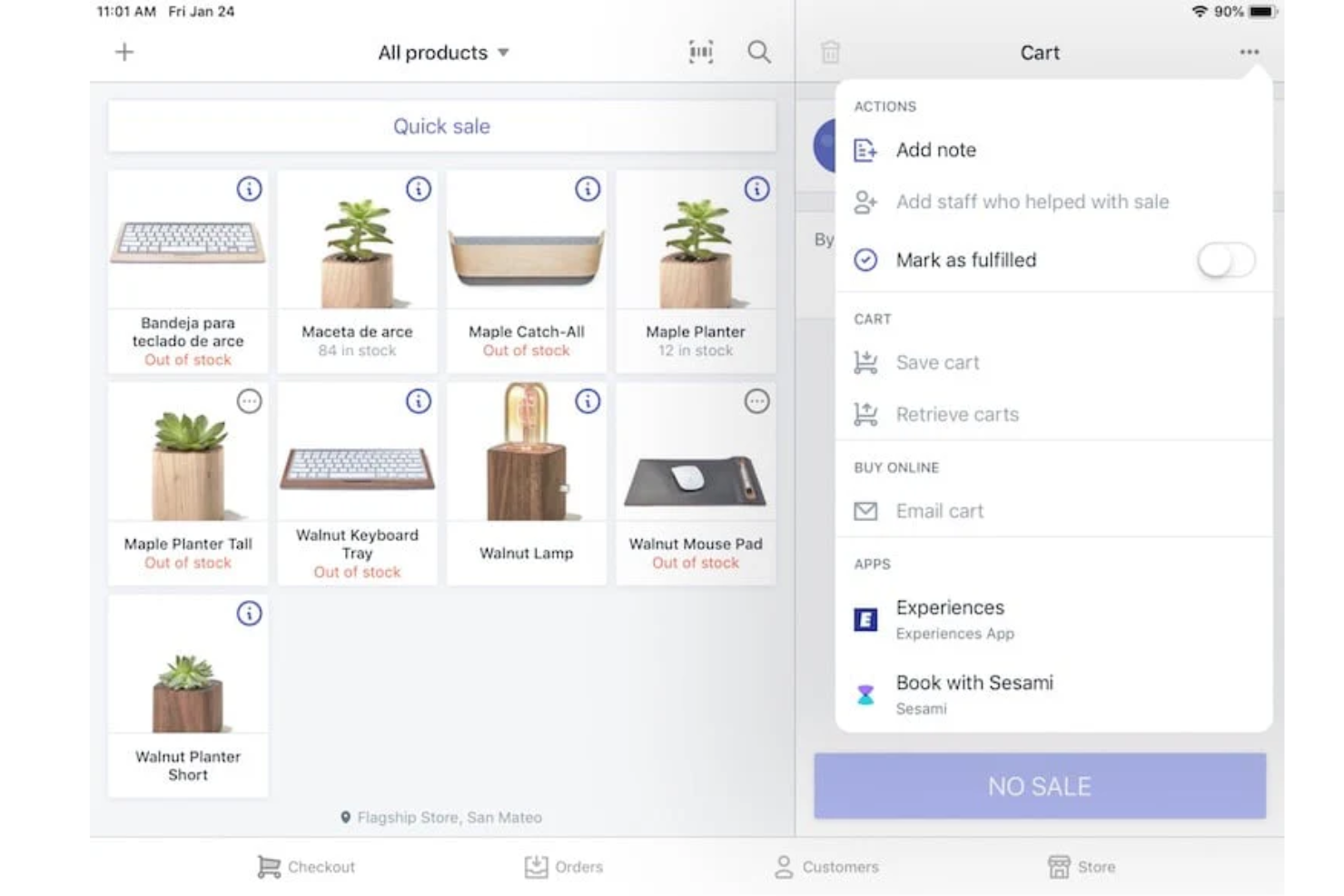
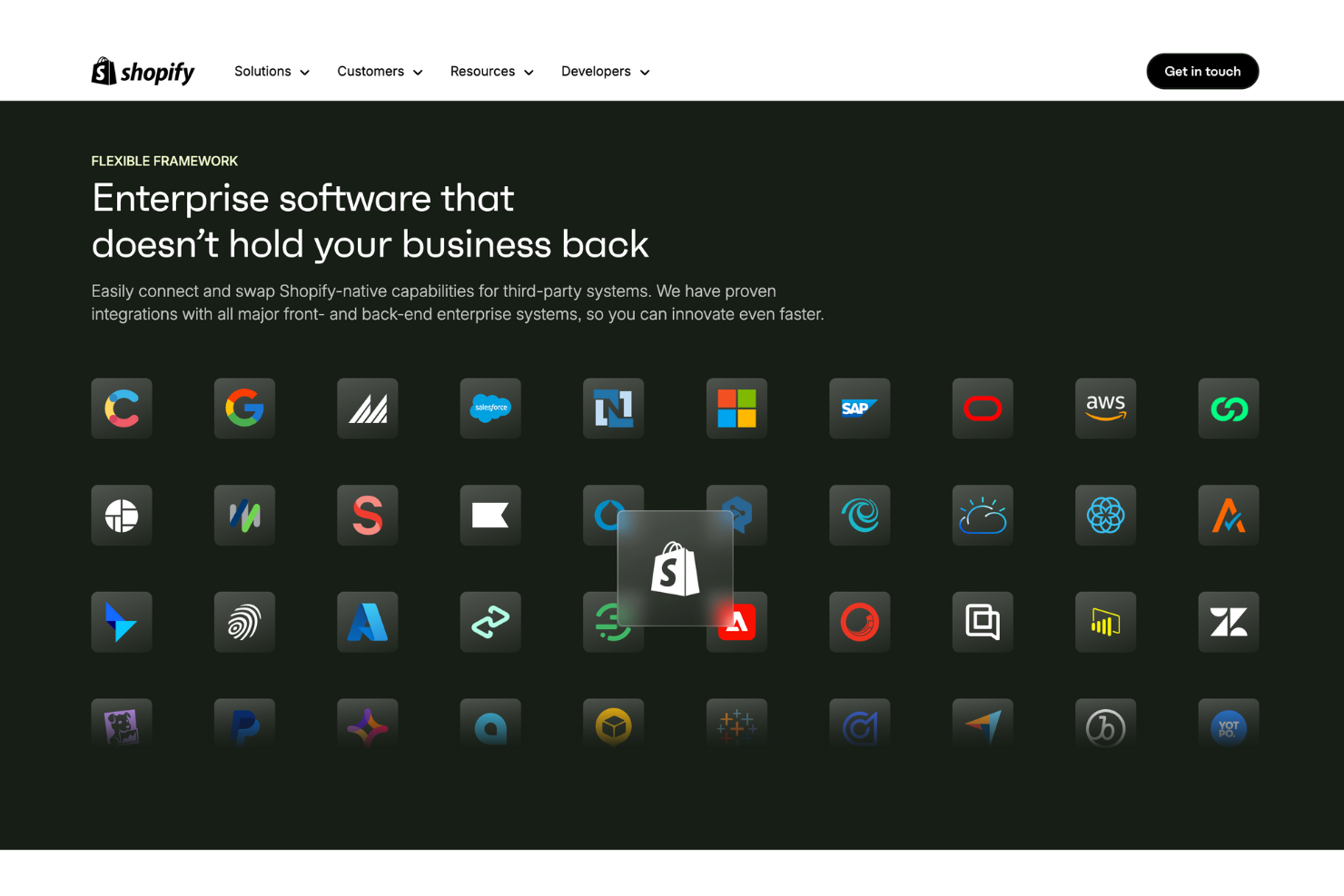
Integrations include Ecommerce Integration, Inventory Management, Order Fulfillment, Product Discounts and Bundling, Receipt Printing, Email Marketing, Customer Loyalty Programs, Payment Processing, Post-Purchase Feedback, Returns and Exchanges, Reporting and Analytics, and POS Hardware.
Shopify POS Specs
- 2-Factor Authentication
- Accounts Receivable
- API
- Approval Workflows
- Billing/Invoicing
- BitCoin
- Budgeting
- Calendar Management
- Compliance Tracking
- Contact Management
- CRM Integration
- Custom Reports
- Customer Management
- Dashboard
- Data Export
- Data Import
- Data Visualization
- DDoS Protection
- Expense Tracking
- External Integrations
- Fraud Detection
- Inventory Tracking
- Multi-Currency
- Multi-User
- Notifications
- Payment Gateway Integration
- Payment Processor
- PayPal
- Risk Assessment
- Scheduling
- Stripe
- Suspicious Order Monitoring (SOM)
- Tax Management
- Workflow Management
Alternatives to Shopify POS




Shopify POS FAQs
How does Shopify POS handle offline transactions?
Can I customize receipts with Shopify POS?
Is Shopify POS suitable for multi-location businesses?
How does Shopify POS ensure data security and compliance?
Can I use Shopify POs on multiple devices?
Does Shopify POS support gift cards?
How do I manage staff permissions with Shopify POS?
What kind of analytics does Shopify POS provide?
What's Next
Want to connect with other digital project managers to share resources and best practices? Join our membership community and get access to 100+ templates, samples, and examples and connect with 100s of other digital project managers in Slack.