


Local Express Review: Pros, Cons, and Features Overview



For grocers, launching an online storefront is only half the battle. The bigger challenge is finding a platform that can connect ordering, fulfillment, and in-store operations without adding unnecessary complexity.
Local Express is an AI-native grocery ecommerce platform that lets grocers run their own online storefront instead of renting shelf space on someone else’s marketplace. It started out serving single store independents and now runs chains with hundreds or even thousands of locations, tying ordering, fulfillment, and point of sale data together in one place.
In this review, I’ll break down Local Express’s key features, ideal use cases, pros and cons, and what to expect on pricing, so you can decide if it fits your grocery ecommerce goals.
Local Express Evaluation Summary
- Pricing upon request
- Free demo available
Why Trust Our Software Recommendations
Our team has been testing and reviewing software since 2012. As retail leaders ourselves, we know how difficult—and important—it is to choose the right software.
For this guide, we evaluated tools using hands-on testing and independent research, scoring ools using our selection criteria.
Our reviews reflect our independent judgment—not a sales pitch.
Local Express Overview
I think Local Express stands out for grocers who want to keep their customer relationships, order data, and margins in house rather than hand them to a marketplace. Compared with Instacart Storefront Pro, Freshop, and Mercatus, its AI tooling runs deeper and onboarding is done for you, though the breadth of the suite takes time to work through. Pricing is quote based, and the clean interface makes in-store staff adoption easier. If you’re choosing a system for multiple locations or specialty groceries, I’d suggest Local Express is an especially strong contender.
pros
-
Keeps customer relationships, revenue, and margin in-house
-
Bundles AI upselling, price checks, and product imagery
-
Syncs with any POS and unifies in-store with online data
cons
-
Feature breadth can overwhelm teams at first
-
Full value needs a staged rollout, not one switch-on
-
Product data cleanup has to happen before launch
Is Local Express Right For Your Needs?
Who Would be a Good Fit for Local Express?
Local Express is built for grocers who want to run their own digital channel, from single store independents up to regional chains operating hundreds or thousands of locations. Teams that handle online ordering, delivery, and POS in-house will find the integrations and support speed up launch and daily operations. The platform helps non-technical teams manage digital grocery with accessible tools and clear workflows.
-
Independent Grocers
Easy onboarding, hands-on support, and grocery-specific integrations make it ideal for local stores moving online.
-
Specialty Food Shops
Niche product catalogs, complex pricing, and custom fulfillment options are supported out of the box.
-
Regional Grocery Chains
Multi-store management and branded customer experiences scale to operators running hundreds or even a couple thousand locations.
-
Small eCommerce Teams
Accessible setup and guided onboarding help small, resource-limited teams launch fast.
-
In-House Delivery Teams
Built-in delivery integrations and outsourcing only the final leg simplify running delivery operations at a lower cost per order.
-
Community Marketplaces
Multiple vendors and inventory sources can be unified for local delivery or pickup.
Who Would be a Bad Fit for Local Express?
Local Express is a poor match for retailers content to let a marketplace own the customer and the margin, since the platform is built on the opposite bet. It also isn’t the right tool for pure B2B wholesale, developer-first teams that want to build a storefront from scratch, or non-grocery retailers, who would get little from features designed around fresh food.
-
Marketplace-Reliant Retailers
Grocers happy to let Instacart or a similar marketplace own the shopper and the margin have little reason to switch.
-
Pure B2B Wholesalers
Local Express isn’t designed for B2B-only workflows or complex purchase order management.
-
Tech-Heavy Teams
Developer-first organizations that want to fully custom build storefronts may need a more open or headless system.
-
Non-Grocery Retail
General retailers such as apparel or electronics won’t find industry-specific features for their needs.
-
Online-Only Startups
The platform is built to bridge in-store and online operations, so a business with no physical shelves leaves much of it unused.
-
Restaurant Chains
Deli and prepared food tools are here, but the platform isn’t built for menu-driven ordering at restaurant scale.
Our Review Methodology
How We Test & Score Tools
We’ve spent years building, refining, and improving our software testing and scoring system. The rubric is designed to capture the nuances of software selection and what makes a tool effective, focusing on critical aspects of the decision-making process.
Below, you can see exactly how our testing and scoring works across seven criteria. It allows us to provide an unbiased evaluation of the software based on core functionality, standout features, ease of use, onboarding, customer support, integrations, customer reviews, and value for money.
Core Functionality (25% of final scoring)
The starting point of our evaluation is always the core functionality of the tool. Does it have the basic features and functions that a user would expect to see? Are any of those core features locked to higher-tiered pricing plans? At its core, we expect a tool to stand up against the baseline capabilities of its competitors.
Standout Features (25% of final scoring)
Next, we evaluate uncommon standout features that go above and beyond the core functionality typically found in tools of its kind. A high score reflects specialized or unique features that make the product faster, more efficient, or offer additional value to the user.
We also evaluate how easy it is to integrate with other tools typically found in the tech stack to expand the functionality and utility of the software. Tools offering plentiful native integrations, 3rd party connections, and API access to build custom integrations score best.
Ease of Use (10% of final scoring)
We consider how quick and easy it is to execute the tasks defined in the core functionality using the tool. High scoring software is well designed, intuitive to use, offers mobile apps, provides templates, and makes relatively complex tasks seem simple.
Onboarding (10% of final scoring)
We know how important rapid team adoption is for a new platform, so we evaluate how easy it is to learn and use a tool with minimal training. We evaluate how quickly a team member can get set up and start using the tool with no experience. High scoring solutions indicate little or no support is required.
Customer Support (10% of final scoring)
We review how quick and easy it is to get unstuck and find help by phone, live chat, or knowledge base. Tools and companies that provide real-time support score best, while chatbots score worst.
Customer Reviews (10% of final scoring)
Beyond our own testing and evaluation, we consider the net promoter score from current and past customers. We review their likelihood, given the option, to choose the tool again for the core functionality. A high scoring software reflects a high net promoter score from current or past customers.
Value for Money (10% of final scoring)
Lastly, in consideration of all the other criteria, we review the average price of entry level plans against the core features and consider the value of the other evaluation criteria. Software that delivers more, for less, will score higher.
Core Features
Online Storefront Builder
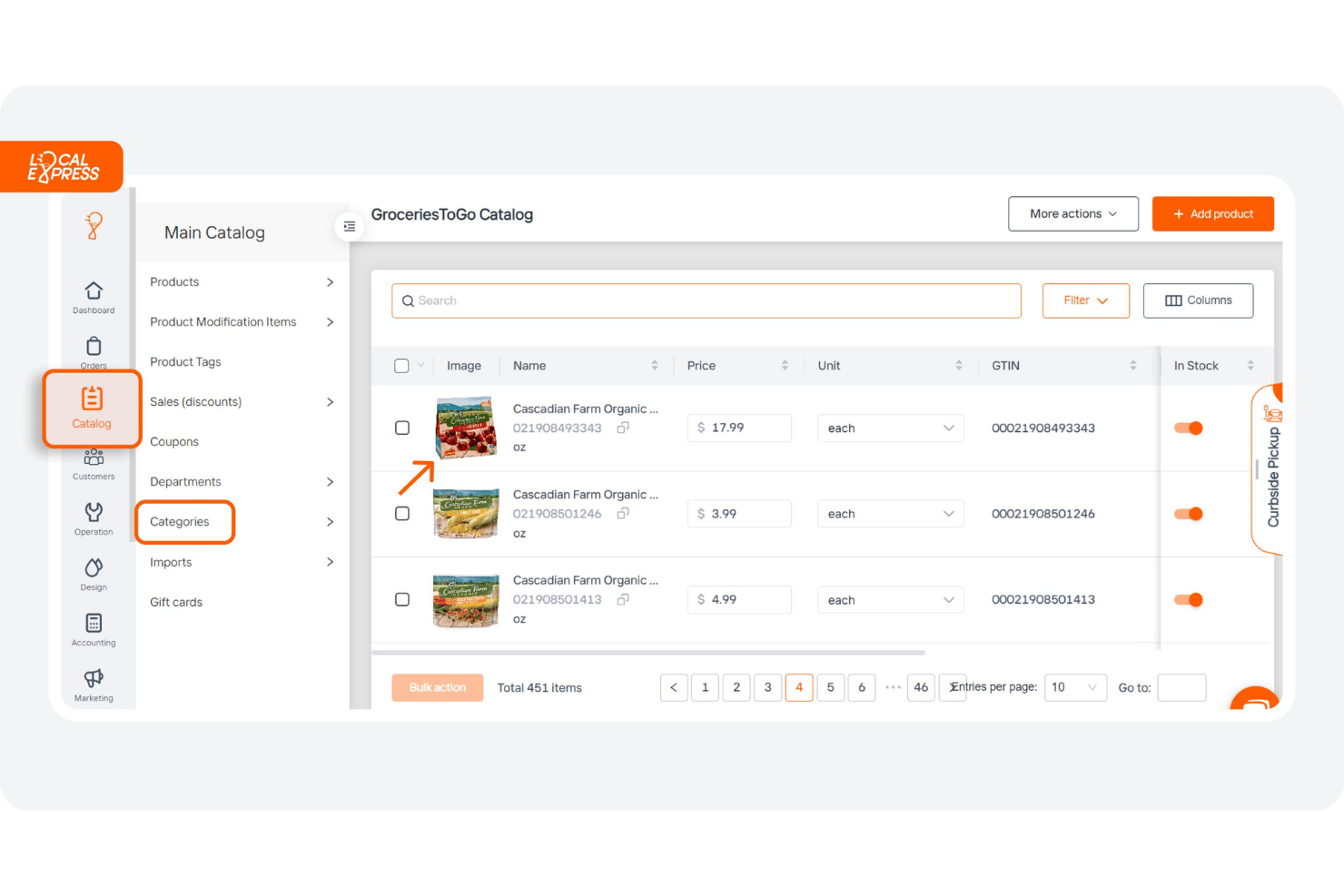
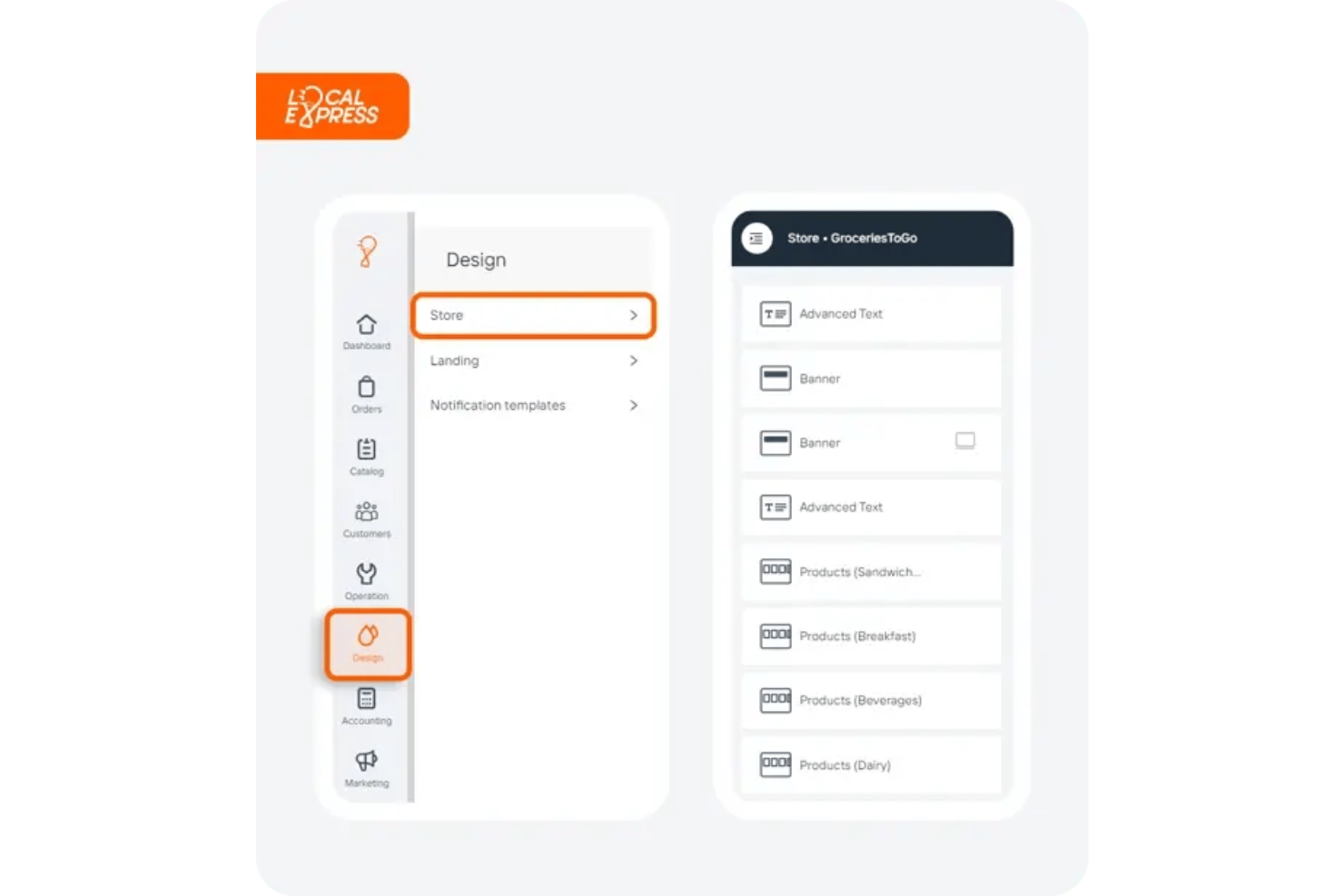
Create a branded online grocery store with full catalog control. Drag-and-drop tools let you quickly update products, prices, and promotions.
Click and Collect
Let customers order online and pick up in-store or at curbside. Staff manage picking, packing, and handoff from one dashboard, and keeping that work in house holds costs down.
Delivery Management
Offer scheduled or on-demand local delivery to reach more shoppers. Orders, routes, and drivers are tracked in real time, and outsourcing only the last mile keeps fulfillment cost nearer 5% than the 30% plus marketplaces take.
White-Label Mobile App
Provide your shoppers with a branded app experience for iOS and Android. Customers can browse, reorder, and manage accounts on the go.
Multilingual and Multi-Currency Support
Serve customers in multiple languages and currencies for wider reach. Switch store language or currency to match your neighborhood’s demographics.
Digital Circulars and Promotions
Upload weekly flyers, run targeted digital deals, and highlight sales. Shoppers see real-time discounts and promos in their online cart.
POS Sync and Data Harmonization
Connect any point of sale system and keep one product record across the aisle and the website. Harmonization reconciles the two so stock, pricing, and sales agree.
AI Shopping Assistant
A chatbot guides shoppers through the catalog and suggests add-ons while they decide, giving grocers a way to upsell online that echoes a good clerk on the floor.
Standout Features
Fresh Food Preparedness Module
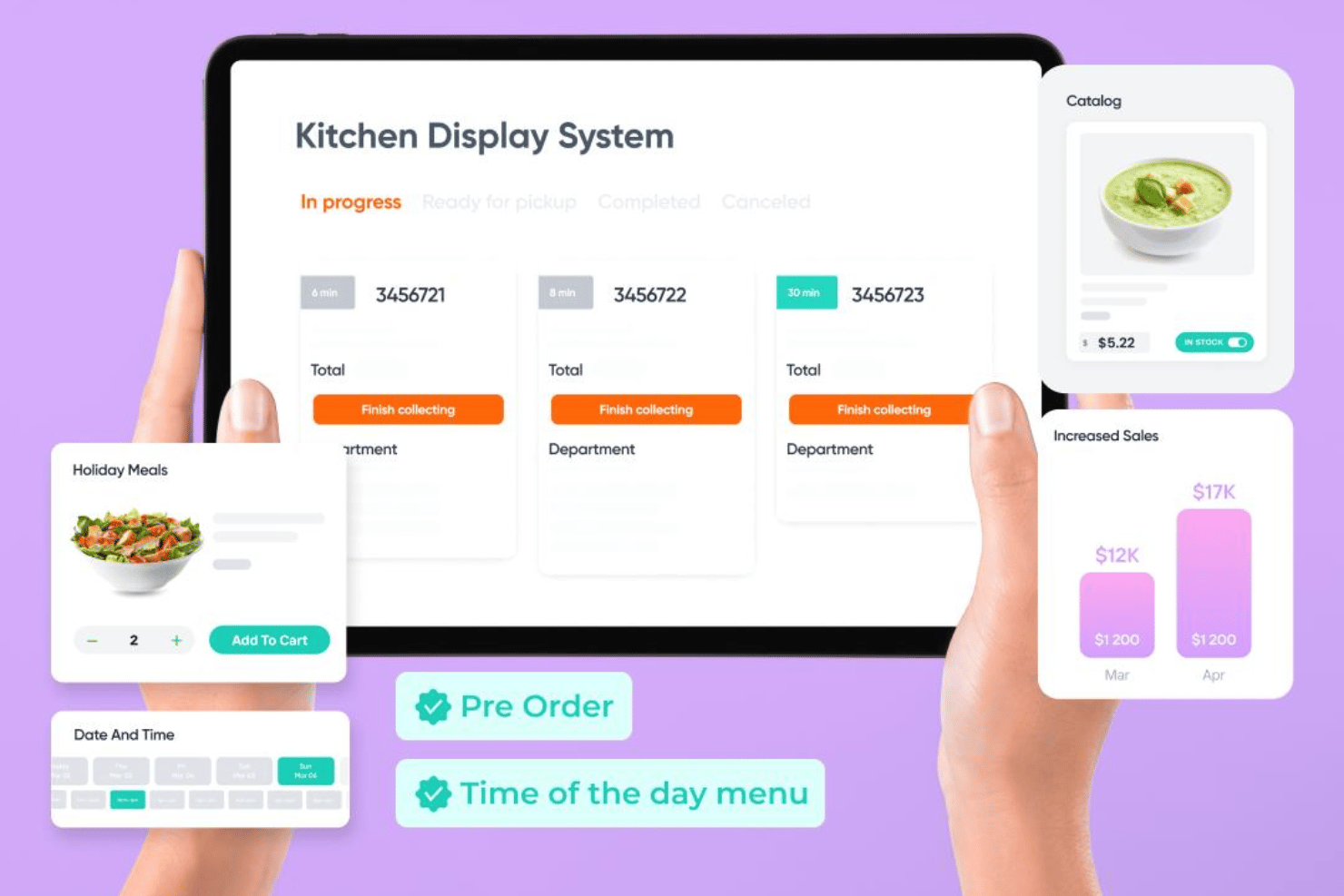
Enable in-store kitchens or delis to manage made-to-order meals online. Customers can customize prepared foods and schedule pickup or delivery with real-time status updates.
Competitive Price Monitoring
See what nearby grocers charge and where your prices sit against them. The tool surfaces gaps so you can adjust before shoppers work it out themselves.
Automated Product Imagery
Generate images for items that arrive from your POS without one. Every product ends up with a picture, which matters when a shopper is scanning a category page.
Ease of Use
I think Local Express is easier for store staff and shoppers than many ecommerce platforms. Users consistently mention the intuitive admin dashboard, simple order management tools, and quick catalog edits. The catch is breadth: teams who try to turn on every module at once tend to stall. Local Express steers new customers through a sequence instead, clean data and a working storefront first, AI and couponing later, which I think is the right call.
Onboarding
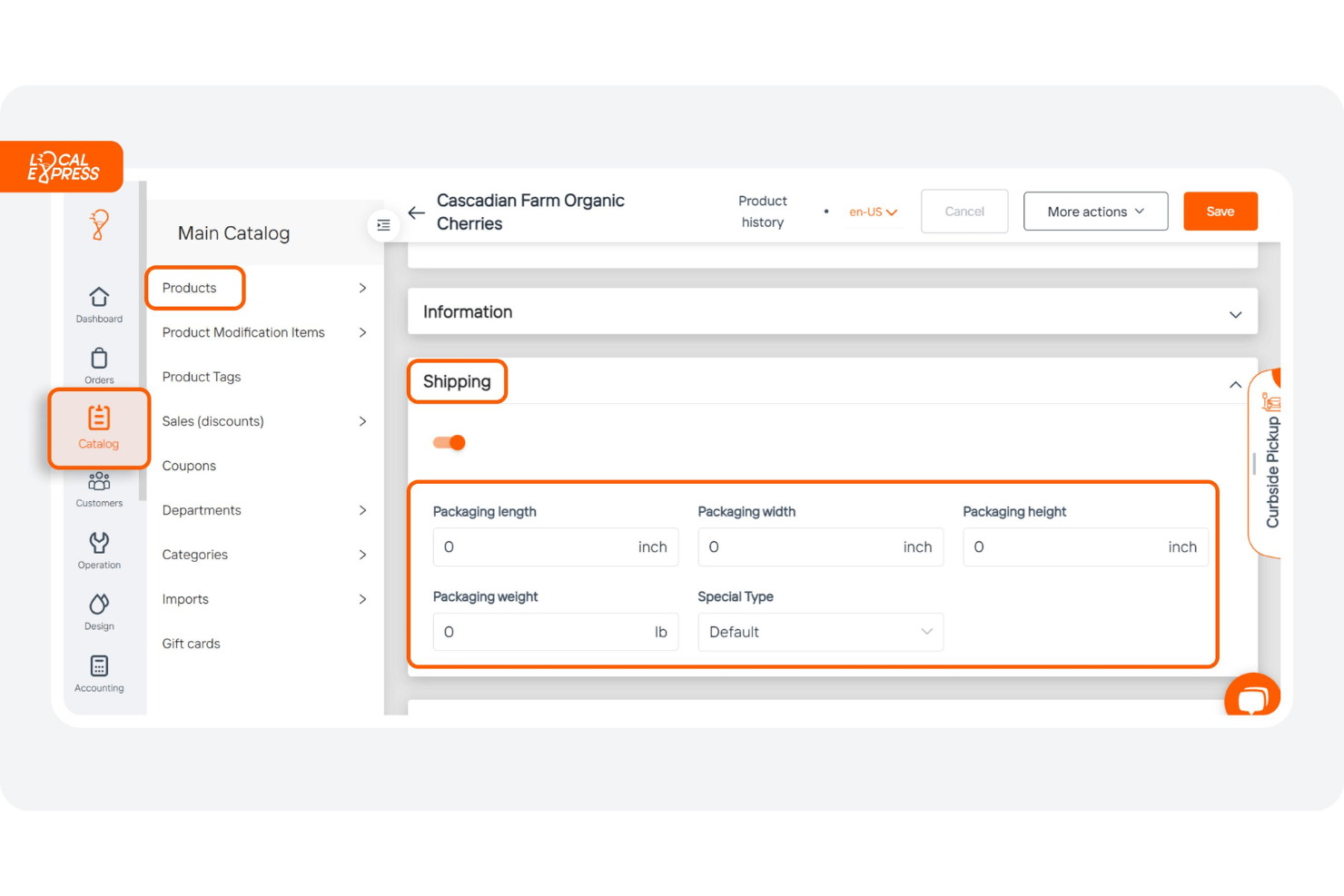
Local Express runs onboarding as a project rather than a checklist you work through alone. The team takes your product data, cleans it, and reconciles it against what it has seen in your point of sale system, then builds the storefront, fills gaps in images and descriptions, and tunes branding until you sign off. The store goes live only after that, which keeps the technical lift on their side.
Customer Support
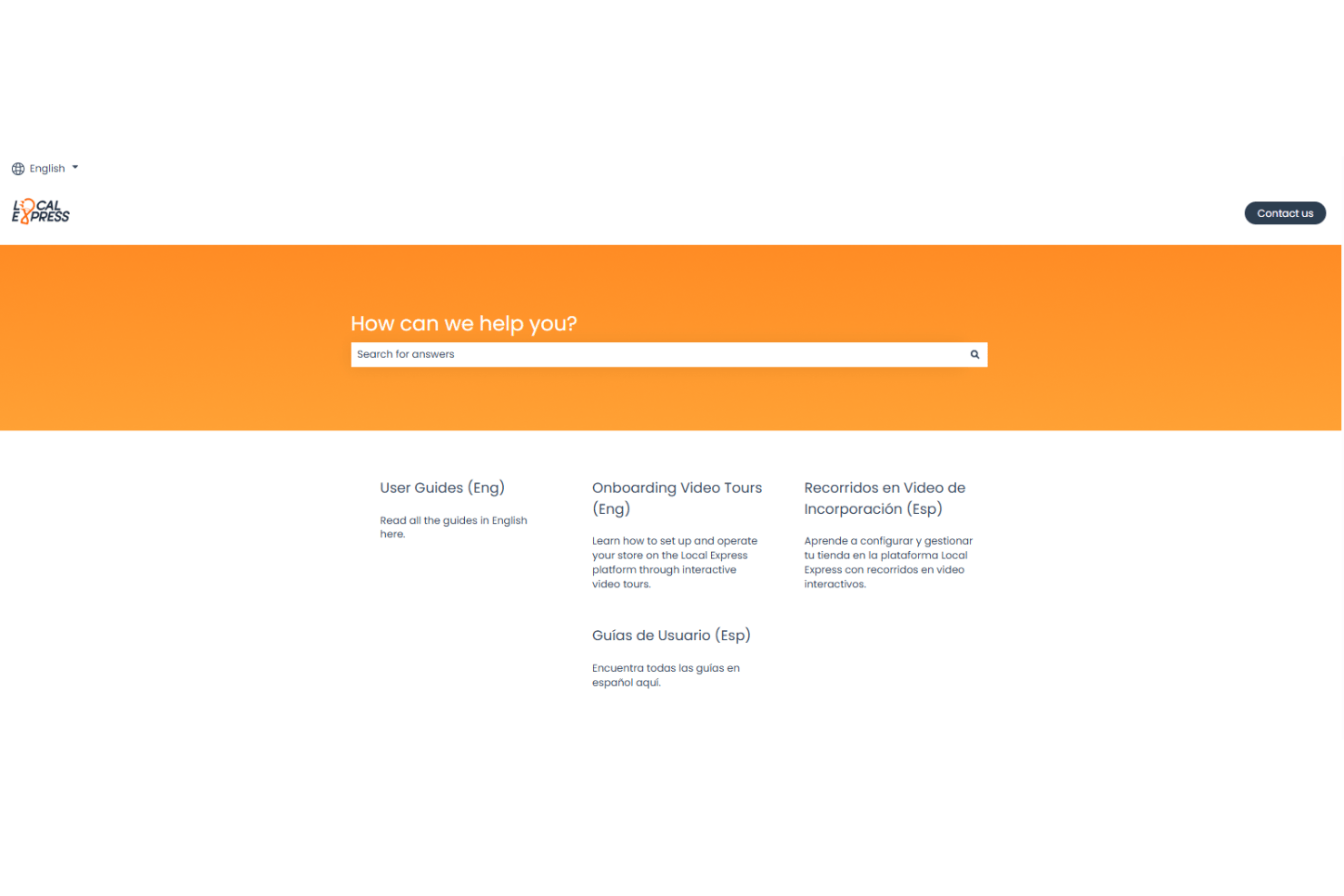
I think Local Express stands out for responsive, approachable support across live chat, phone, and email. Users say support staff are hands-on, helpful, and quick to resolve issues or answer setup questions. Dedicated onboarding reps and a detailed knowledge base make it straightforward to get the right answers when problems come up, even for teams with limited tech experience.
Integrations
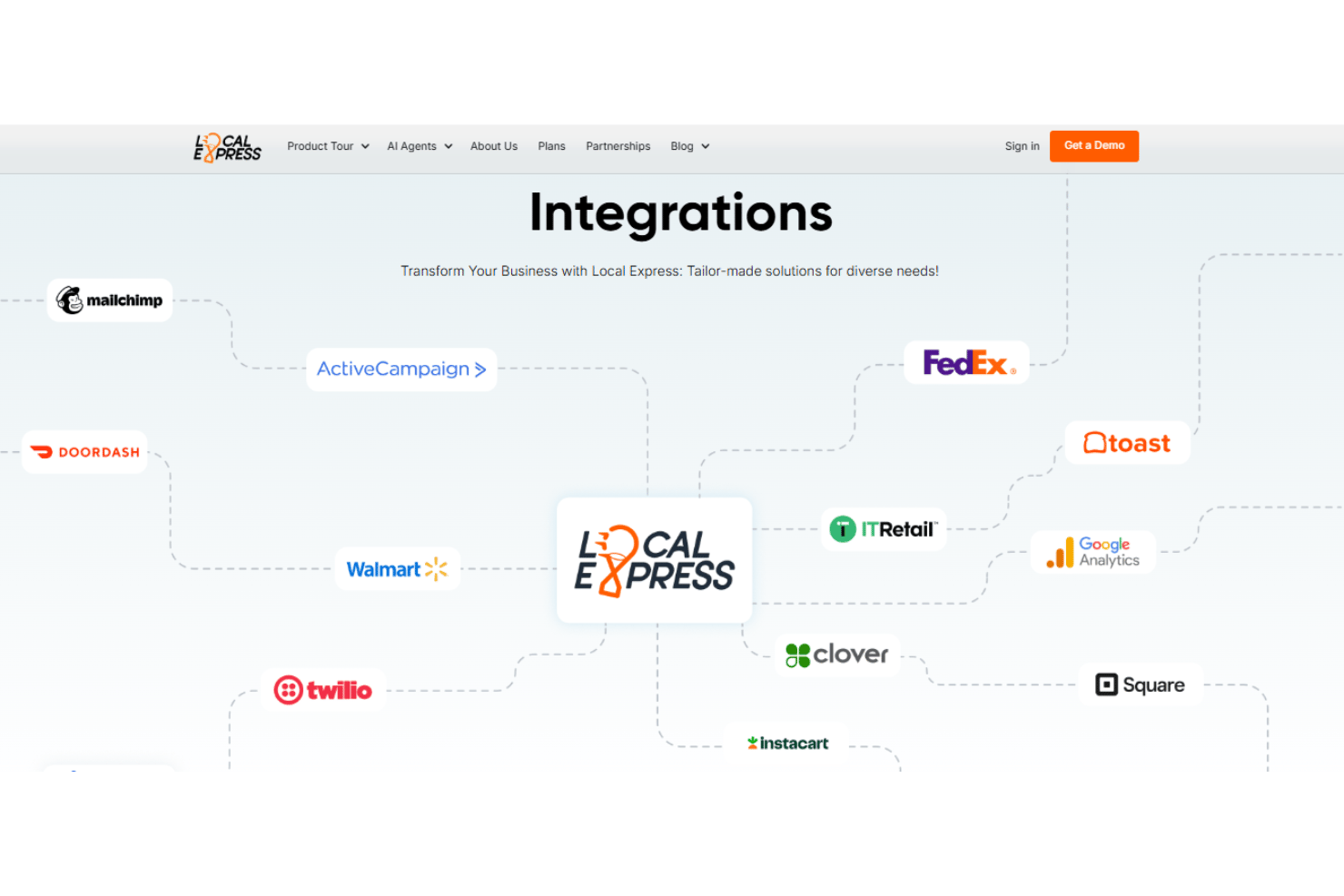
Local Express integrates with Square, Clover, Stripe, PayPal, DoorDash, UPS, Google Analytics, Facebook Pixel, EBT/SNAP, and IT Retail, among others.
Local Express also provides an API and connects with a wide range of third-party solutions for payments, POS, analytics, and delivery.
Value for Money
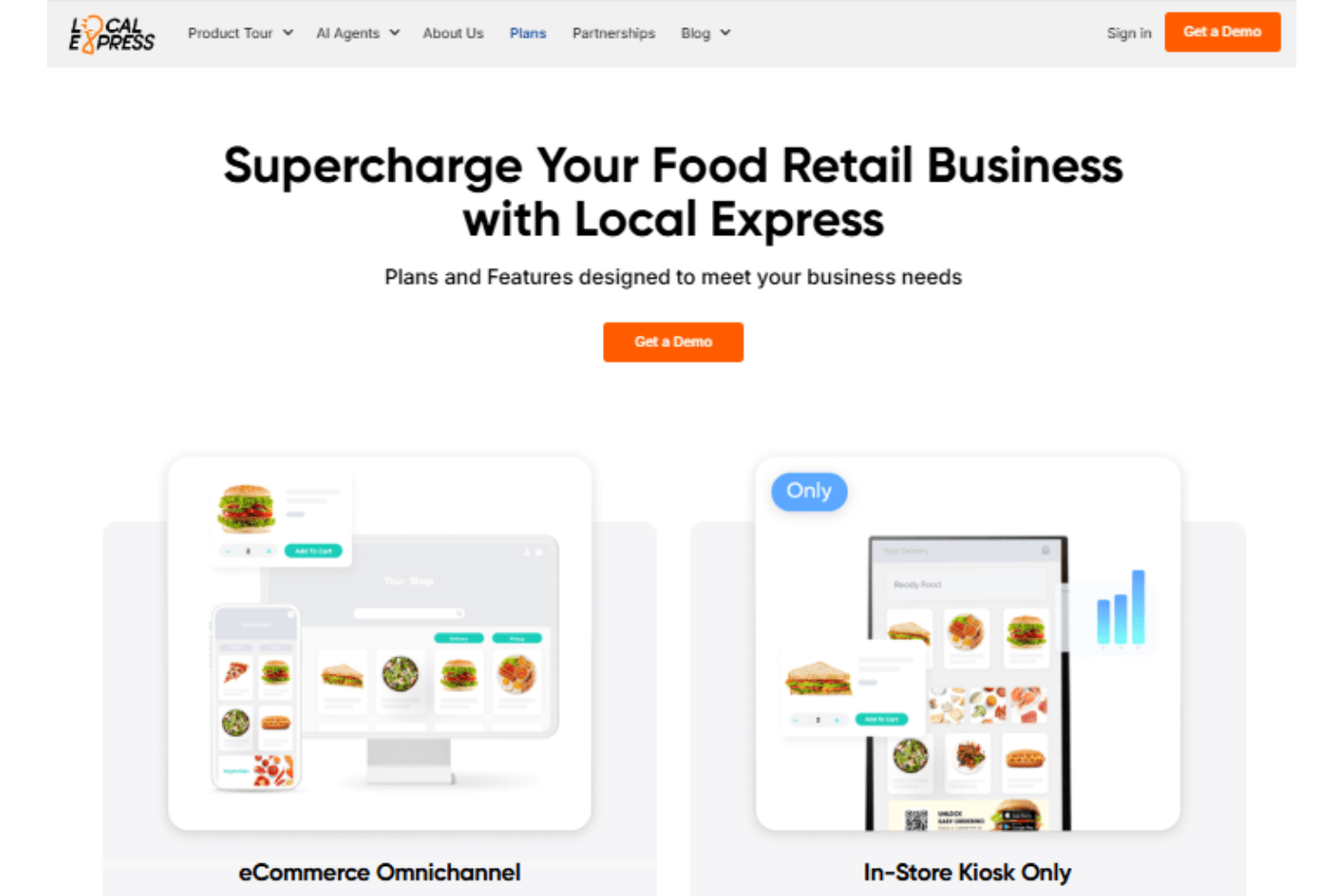
Local Express does not publish transparent pricing, so you’ll need to request a custom quote based on your business needs. The company offers different plans and packages, allowing grocers to choose a combination of features, integrations, and services that fits their operation.
- eCommerce Omnichannel: Includes website ordering, access to the mobile app, order fulfillment, loyalty features, and pick & pack.
- Prepare Food Pro: Adds kitchen display system, product customizations, and quick stock management.
- In-Store Kiosk Only: Offers the kiosk app, inventory sync, pickup, and custom product tags.
- Commerce Enterprise: Fully customized, with premium support, and unlimited support.
Local Express Specs
- 2-Factor Authentication
- A/B Testing
- Analytics
- API
- BitCoin
- Conversion Tracking
- Dashboard
- Data Export
- Data Import
- Data Visualization
- Design Templates
- External Integrations
- Inventory Tracking
- Keyword Tracking
- Marketing Automation
- Multi-User
- Notifications
- Order Management
- Payment Gateway Integration
- Payment Processor
- PayPal
- Product Catalog
- Review Monitoring
- SAP Integration
- Scheduling
- Stripe
- Third-Party Plugins/Add-Ons
Local Express FAQs
How quickly can my store launch with Local Express?
Does Local Express integrate with my existing POS and payment systems?
What kinds of delivery and pickup options does the platform support?
Is Local Express easy for non-technical teams to manage?
How does Local Express handle data security and compliance?
Can I customize my online storefront and branding?
What kind of support is included with my subscription?
How well does Local Express scale as my store grows?
How is Local Express different from selling through Instacart?
Local Express Company Overview & History
Local Express is a cloud-based grocery ecommerce platform founded in 2017 and headquartered in Glendale, California. It began as software for single store independents and now sells as enterprise grocery software, serving regional chains of up to roughly two thousand stores while still supporting smaller shops. The company is known for hands-on onboarding, broad POS coverage, and an AI toolkit built for grocery. Its client base spans independent stores, community markets, and large multi-store chains.
Local Express Major Milestones
- 2017: Company founded in Glendale, California
- 2019: Official launch of the Local Express ecommerce platform
- 2020: Raised seed funding and expanded into multi-store solutions
- 2021: Added major integrations with leading POS, delivery, and payment partners
- 2022: Recognized in grocery tech media for helping retailers pivot online during the Covid-19 pandemic