

FreshBooks Review: Pros, Cons, Features and Pricing
If you run an online store, FreshBooks turns ecommerce accounting from headache to hassle-free. Here’s my hands-on take on what sets it apart in 2026—and where it still falls short.

We review tools independently, and commissions help fund our testing. See our transparency policy, our methodology, or suggest a tool.
FreshBooks is an ecommerce accounting software built for small business owners and solo operators who need to manage invoicing, expense tracking, and financial reporting without a dedicated accounting team. I'd consider it most seriously if QuickBooks feels like more software than your operation actually needs. FreshBooks takes a more approachable approach to bookkeeping, with a cleaner interface and a faster learning curve, while still covering the core accounting functions a growing ecommerce business relies on.
FreshBooks Evaluation Summary
4.5/5
- From $12/month (billed annually)
- Free demo + 30-day free trial available
Why Trust Our Software Recommendations
6,700+
Reviews
20
Industry experts
16+
Evaluation factors
14
Years
Our team has been testing and reviewing software since 2012. As retail leaders ourselves, we know how difficult—and important—it is to choose the right software.
For this guide, we evaluated tools using hands-on testing and independent research, scoring tools using our selection criteria.
Our reviews reflect our independent judgment—not a sales pitch.
FreshBooks Overview
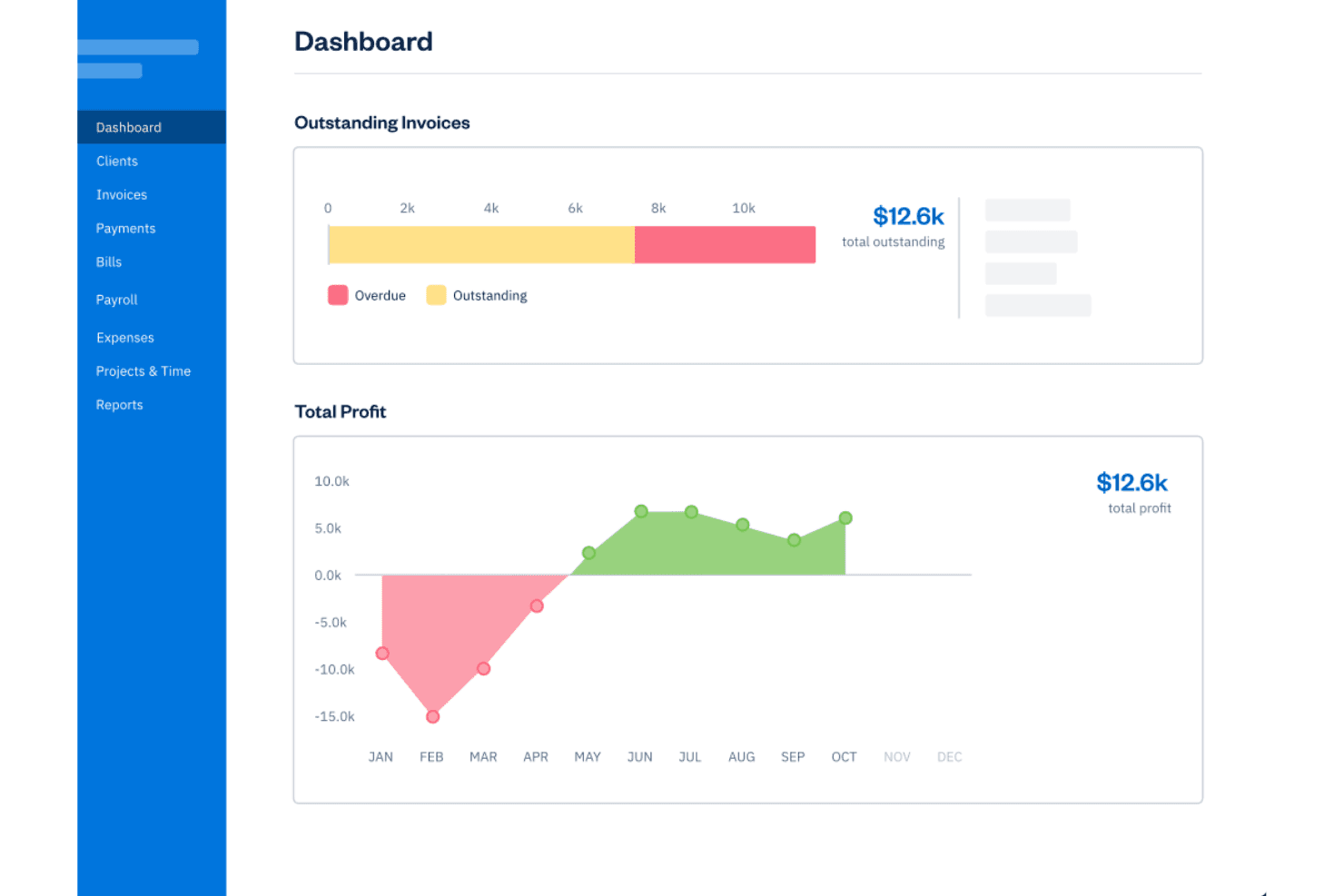
If you’re judging ecommerce accounting software for ease of onboarding, clean interface, and responsive support, I think FreshBooks stands out. Its seamless integrations with payment processors and shopping carts make setup simple. Pricing feels fair for growing retailers, though I’d flag limited advanced inventory or multi-currency options compared to others.
In my opinion, FreshBooks is best for small to midsize ecommerce businesses that want smart automation and clear workflows without a big learning curve or heavy customization.
Pros
- Automates recurring invoices and payment reminders for orders
- Built-in inventory tracking for product-based selling
- Offers mobile apps for on-the-go receipt scanning
Cons
- Lacks advanced inventory forecasting and demand planning
- No native multi-currency support in base plans
- Limited in-depth sales tax management features
Is FreshBooks Right For Your Needs?
Who Would be a Good Fit for FreshBooks?
FreshBooks is a smart bet for small ecommerce retailers, boutique brands, and lean digital teams that want simple but capable accounting without hiring a full-time bookkeeper. If you value fast setup, automated recurring invoices, and self-service portals for your clients, FreshBooks really delivers.
Industry reviews praise how easy it is for individuals and small teams to stay organized and collaborate without getting stuck in accounting jargon.
- Solo entrepreneursFreshBooks simplifies invoicing, expenses, and payments—perfect for sellers just starting out who need focused tools and a gentle learning curve.
- Boutique ecommerce shopsInventory tracking, sales tax reports, and branded invoicing make life easy for smaller shops selling unique products online.
- Shopify merchantsDirect Shopify integration helps these users sync orders, manage client payments, and automate much of their bookkeeping.
- Freelance marketersProject-based accounting and client communications work well for marketers handling online ad budgets or campaign-based ecommerce revenue.
- Small retail teamsTeams with a handful of employees can use built-in collaboration tools for expense tracking and time entries without the overhead of complex ERP systems.
- Direct-to-consumer brandsAutomated payment reminders and recurring invoice features help brands building lasting customer relationships maintain cash flow and repeat sales.
Who Would be a Bad Fit for FreshBooks?
FreshBooks isn’t going to serve highly complex operations, massive transaction volumes, or manufacturers that need a serious inventory and supply chain backend. If your business relies on in-depth demand planning or has strict multi-currency and tax requirements, FreshBooks will likely fall short. Mid-size companies with an accounting department or enterprises needing custom reporting will want a platform with more advanced finance controls.
- Enterprise retailersFreshBooks lacks advanced controls, configurable workflows, and bulk transaction support needed for enterprise accounting complexity.
- Large manufacturersNo modules for raw material management, production tracking, or detailed supply chain accounting.
- Global brandsLimited native support for multi-currency transactions and international tax frameworks.
- Wholesale distributorsMissing specialized pricing tools, purchase order management, and high-volume inventory forecasting capabilities.
- Accounting teamsNo granular role permissions or workflow automation tools for larger, multi-person finance departments.
- B2B marketplacesDoes not support custom billing structures, contract management, or complex credit terms often required by B2B platforms.
Our Review Methodology
How We Test & Score Tools
We’ve spent years building, refining, and improving our software testing and scoring system. The rubric is designed to capture the nuances of software selection and what makes a tool effective, focusing on critical aspects of the decision-making process.
Below, you can see exactly how our testing and scoring works across seven criteria. It allows us to provide an unbiased evaluation of the software based on core functionality, standout features, ease of use, onboarding, customer support, integrations, customer reviews, and value for money.
Core Functionality (25% of final scoring)
The starting point of our evaluation is always the core functionality of the tool. Does it have the basic features and functions that a user would expect to see? Are any of those core features locked to higher-tiered pricing plans? At its core, we expect a tool to stand up against the baseline capabilities of its competitors.
Standout Features (25% of final scoring)
Next, we evaluate uncommon standout features that go above and beyond the core functionality typically found in tools of its kind. A high score reflects specialized or unique features that make the product faster, more efficient, or offer additional value to the user.
We also evaluate how easy it is to integrate with other tools typically found in the tech stack to expand the functionality and utility of the software. Tools offering plentiful native integrations, 3rd party connections, and API access to build custom integrations score best.
Ease of Use (10% of final scoring)
We consider how quick and easy it is to execute the tasks defined in the core functionality using the tool. High scoring software is well designed, intuitive to use, offers mobile apps, provides templates, and makes relatively complex tasks seem simple.
Onboarding (10% of final scoring)
We know how important rapid team adoption is for a new platform, so we evaluate how easy it is to learn and use a tool with minimal training. We evaluate how quickly a team member can get set up and start using the tool with no experience. High scoring solutions indicate little or no support is required.
Customer Support (10% of final scoring)
We review how quick and easy it is to get unstuck and find help by phone, live chat, or knowledge base. Tools and companies that provide real-time support score best, while chatbots score worst.
Customer Reviews (10% of final scoring)
Beyond our own testing and evaluation, we consider the net promoter score from current and past customers. We review their likelihood, given the option, to choose the tool again for the core functionality. A high scoring software reflects a high net promoter score from current or past customers.
Value for Money (10% of final scoring)
Lastly, in consideration of all the other criteria, we review the average price of entry level plans against the core features and consider the value of the other evaluation criteria. Software that delivers more, for less, will score higher.
Core Features
Automated Invoicing
Create and send customer invoices based on online orders. Automate recurring bills so repeat buyers get invoices without manual work.
Inventory Tracking
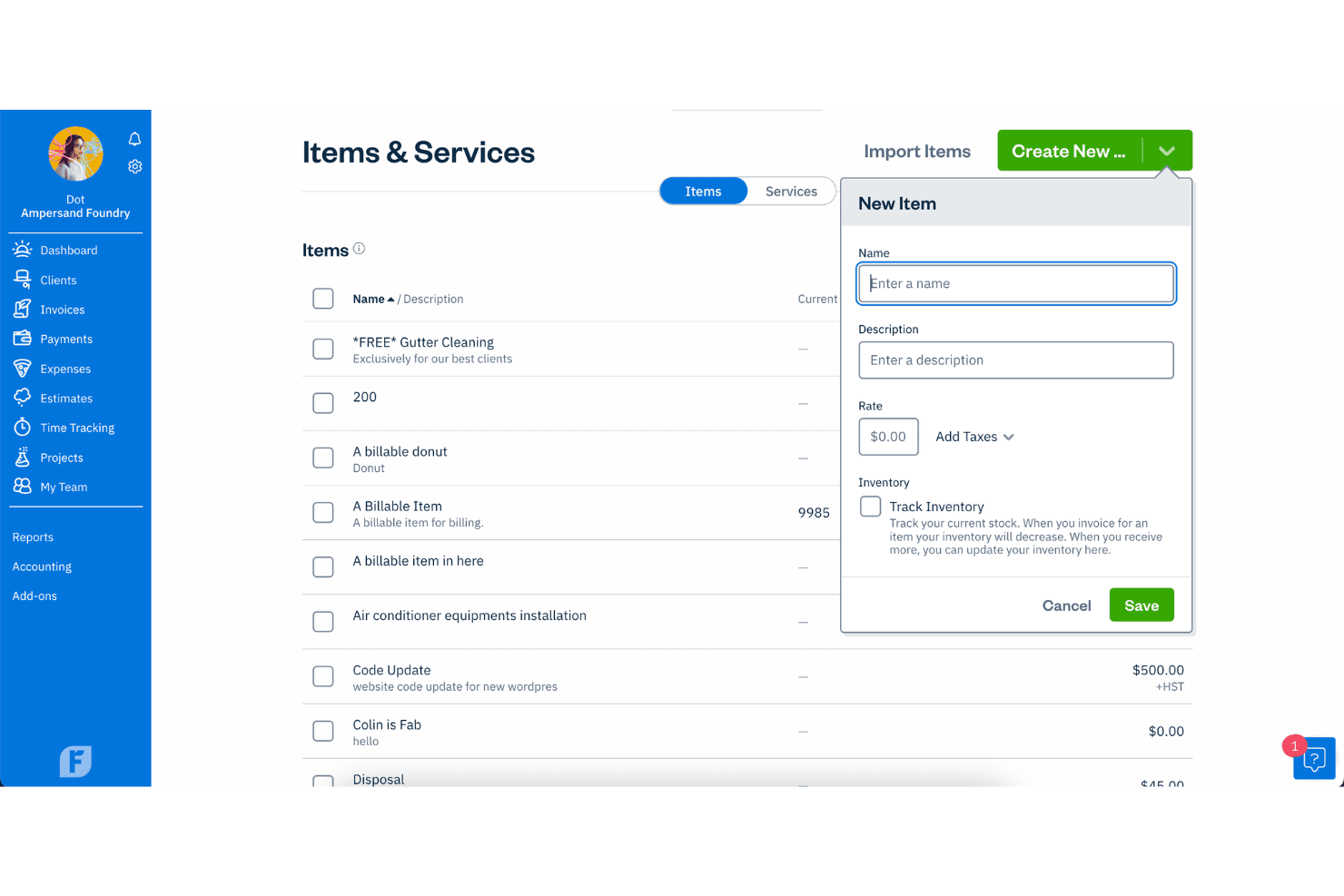
Monitor product counts as items sell and restock automatically. Stay updated on inventory levels directly in your dashboard.
Expense Management
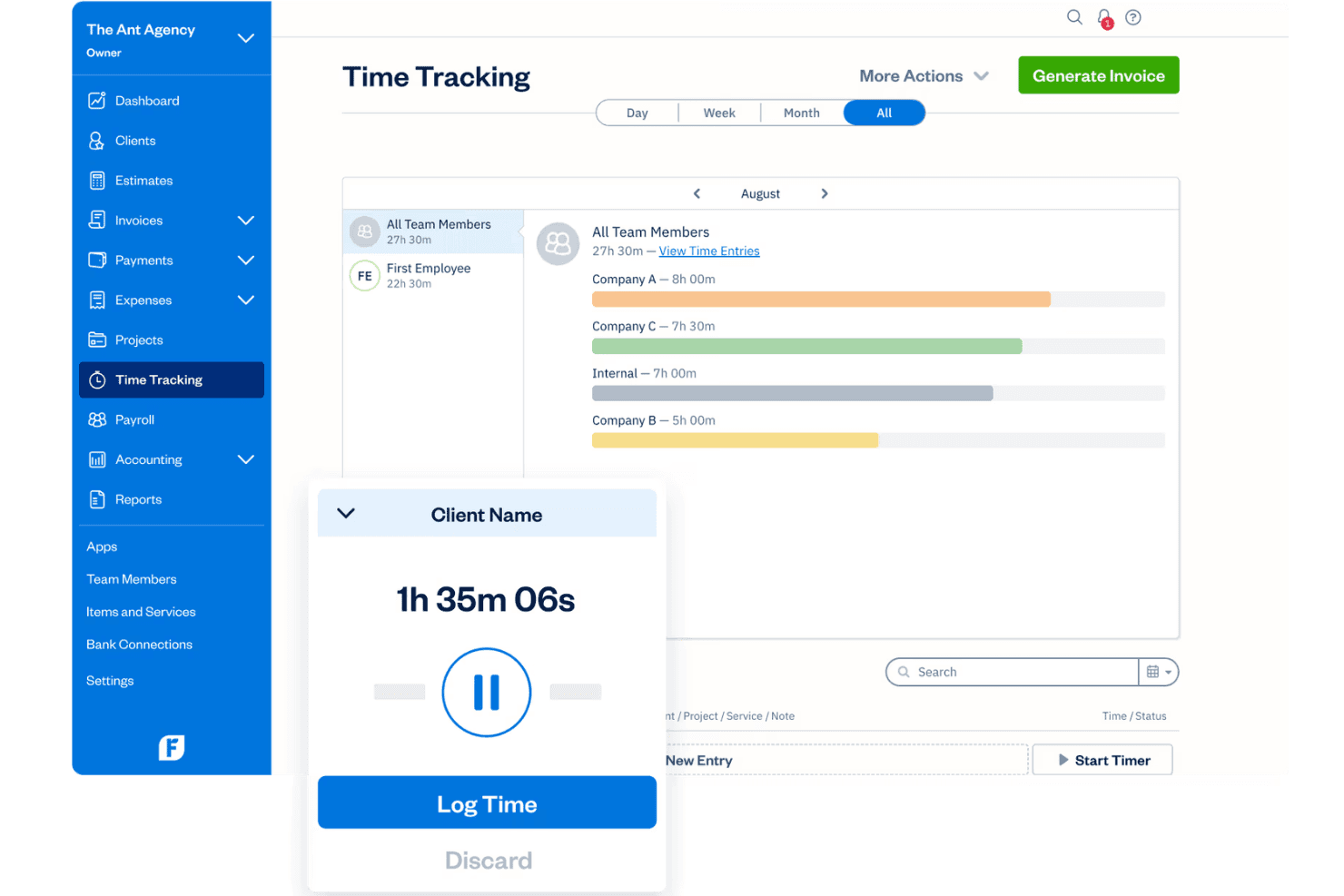
Capture and categorize expenses by snapping photos of receipts. Assign expenses to specific sales or products for accurate profitability analysis.
Sales Tax Calculation
Apply and track sales tax by jurisdiction during checkout. Generate tax summary reports to simplify filings for multiple states.
Payment Processing
Accept credit card and ACH payments from invoices with built-in payment tools. Funds are deposited directly into your selected business account.
Financial Reporting
Run profit and loss, expense, and sales reports anytime for insights. Filter and export reports to review trends or share with your bookkeeper.
Ease of Use
FreshBooks stands out for its user-friendly interface, making it a breeze for your team to navigate. The clean design and intuitive layout mean you won't waste time hunting for features. Even those with minimal accounting experience can manage church finances with ease. Its straightforward setup and accessible help resources ensure you get up and running quickly.
Compared to other options, FreshBooks simplifies tasks like invoicing and expense tracking, making it a favorite for busy church staff.
Integrations
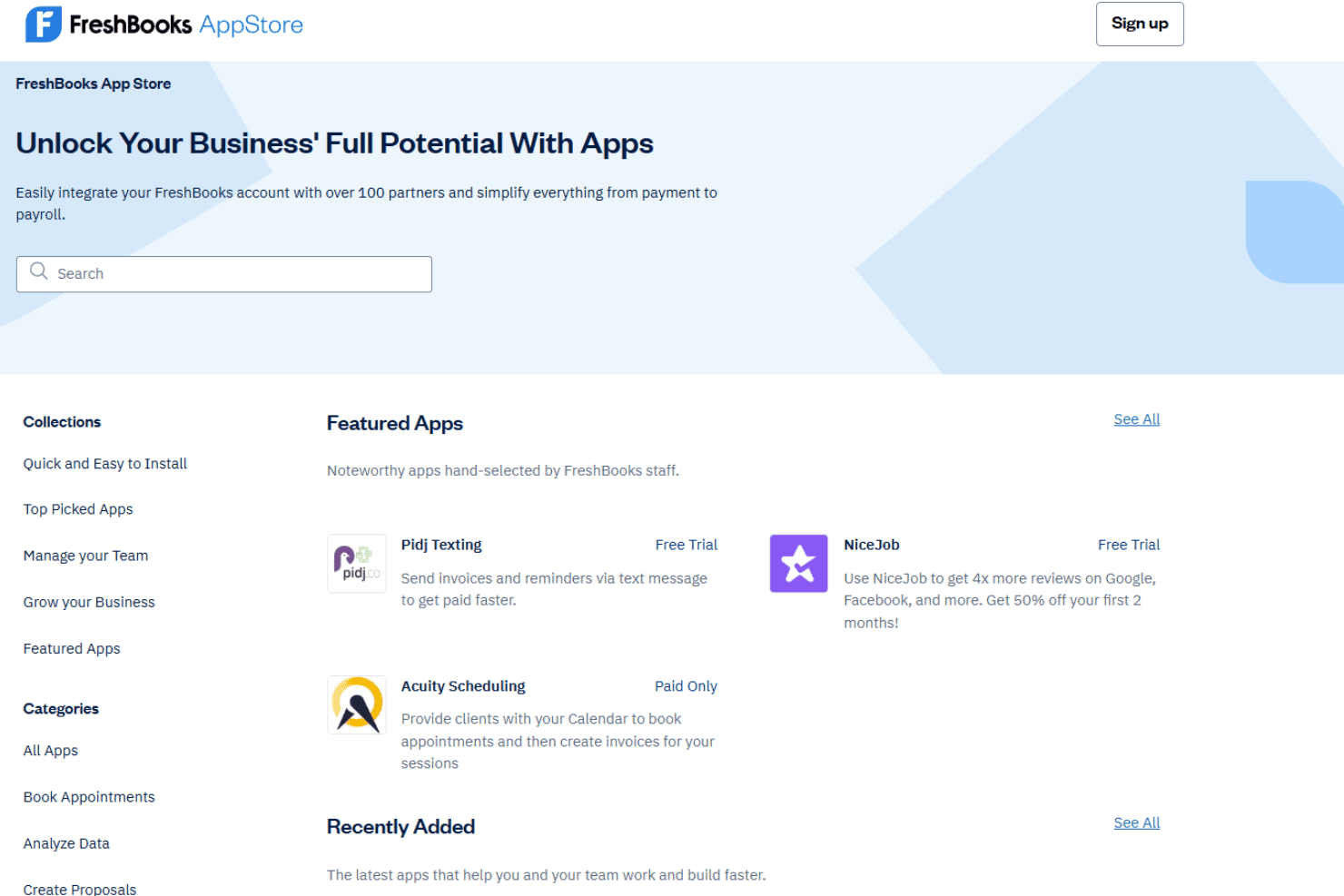
FreshBooks integrates with Shopify, Squarespace, Stripe, PayPal, Gusto, HubSpot, Zapier, Dropbox, Trello, and Bench, among others.
FreshBooks also offers an API and connects with popular third-party integration tools.
FreshBooks Specs
- 2-Factor Authentication: Yes
- Accounts Payable: Yes
- Accounts Receivable: Yes
- API: Yes
- Balance Sheet: Yes
- Billing/Invoicing: Yes
- BitCoin: No
- Budgeting: Yes
- Calendar Management: No
- Contact Management: No
- CRM Integration: Yes
- Customer Management: Yes
- Dashboard: Yes
- Data Export: Yes
- Data Import: Yes
- Data Visualization: Yes
- Expense Tracking: Yes
- External Integrations: Yes
- Forecasting: No
- General Account Ledger: Yes
- Inventory Tracking: No
- Multi-Currency: Yes
- Multi-User: No
- Notifications: Yes
- P&L: Yes
- PayPal: Yes
- Payroll: Yes
- SAP Integration: No
- Stripe: Yes
- Supplier Management: No
- Tax Management: Yes


