
29 Best Credit Card Processing Services for Small Business

The Top Credit Card Processing Services for Small Businesses
Let’s lead with the top picks first, then get into the deets. Here are the best credit card processing providers for small businesses and what they’re good at:


Credit card processing for small business can make or break your bottom line—and nobody wants surprise transaction fees or a checkout system that leaves customers hanging.
With more than a decade in retail operations and ecommerce marketing, I’ve seen how unclear pricing and clunky payment flows cost businesses time, money, and goodwill. This guide delivers:
- A side-by-side comparison of the top processors for small business
- A clear breakdown of pricing models, transaction fees, and hidden-fee traps
- Real-world advice on matching a processor to your business needs
Read on to find a payment partner that keeps your cash flow healthy and your customers smiling—no surprises allowed.
Why Trust Our Software Reviews
Comparing the Best Credit Card Processing Services for Small Businesses, Side-by-Side
Before you dive into the weeds of pricing tiers and feature lists, this chart lays out the essentials at a glance—pricing, trial deets, and ideal use cases—to help you zero in on the processors that match your budget and business needs.
| Service | Best For | Trial Info | Price | ||
|---|---|---|---|---|---|
| 1 | Best for built-in business management | Free plan available (only pay when you take a payment) + 30-day free trial | From $49/per location/month | Website | |
| 2 | Best for high-volume credit card processors | Free quote available | From $99/month | Website | |
| 3 | Best for secure transactions | 3-month free trial | From $79/month | Website | |
| 4 | Best for restaurants | Free demo + free plan available | From $69/month | Website | |
| 5 | Best for fraud prevention | 30-day free trial available | From 2.9% + 30¢ per transaction | Website | |
| 6 | Best for retail stores | 14-day free trial + free demo available | Pricing upon request | Website | |
| 7 | Best for mobile businesses | Free demo available | From 3.25% plus $0.15 per transaction | Website | |
| 8 | Best for multichannel payments | Not available | Pricing upon request | Website | |
| 9 | Best for ecommerce businesses | 3-day free trial available | From $19/month (billed annually) | Website | |
| 10 | Best for integration with Chase accounts | Free consultation available | From/$49 | Website | |
| 11 | Best for flexible payment options | Free demo available | From 2.60% + 10¢ per transaction | Website | |
| 12 | Best for large enterprises | Free demo available | Pricing available upon request | Website | |
| 13 | Best for in-depth sales reporting | Free demo available | From $99/month | Website | |
| 14 | Best for global reach | Not available | Pricing upon request | Website | |
| 15 | Best for high-risk merchants | Free demo available | From $20/month | Website | |
| 16 | Best for pay-as-you-go pricing | Free app download available | From 2.69%/swipe, dip, or tap; 3.49% + $0.19/keyed transaction | Website | |
| 17 | Best for low transaction fees | Free demo available | From $14.95/month | Website | |
| 18 | Best for specialized hardware options | Free account; just pay for processing fees | From 1.74% +10¢ per transaction | Website | |
| 19 | Best for versatile payment options | Free demo available | From Interchange + 0.40% + 8¢ (varies by volume) | Website | |
| 20 | Best for personalized account support | Free quote available | Pricing upon request | Website |
The Best Credit Card Processing Providers for Small Businesses, Reviewed
Below, you’ll find detailed summaries of each provider on our shortlist. We’re talking fee structures, standout features, and the real pros and cons—grounded in years of watching payment setups make or break small operations.


Square offers credit card processing along with a full suite of tools designed for small businesses across retail, restaurants, and service industries. Beyond payments, it helps you manage inventory, employees, appointments, and cash flow, making it a flexible option for companies that want everything in one platform.
Why I picked Square: I chose Square because it provides more than just payment processing. With hardware options like handheld readers and POS terminals, you can accept in-person, online, and mobile payments. On top of that, Square’s built-in inventory management and scheduling tools help small businesses track products and staff without needing extra software. Its transparent, contract-free pricing also makes it easy to predict costs.
Standout Services: Square combines payments with banking features, giving you quick access to sales revenue through Square Banking. The platform also offers order management for restaurants, appointment scheduling for service businesses, and customer loyalty programs to drive repeat visits. These extras make it stand out from processors that only handle transactions.
Target industries: Retail, food and beverage, beauty, and services.
Specialties: Payment processing, POS hardware, inventory management, appointment scheduling, and banking integration.
Pros and Cons
Pros:
- Includes appointment scheduling
- No long-term contracts
- Built-in inventory management
Cons:
- Higher fees at scale
- Limited global availability
New Product Updates from Square
Square Introduces Neighborhoods on Cash App
Square launches Neighborhoods on Cash App, offering businesses access to over 57 million active accounts, direct marketing, neighborhood rewards, and a 1% processing fee. For more information, visit Square's official site.
 .
.

Stax Pay gives you an all-in-one payment platform built for small and medium-sized businesses that need to accept credit cards, run invoices, and track payments — whether in person, online, or on the go. It’s a good fit if you run a retail shop, a service-based business, or an e-commerce site and want to bring payment processing, invoicing, and finance reporting together under a single tool.
Why I Picked Stax Pay
I picked Stax Pay because it offers a subscription-based pricing model that replaces traditional percentage-based markups with fixed per-transaction fees plus a monthly fee — making it potentially cheaper if your business processes a high volume of credit-card sales. It also supports a wide variety of payment types (swiped, keyed-in, chip/tap, online payments, digital wallets) and gives you the flexibility to handle both in-person and online transactions from the same account. These capabilities make Stax Pay especially suited to businesses that need to accept different payment methods and want predictable processing costs as they grow.
Stax Pay Key Features
Aside from the pricing model and payment flexibility, Stax Pay offers a rich set of tools that support various payment workflows and business operations:
- Branded invoicing and hosted payment pages: Lets you generate custom invoices with itemized products/services, set custom tax rates, and share payment pages or buttons so customers can pay online without needing a full e-commerce setup.
- Recurring and scheduled payments: Lets you set up customer profiles and schedule automatic invoicing and payments on a recurring or one-time basis, which helps with subscription-style or repeat-billing businesses.
- Unified reporting and analytics dashboard: Gives you access to payment activity, deposit tracking, sales trends, customer payment history, and financial reporting all in one place.
- Mobile POS and virtual terminal: Lets you accept payments via swipe, dip, tap, or by manually keying card details from a computer or mobile device — useful for remote, on-the-go, or phone-based transactions.
Stax Pay Integrations
Integrations include QuickBooks, Salesforce, WooCommerce, Shopify, BigCommerce, Magento, Xero, NetSuite, FreshBooks, and Zapier. An API is also available for custom integrations.
Pros and Cons
Pros:
- Ability to pass processing fees to customers where surcharge laws allow.
- Supports various payment methods, including mobile processing.
- Transparent subscription-plus-interchange pricing gives predictable costs.
Cons:
- Subscription fee may outweigh savings for low-volume merchants.
- Next-day funding isn’t guaranteed and sometimes comes with extra cost.
New Product Updates from Stax Pay
Stax Processing: New End-to-End Payments Platform
Stax Payments introduces Stax Processing, an end-to-end payments platform offering an integrated transaction lifecycle and direct card network access. For more information, visit Stax Pay's official site.
 .
.

Payment Depot is a credit card processing service with a membership-based pricing model for small businesses. By eliminating percentage markups, it aims to reduce your effective transaction costs while supporting in-person, online, and mobile payments.
Why I picked Payment Depot:
I picked Payment Depot for its security-first approach. With 3D Secure and real-time fraud monitoring, it helps protect transactions and customer data, which translates to fewer headaches, fewer disputes, and more trust at checkout.
I also value its reporting depth. Detailed transaction and sales insights make it easier to monitor trends, reconcile faster, and make better decisions about pricing, promotions, and cash flow.
Standout services: Payment Depot supports multiple acceptance methods—card-present, online, and mobile—along with a broad range of compatible payment terminals to fit different environments. You also get a dedicated account manager for hands-on support when you need configuration help or quick answers.
Integrations: Cerbo Software, QuickBooks Online, Zoho CRM, Zoho Billing, GoHighLevel Integration, Ecommerce Software, LeadsBridge, WordPress, WooCommerce, Magento, Stella, and Authorize.Net.
Target industries: Small businesses that want predictable, membership-based pricing with robust security and hands-on support.
Specialties: Membership pricing, in-person payments, online payments, mobile payments, 3D Secure, real-time fraud monitoring, reporting and analytics, terminal compatibility, dedicated account management.
Pros and Cons
Pros:
- Good customer service and support, with dedicated account representatives.
- Easy integration with various platforms, making it flexible for different business needs.
- Provides a free virtual terminal in all pricing plans.
Cons:
- Limited to US-based merchants and does not accept high-risk businesses.
- Occasional technical glitches with the payment system, disrupting transactions.


Toast provides POS and payment processing services tailored specifically for the restaurant industry, focusing on enhancing operational efficiency and customer experience. They serve various dining establishments, helping manage orders, payments, and overall restaurant operations.
Why I picked Toast: Toast offers a comprehensive suite of tools that cater to the unique needs of restaurants, allowing your team to handle orders and payments efficiently. Their all-in-one platform integrates with kitchen displays and online ordering, reducing manual entry and errors. You can also benefit from real-time reporting, giving you insights into your operations.
Standout Services: Toast offers online ordering, allowing customers to place orders directly from their devices, which can boost sales and enhance convenience. They also provide kitchen display systems that streamline communication between front-of-house and kitchen staff, reducing errors and speeding up service.
Target industries: Restaurants, cafes, bars, food trucks, and catering services.
Specialties: Point of sale systems, online ordering, kitchen display systems, real-time reporting, and integrated payment processing.
Pros and Cons
Pros:
- Supports online ordering
- Integrated with kitchen displays
- Tailored for restaurant operations
Cons:
- Limited to the restaurant industry
- Pricing details not transparent


Stripe is a versatile payment processing platform for online and in-person transactions. It gives businesses of all sizes—especially small businesses—the tools to accept payments and manage financial operations effectively.
Why I picked Stripe:
I picked Stripe for its robust fraud prevention tool, Radar, which protects your transactions and the health of your business. With Radar, you can automatically block fraudulent charges so you can focus on growth instead of chasing disputes. Stripe’s revenue automation tools, like Billing, also simplify invoicing and recurring payments, making it easier to handle subscriptions and bill customers without hassle.
Stripe also supports 100+ payment methods so you can serve a global customer base. You can accept payments in multiple currencies and through popular digital wallets to boost conversion and customer convenience. On the financial ops side, tools like Connect and Payouts help you move money seamlessly—transferring funds and issuing payouts to partners or vendors with less back-office friction.
Standout services: Stripe includes identity verification to keep transactions legitimate and secure, startup incorporation services to help new businesses launch with the right legal structure, and an App Marketplace with third-party apps and plugins to extend functionality and tailor Stripe to your workflow.
Integrations: Shopware, Adobe Commerce (Magento 2), PrestaShop, WooCommerce, WebToffee, WHMCS, and more.
Target industries: Businesses of all sizes—especially small businesses—and platforms/marketplaces that need global payments and streamlined payouts.
Specialties: Fraud prevention (Radar), recurring billing and invoicing (Billing), 100+ payment methods, global currencies and digital wallets, marketplace payouts (Connect, Payouts), identity verification, startup incorporation, app marketplace integrations.
Pros and Cons
Pros:
- Stripe Connect supports onboarding and payouts, offering flexibility in managing payment processes.
- Supports over 135 currencies, facilitating global transactions for businesses with international customers.
- Highly customizable payment solutions allow businesses to tailor their payment processes to specific needs.
Cons:
- Requires developer expertise for full functionality, which can be a barrier for small businesses without technical resources.
- Designed for online merchants, which may not suit businesses needing comprehensive in-person payment solutions.


Lightspeed offers embedded payment processing services specifically designed for retail businesses, focusing on point-of-sale systems, inventory management, and ecommerce solutions. Their primary client base comprises industries such as retail, restaurants, and golf facilities, offering a comprehensive suite of tools to manage business operations.
Why I picked Lightspeed: Lightspeed focuses on retail businesses, which means your team can benefit from tailored solutions, such as integrated inventory management and ecommerce capabilities. You can easily manage transactions both in-store and online, reducing the need for separate systems. Their advanced marketing tools also help you engage with customers more effectively.
Standout Services: Lightspeed provides 24/7 customer support, ensuring your team has access to assistance whenever needed, which is crucial for businesses operating at different hours. Moreover, their marketing tools enable you to craft targeted campaigns, helping you attract and retain customers effectively.
Target industries: Retail, restaurants, golf, apparel, and electronics.
Specialties: Point of sale systems, inventory management, ecommerce solutions, marketing tools, and 24/7 customer support.
Pros and Cons
Pros:
- Advanced marketing tools
- Supports both in-store and online
- Integrated inventory management
Cons:
- Setup can be complex
- Pricing details not transparent

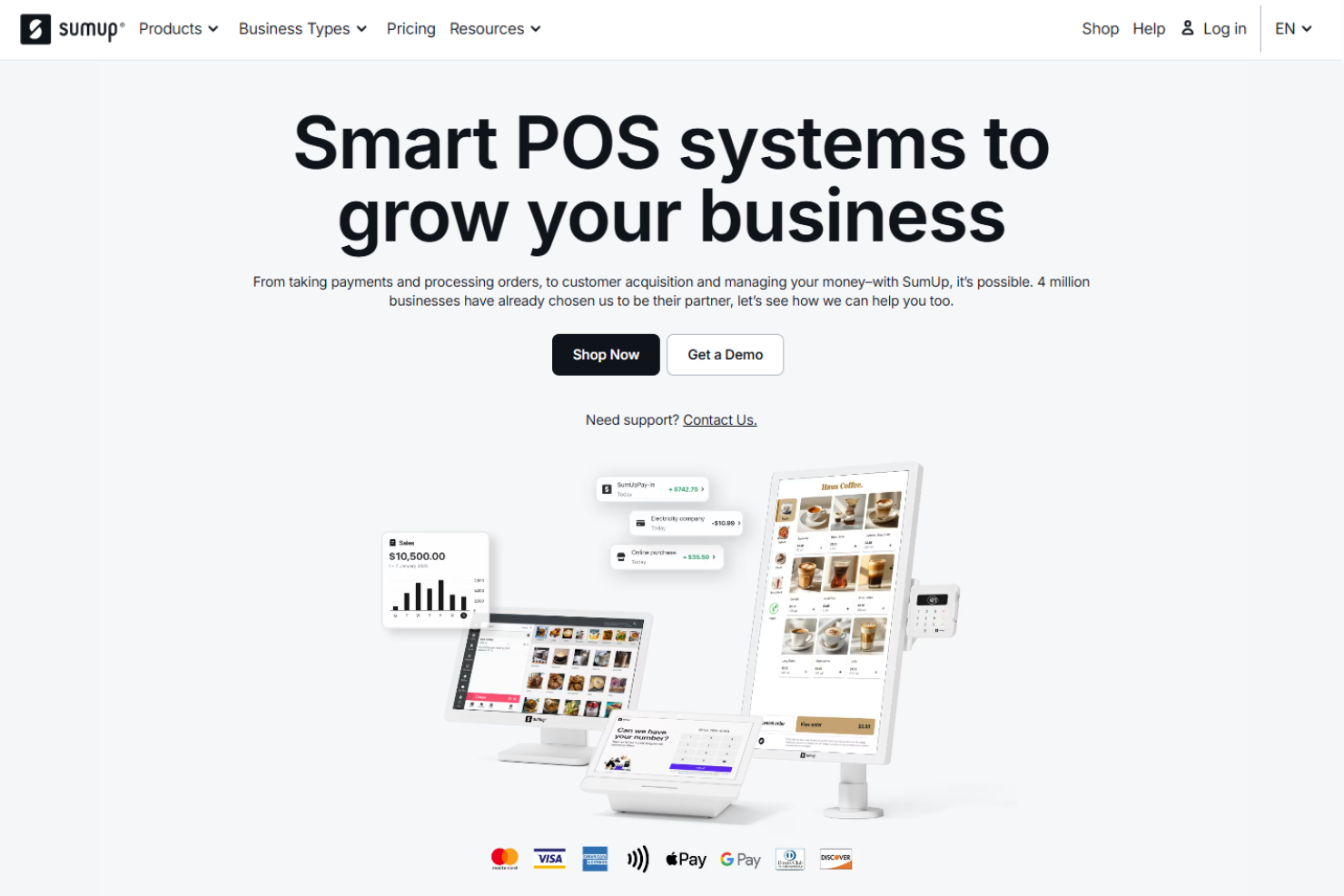
SumUp offers mobile card readers and payment processing solutions tailored for small businesses and entrepreneurs on the go. Their services are designed to facilitate easy and secure transactions, catering primarily for mobile enterprises and freelancers.
Why I picked SumUp: SumUp provides portable card readers that allow your team to accept payments anywhere, which is ideal for mobile businesses. With no monthly fees, you only pay a fixed percentage per transaction, making it a cost-effective option. Their straightforward setup process means you can start accepting payments quickly without hassle.
Standout Services: SumUp’s invoicing capabilities allow you to send professional invoices directly from the app, which helps you manage billing efficiently. Their online store feature lets you create a simple ecommerce platform to sell products, extending your reach beyond physical sales.
Target industries: Mobile vendors, freelancers, retail, services, and artisans.
Specialties: Mobile card readers, payment processing, invoicing, online store creation, and app integration.
Pros and Cons
Pros:
- Easy setup process
- Portable card readers
- No monthly fees
Cons:
- Transaction fees can add up
- Limited to supported countries
Adyen provides payment processing solutions across multiple channels, including in-store, online, and mobile, for businesses of all sizes. They focus on helping companies manage transactions globally, offering a unified platform to streamline payment operations.
Why I picked Adyen: Their multichannel payment capabilities allow your team to handle transactions seamlessly across different sales channels. You can integrate their system with your existing platforms, ensuring a consistent customer experience. Their real-time data insights help you understand customer behavior and optimize payment processes.
Standout Services: Adyen offers risk management tools to protect your business from fraudulent activities, providing peace of mind while handling transactions. Their unified commerce feature enables you to integrate your sales channels, providing a consistent shopping experience for customers whether they are online or in-store.
Target industries: Retail, hospitality, travel, digital goods, and financial services.
Specialties: Multichannel payments, risk management, real-time data insights, unified commerce, and global transaction support.
Pros and Cons
Pros:
- Risk management tools
- Real-time data insights
- Multichannel payment solutions
Cons:
- Potentially complex setup process
- Pricing details not transparent

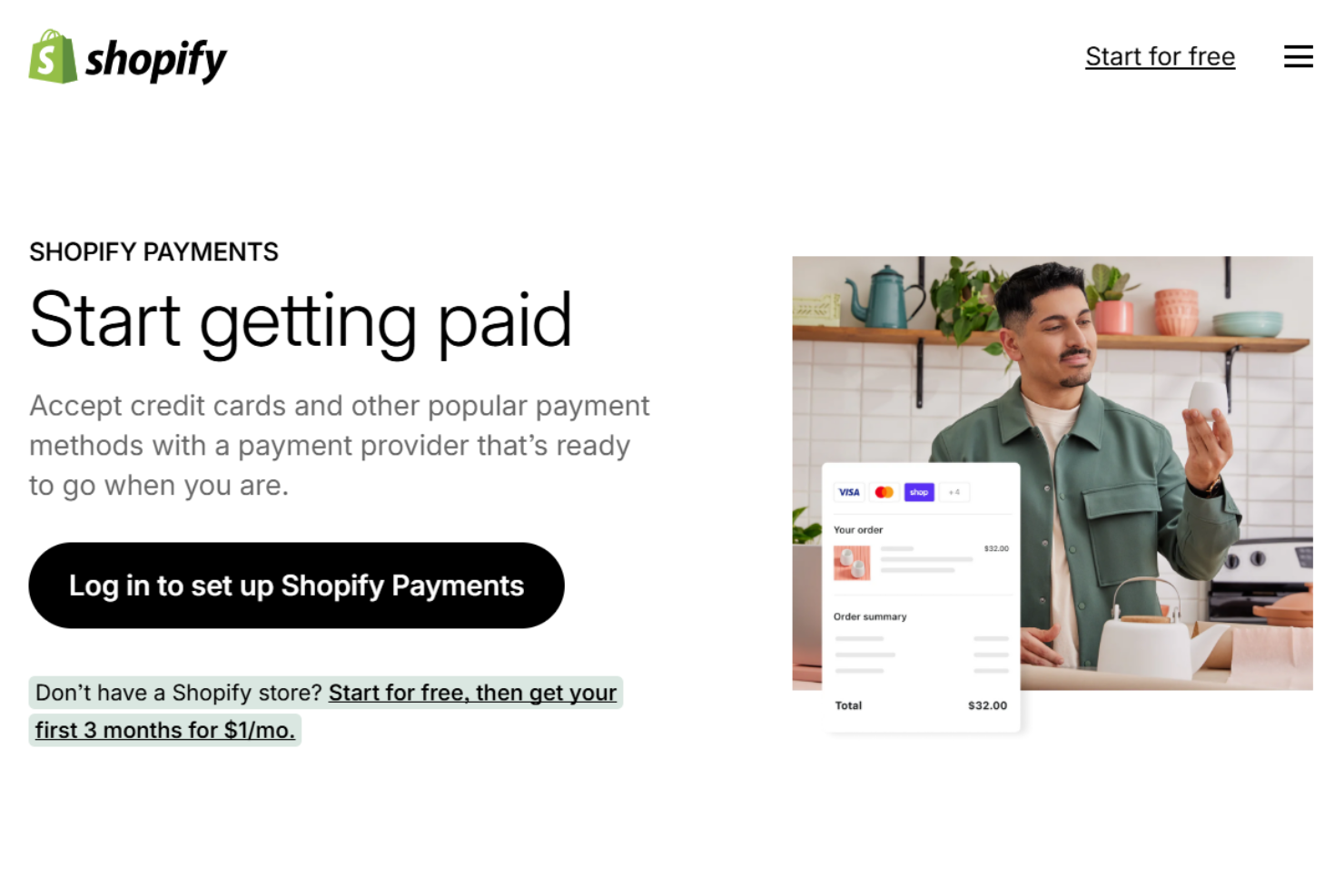
Shopify Payments offers integrated payment processing services designed specifically for ecommerce businesses operating on the Shopify platform. They focus on providing a simplified payment experience for online stores, allowing companies to manage transactions directly through their Shopify accounts.
Why I picked Shopify Payments: Their integration with your Shopify store ensures a smooth checkout process for your customers. You don't need to set up third-party payment gateways, which saves time and reduces potential errors. Additionally, transaction fees are transparent, helping you better manage your costs.
Standout Services: Shopify Payments provides multi-currency support, enabling your store to accept payments in various currencies, which is particularly beneficial for international sales. They also offer fraud prevention tools that automatically monitor transactions, helping you protect your business from fraudulent activities.
Target industries: Ecommerce, retail, fashion, electronics, and home goods.
Specialties: Online payment processing, integration with Shopify, fraud prevention, multi-currency support, and simplified checkout.
Pros and Cons
Pros:
- Multi-currency support
- Transparent transaction fees
- Direct integration with Shopify
Cons:
- Transaction fees may be high
- Only available on Shopify platform


Chase Payment Solutions offers secure payment processing services for businesses, with a focus on online and phone transactions. They serve industries like ecommerce and restaurants, offering integrated solutions to streamline payment acceptance.
Why I picked Chase Payment Solutions: Their integration with Chase accounts offers a seamless experience for your team, simplifying financial management. You can use Chase QuickAccept for mobile credit card processing, which ensures flexibility in accepting payments. Additionally, their Authorize.net service supports online payments, making it easier for you to manage transactions.
Standout Services: Chase Payment Solutions provides Chase QuickAccept, which enables businesses to accept credit card payments via mobile devices, providing flexibility for those on the go. They also offer Authorize.net service, supporting online transactions that cater to businesses needing a reliable solution for handling ecommerce payments.
Target industries: Ecommerce, restaurants, retail, healthcare, and professional services.
Specialties: Online payment processing, mobile payment solutions, integration with Chase accounts, customer insights, and online banking tools.
Pros and Cons
Pros:
- Secure transaction handling
- Mobile payment options
- Easy integration with Chase accounts
Cons:
- May require Chase account for full benefits
- Pricing details not readily available


Elavon provides a range of credit card processing services, including in-person, online, and mobile payment solutions, catering to diverse business needs. They focus on enhancing business operations for industries like retail, hospitality, and healthcare.
Why I picked Elavon: Elavon’s flexible payment options allow your team to handle transactions securely and efficiently. The Paze digital wallet streamlines online checkouts by consolidating cards into a single, secure platform, enhancing the customer experience. Additionally, their quick funding options help maintain a stable cash flow, making it easier for you to manage your finances.
Standout Services: Elavon offers fraud protection to secure your transactions, reducing risks and ensuring peace of mind for your business. They also provide customized reporting tools that give detailed insights into your transactions, enabling you to make informed business decisions.
Target industries: Retail, hospitality, healthcare, education, and professional services.
Specialties: In-person payments, online payment processing, mobile payment solutions, fraud protection, and customized reporting.
Pros and Cons
Pros:
- Quick funding availability
- Strong fraud protection
- Flexible payment options
Cons:
- May require contract commitments
- Pricing details not transparent

Global Payments provides payment processing and business software solutions for in-store, online, and mobile transactions. They serve enterprise clients that need integrated payment systems across multiple channels and locations.
Why I picked Global Payments:
Global Payments gives your team access to in-house software tools that combine payments with accounting, payroll, and HR. Their omnichannel capabilities let you accept payments consistently, whether it’s online or across dozens of retail locations. It’s built to support high-volume operations with needs that go beyond basic card acceptance.
Standout Services: Global Payments offers real-time reporting dashboards, allowing your team to view transaction data across all locations and channels in one centralized location. Their automated reconciliation service also pulls in payment data to match with accounting records, saving time on back-office work.
Target industries: Retail, hospitality, healthcare, education, and ecommerce.
Specialties: Omnichannel payments, real-time reporting, payroll integration, enterprise software, and fraud management.
Pros and Cons
Pros:
- Custom setups for high-volume businesses
- Real-time reports across all channels
- Works well with enterprise-level systems
Cons:
- Pricing not clear upfront
- Support wait times can be long


Draftalizer link: https://draftalizer.com/app/drafts/94547?show_steps=true
Stax is a payment processing platform built to help small businesses manage credit card transactions and strengthen ecommerce operations. It bundles core acceptance with tools that improve visibility, security, and the overall checkout experience.
Why I picked Stax:
I picked Stax for its in-depth reporting that surfaces sales trends and revenue insights from a centralized dashboard—useful for optimizing pricing, promos, and inventory decisions without spreadsheet spelunking.
I also like its built-in security and fraud protection. By minimizing chargebacks and verifying customer information, Stax helps keep transactions secure and customer trust intact as you scale.
Standout services: Stax offers custom shopping cart options—build bespoke carts or toggle pre-built ones—plus analytics tracking to understand customer behavior and manage inventory more intelligently. Gateway integrations connect cleanly with existing carts to streamline payment flows.
Integrations: Stax Pay, Stax Connect, CardX by Stax, Zapier, Calendly, Salesforce, Slack, Mailchimp, QuickBooks Online, Microsoft Teams, FreshBooks, and HubSpot.
Target industries: Small businesses, especially ecommerce-focused merchants that need deeper reporting and stronger fraud controls.
Specialties: Ecommerce payments, centralized reporting, fraud prevention, chargeback reduction, custom shopping carts, analytics tracking, gateway integrations.
Pros and Cons
Pros:
- The platform includes dashboards, digital invoicing, mobile payments, and customizable reporting.
- Many users find the platform easy to navigate and efficient for processing payments.
- Stax connects with over 200 business applications and various POS systems, enhancing its flexibility.
Cons:
- Stax does not provide its own hardware, which may not appeal to those looking for an all-in-one solution.
- Faster payout options incur additional fees, unlike some competitors that offer quicker funding as standard.

Worldpay provides credit card processing and payment solutions across in-person, online, and mobile channels. They serve small businesses that need to accept payments in multiple currencies and regions.
Why I picked Worldpay:
Worldpay allows you to accept over 100 currencies, which is particularly helpful if you sell to customers in different countries. Their global acquiring network supports international transactions without routing payments through third parties. You can also manage multi-currency settlements from a single dashboard, keeping things simple as your reach grows.
Standout Services: Worldpay offers online payments, enabling your team to accept cards through your website or app, with fraud screening and recurring billing for ecommerce transactions. Their virtual terminal also allows you to process payments by phone or mail using a browser-based tool, making it easy to handle orders without requiring a physical card reader.
Target industries: Retail, hospitality, ecommerce, healthcare, and professional services.
Specialties: Multi-currency processing, card-not-present transactions, recurring billing, mobile payments, and fraud prevention.
Pros and Cons
Pros:
- Built-in recurring payments
- No hardware for virtual terminal
- Supports 100+ currencies
Cons:
- Early termination fees can apply
- Hard to reach support quickly


PaymentCloud offers credit card processing solutions tailored for high-risk businesses, providing services such as payment gateways, merchant accounts, and fraud prevention tools. They serve industries that typically face challenges in securing payment processing due to their risk profiles.
Why I picked PaymentCloud: PaymentCloud specializes in providing solutions for high-risk merchants, ensuring your team has access to reliable payment processing services. Their dedicated account managers work with you to find the best-fit solutions for your business needs. With features like chargeback protection, you can minimize financial risks and maintain stable operations.
Standout Services: PaymentCloud offers integrated payment gateways, allowing you to accept multiple forms of payment through a single platform, which simplifies transaction management. Additionally, their chargeback protection services help protect your business from disputes, reducing potential losses and ensuring financial stability.
Target industries: Ecommerce, travel, CBD, nutraceuticals, and adult entertainment.
Specialties: High-risk merchant accounts, fraud prevention, payment gateways, chargeback protection, and dedicated account management.
Pros and Cons
Pros:
- Chargeback protection included
- Dedicated account managers
- Tailored for high-risk businesses
Cons:
- Potentially higher transaction fees
- Pricing details not readily available

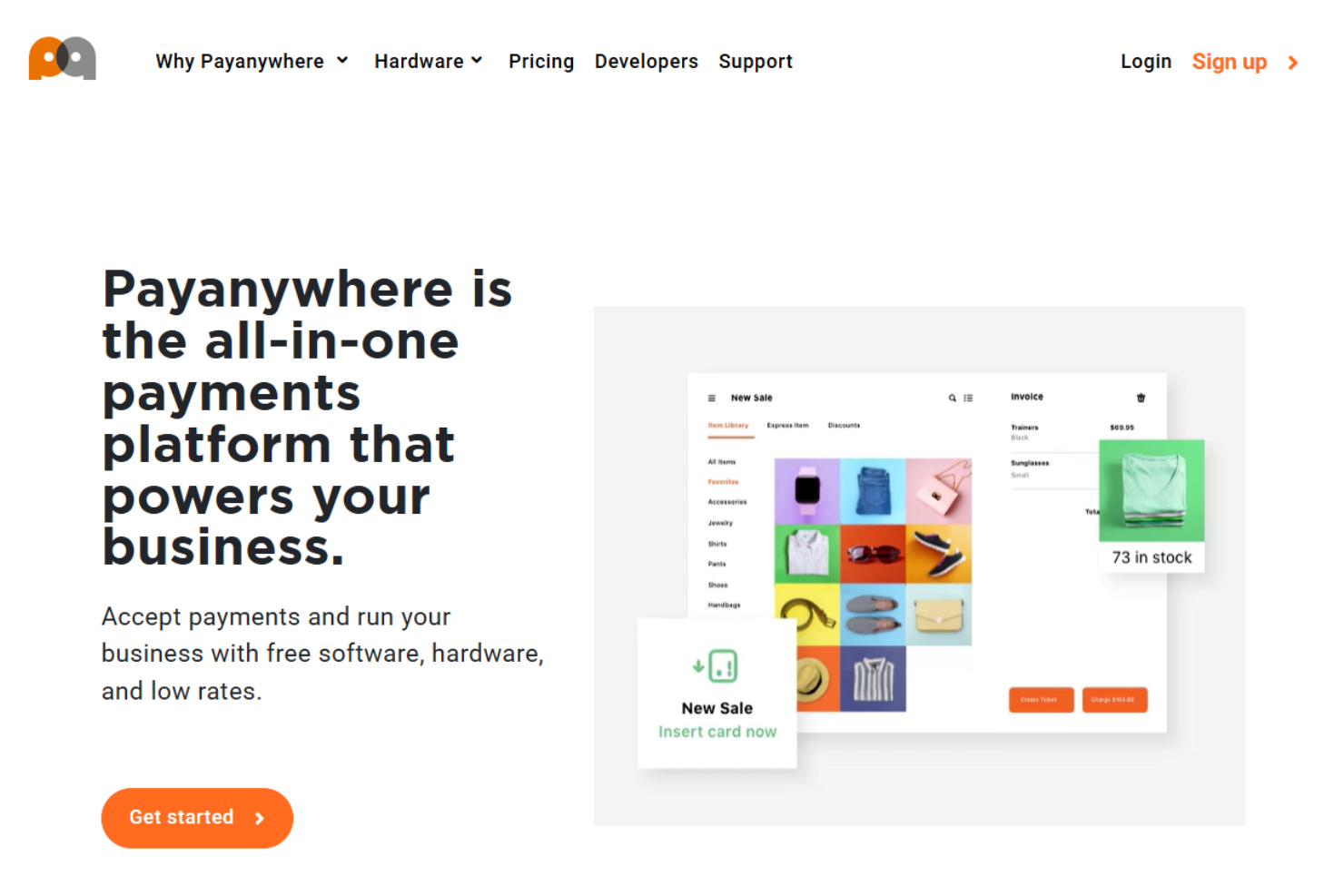
PayAnywhere offers mobile and in-store payment processing solutions, catering to small businesses and entrepreneurs who seek flexible payment options. Their services are designed to support various business needs, ranging from POS systems to payment analytics.
Why I picked PayAnywhere: PayAnywhere provides a pay-as-you-go pricing model, which is ideal if your team prefers not to commit to monthly fees. You can benefit from their mobile credit card readers that facilitate transactions on the go. Their detailed payment analytics provide you with insights into sales patterns, enabling you to make informed decisions.
Standout Services: PayAnywhere’s inventory management allows you to track stock levels and manage products efficiently, which is essential for retail businesses. They also offer a virtual terminal feature that will enable you to process payments from any internet-connected device, providing flexibility for remote transactions.
Target industries: Retail, food and beverage, mobile vendors, services, and ecommerce.
Specialties: Mobile payment solutions, point of sale systems, virtual terminal, inventory management, and payment analytics.
Pros and Cons
Pros:
- Detailed payment analytics
- Mobile credit card readers
- Pay-as-you-go pricing
Cons:
- Basic reporting capabilities
- Limited to supported countries

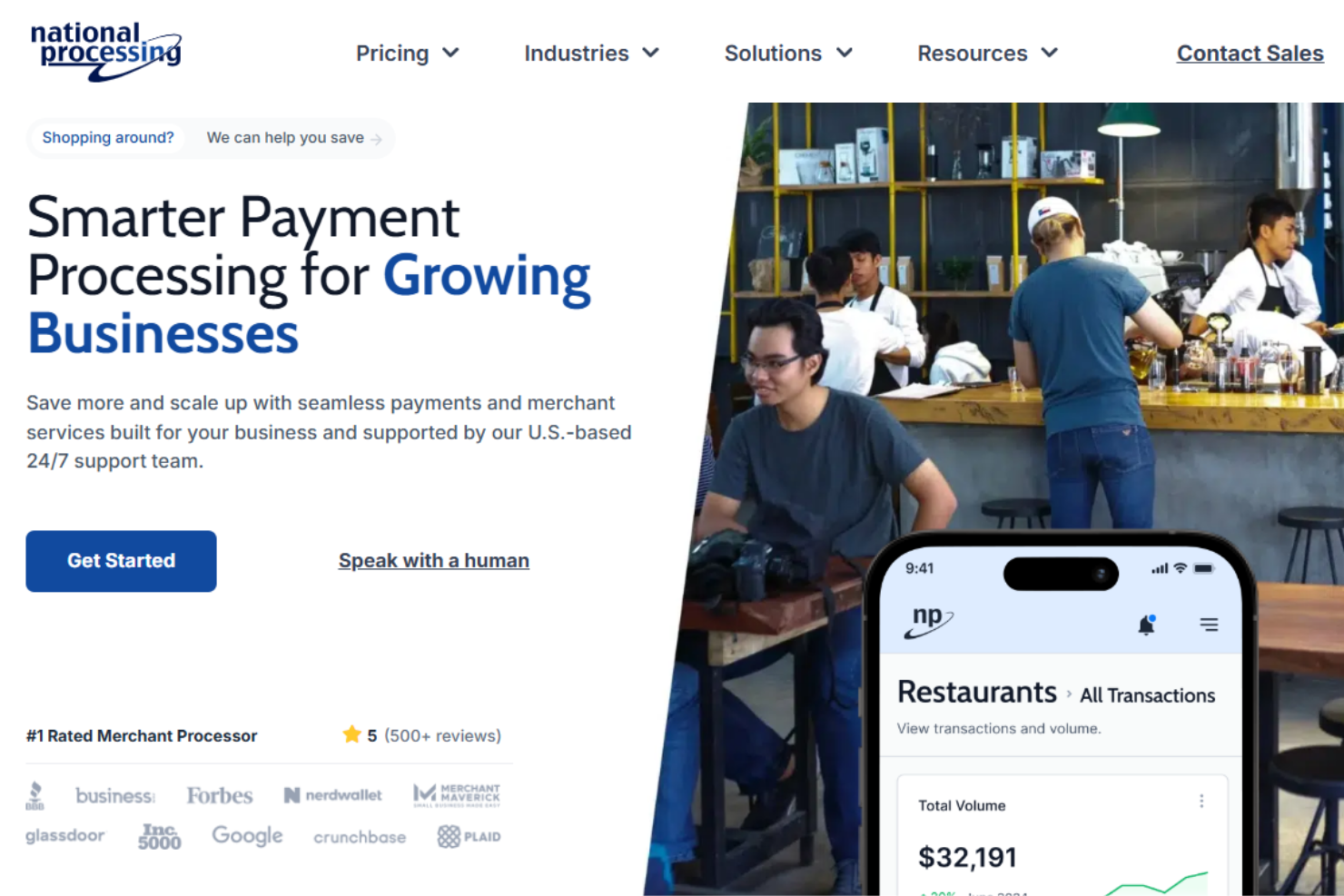
National Processing offers credit card processing services tailored for small businesses, including in-person and online payment processing, point-of-sale systems, and ACH services. Their main client base includes industries such as retail, ecommerce, and food and beverage.
Why I picked National Processing: They focus on providing low transaction fees, which can be a significant cost-saver for your business. Their transparent pricing structure includes simple monthly fees and competitive transaction rates. You can also rely on their 24/7 US-based customer support, ensuring help is always available when you need it.
Standout Services: National Processing offers ACH services, which enable you to handle electronic checks efficiently, reducing the need for physical checks and streamlining transactions. Their point-of-sale systems are also tailored to various business sizes, making it easier for your team to manage sales and inventory in one place.
Target industries: Retail, ecommerce, food and beverage, health and wellness, and high-risk sectors.
Specialties: In-person payment processing, online payment solutions, ACH services, point-of-sale systems, and 24/7 customer support.
Pros and Cons
Pros:
- 24/7 customer support
- Transparent pricing
- Low transaction fees
Cons:
- Requires long-term contracts
- Limited international support


Payline Data is a versatile payment processing solution tailored to meet the needs of small businesses. It offers a range of services that allow you to accept payments in person, online, and even for high-risk transactions.
Why I picked Payline Data:
I picked Payline Data for its balanced coverage of in-person and online payments—useful when your customers buy across storefronts, websites, and remote workflows. The included virtual terminal enables secure keyed transactions from anywhere, which helps with phone orders, back-office processing, and distributed teams.
I also value its recurring payment capability. If you run subscriptions or need automated billing, Payline lets you set schedules, reduce manual work, and keep revenue collection consistent while you focus on growth.
Standout services: Payline offers dedicated high-risk processing to accommodate industries that face tougher underwriting, plus specialized hardware—countertop and smart terminals—to fit different checkout setups. The virtual terminal supports remote transaction management so you can operate smoothly from any location without sacrificing security or control.
Integrations: Payline connects with Facebook Lead Ads, Google Sheets, Mailchimp, HubSpot, Zoho CRM, ActiveCampaign, Salesforce, Google Calendar, Pipedrive, Shopify, WooCommerce, BigCommerce, and Magento—making it easier to sync payments with your marketing, CRM, scheduling, and ecommerce stack.
Target industries: Small businesses, including higher-risk categories that require specialized underwriting.
Specialties: In-person payments, online payments, virtual terminal, recurring payments, high-risk processing, and payment hardware.
Pros and Cons
Pros:
- Advanced security features, including fraud protection and account security, ensuring safe transactions.
- Diverse payment processing options, accommodating various business needs, including high-risk merchants.
- Offers a range of terminals and POS systems, catering to different retail and ecommerce needs.
Cons:
- Not ideal for businesses with very high transaction volumes, as there are more suitable alternatives for larger operations.
- Reports of slow fund transfers, which can affect cash flow for businesses.


Helcim is a payment processing platform built for small businesses that need to accept credit cards in person and online. With a focus on transparency and control, it packages flexible acceptance options with tools that streamline day-to-day operations.
Why I picked Helcim:
I picked Helcim for its versatile payment options that meet customers wherever they buy—mobile, in-store, or online. You can also process keyed transactions via a virtual terminal from your computer, which is handy for phone orders and back-office workflows.
I also value its security posture. With PCI Level 1 compliance, advanced encryption, and built-in fraud prevention, Helcim helps keep sensitive data safe, strengthens customer trust, and reduces risk as you scale.
Standout services: Helcim includes a built-in CRM to track customer interactions and transactions, detailed reporting and analytics to surface sales insights, and recurring billing to support subscription and repeat-payment models without manual effort.
Integrations: QuickBooks Online, Xero, WooCommerce, Google Sheets, Gmail, Slack, HubSpot, Salesforce, Microsoft Teams, Shopify, Stripe, Mailchimp, and Zendesk.
Target industries: Small businesses that need flexible acceptance and transparent, security-forward processing.
Specialties: In-person payments, online payments, virtual terminal, PCI Level 1 security, fraud prevention, built-in CRM, reporting and analytics, recurring billing.
Pros and Cons
Pros:
- Helcim offers a fully hosted online store with customizable templates, which is beneficial for businesses looking to expand online.
- Helcim's support for mobile payments is seen as a valuable feature for businesses that need flexibility in processing payments.
- The platform is easy to navigate, making it accessible for small business owners without extensive technical knowledge.
Cons:
- Businesses with lower transaction volumes may find Helcim's fees less competitive.
- May lack some advanced features offered by other payment processors.


Merchant One is a full-service credit card processing company for businesses of all sizes. With state-of-the-art technology and multichannel acceptance, it focuses on reliable, secure transactions so you can keep lines moving and revenue flowing.
Why I picked Merchant One:
I picked Merchant One for its dedicated account management—personalized support that matters when you don’t have a big ops team. Its multi-layered security helps protect sensitive customer data and sustain trust at checkout.
I also like the way it turns payment data into usable insight. Clear views of customer behavior and sales trends make it easier to fine-tune staffing, inventory, and promos, and to spot issues before they dent margins.
Standout services: Merchant One’s POS includes a compact 14″ HD display for accurate custom orders and a footprint that fits tight counters. Mobile payments pair easily over Bluetooth with phones or tablets, letting you accept a wide range of payment types wherever you serve customers.
Integrations: Authorize.net, Payeezy Gateway, Payflow Pro, Paytrace Gateway, USAePay, Aloha, Micros, Maitre’D, Clover Products, Merchant One Gateway Service, Merchant One Mobile Processing, and Android Card Reader.
Target industries: Small and midsize retailers, restaurants, and service businesses that want hands-on support and flexible acceptance.
Specialties: In-person payments, mobile payments, POS hardware, dedicated account management, multi-layered security, reporting and analytics, Bluetooth pairing, gateway compatibility.
Pros and Cons
Pros:
- Customers appreciate having a specific point of contact for personalized support and assistance.
- Users commend the robust security measures that protect sensitive customer data.
- Merchant One provides free equipment, which is a significant advantage for small businesses looking to minimize initial costs.
Cons:
- Reviews mention that the customer service is unresponsive, leading to frustration.
- Some customers warn of unexpected changes in processing fees.
Other Credit Card Processing for Small Business
Here are some additional credit card processing providers for small businesses that didn’t make it onto my shortlist, but are still worth checking out:
- Clover
For tax application accuracy
- Swipesum
For payment consulting services
- PayPal
For international transactions
- Authorize.net
For developer-friendly API
- Dharma Merchant Services
For ethical business practices
- Durango Merchant Services
For high-risk merchant accounts
- QuickBooks Payments
For QuickBooks integration
- Finix
For custom payment solutions
- TSYS
For enterprise-level solutions


Our Selection Criteria For Credit Card Processing Providers
We zeroed in on the features that actually move the needle for small business—no marketing fluff, just the essentials each processor needs to nail.
Core services (25% of total score)
To make the shortlist, every provider had to nail these basics:
- Payment gateway integration that works out of the box.
- Mobile payment solutions that don’t drop transactions mid-swipe.
- Point-of-sale compatibility with popular hardware and card readers.
- Secure transaction processing with up-to-date PCI compliance.
- Fraud detection tools that catch chargebacks before they hit your bottom line.
Additional standout services (25% of total score)
The extras that separate good from great:
- Multi-currency and cross-border processing for sales beyond borders.
- Advanced analytics dashboards that surface actionable insights.
- Loyalty or subscription billing hooks that drive repeat business.
- Contactless and mobile wallet support (Apple Pay, Google Pay, etc.).
- Flexible APIs or custom workflows for bespoke integrations.
Industry experience (10% of total score)
You want a partner that’s been around the block:
- Years in business and a proven retail or ecommerce track record.
- Solutions for high-risk sectors—subscriptions, travel, CBD, you name it.
- Partnerships with major card networks (Visa, Mastercard, AMEX).
- Real-world case studies showing they handle volume spikes.
Onboarding (10% of total score)
Getting live shouldn’t feel like a second job:
- Ease of setup and hardware installation.
- Quality of training resources and documentation.
- Speed to go live—no one wants to wait weeks for payments to clear.
- Access to a dedicated onboarding specialist.
Customer support (10% of total score)
When things go sideways, you need help—fast:
- 24/7 support via phone, chat, or email with real humans.
- Clear metrics on response times and ticket resolution.
- Robust online resources—knowledge base and community forums.
- Proactive system-status alerts to minimize downtime.
Value for money (10% of total score)
Your bottom line matters more than fancy features:
- Pricing transparency with zero hidden fees.
- Competitive transaction rates and monthly costs.
- Flexibility for seasonal or low-volume businesses.
- Incentives or volume discounts for long-term partners.
Customer reviews (10% of total score)
The final word comes from real users:
- Overall satisfaction ratings on independent review sites.
- Common shout-outs (or red flags) about reliability.
- Testimonials that highlight stellar support and problem resolution.
- Trends in churn or retention over time.
What is Credit Card Processing for Small Businesses?
Credit card processing for small business is a turnkey service that lets you accept, authorize, and settle credit and debit card payments both in person and online.
It routes card information through secure payment gateways, handles authorization with issuing banks, and deposits funds into your merchant account.
Small business owners rely on these services to streamline payment processing, control transaction fees, and maintain PCI compliance.
In practice, it solves common pain points like cash flow delays, hidden fees, and fraud risk—so you can focus on selling, not deciphering confusing rate sheets.
How to Choose a Credit Card Processing Provider for Small Business
Picking a processor shouldn’t feel like a game of roulette. Focus on the deal-breakers first—then dive into the fancy extras.
Here’s a straightforward roadmap to zero in on the right partner without getting lost in rate sheets and legalese.
| Step | What to evaluate | Why it matters |
|---|---|---|
| Define your transaction profile | List your monthly volume, average ticket size, and payment methods (in-person, online, mobile). | Rates and contracts change based on volume and sales channels—get accurate quotes. |
| Map your tech stack | Inventory your POS hardware, ecommerce platform, and accounting tools. | Seamless integration avoids double entry, reduces errors, and speeds up reconciliation. |
| Compare pricing models | Line up interchange-plus, flat-rate, and tiered plans side by side, including all monthly fees and hidden surcharges. | The cheapest headline rate often hides extra fees—see the true cost per transaction. |
| Test onboarding speed | Ask each provider how long setup takes and whether they assign a dedicated specialist. | Faster go-live means faster revenue—don’t let slow implementation stall your business. |
| Vet support channels | Confirm 24/7 availability, support methods (phone, chat, email), and average response times. | When your terminal glitches at 7 p.m., you need real humans on the line—not voicemail. |
| Review security & compliance | Verify PCI compliance, encryption standards, and fraud-prevention tools. | Protect your customers’ card data—and your reputation—from breaches and chargebacks. |
Choose the provider that nails your highest-priority row first, then cross off the rest. That’s how you lock in a payment partner that actually works for your business, not against it.
Key Credit Card Processing Services for Small Businesses
Before you get dazzled by pricing, make sure your processor ticks all the right functional boxes—these are the non-negotiables that keep transactions flowing, fees predictable, and customers coming back for more.
- Mobile payments. Accept in-person credit card payments with portable card readers wherever you sell.
- Point-of-sale systems. Integrate your card readers, inventory, and sales reporting in one POS system to streamline checkout.
- Payment gateway. Securely route online transactions through a reliable payment gateway that supports multiple payment methods.
- Virtual terminal. Process phone or mail orders through a browser-based terminal—no physical hardware required.
- Multi-currency support. Enable international sales by accepting multiple currencies and settling in your preferred merchant account currency.
- Contactless payments. Let customers tap with debit cards, apple pay, or google pay for faster checkouts and higher throughput.
- Fraud prevention tools. Use AVS, CVV checks, and real-time risk scoring to reduce chargebacks and protect your cash flow.
- Recurring billing. Automate subscription or installment payments with a built-in recurring payment feature.
- ACH processing. Offer ACH transfers alongside credit card transactions to lower transaction fees and expand payment options.
- Advanced analytics. Leverage detailed dashboards and reporting to track transaction fees, sales volume, and customer payment trends.
Benefits of Credit Card Processing Services for Small Businesses
Choosing the right payment processor transforms how you get paid, manage cash flow, and serve customers. Here’s what a solid merchant services partner brings to the table:
- Accept every payment method. From credit card and debit cards to Apple Pay and Stripe, capture sales wherever customers shop.
- Faster cash flow. Quick settlement times mean money hits your bank account sooner—no more waiting weeks to pay bills.
- Clear, predictable costs. Upfront transaction fees and monthly fees—no hidden charges or surprise termination fees—so you can plan your budget.
- Smooth checkout experiences. Integrated POS systems and virtual terminals keep lines moving in-store and carts filled online.
- Rock-solid security. PCI compliance, full encryption, and real-time fraud tools protect customer card information and reduce chargebacks.
- Versatile payment options. Support contactless tap-to-pay, mobile swipes, ACH transfers, and automated recurring billing to suit every customer.
- Insightful reporting. Dashboards detail processing rates, sales volume, and payment methods so you can optimize pricing and promotions.
- Plans that grow with you. Flexible pricing—from flat-rate to interchange-plus—adapts as your sales volume and business needs evolve.
Costs and Pricing Structures of Credit Card Processing for Small Businesses
Pricing models aren’t one-size-fits-all—and the cheapest headline rate can hide fees that kill your margins. Here’s the rundown on the core structures you’ll encounter, so you can match your sales volume and business needs to the right pricing plan.
| Pricing structure | How it works | Best for |
|---|---|---|
| Subscription-based | Fixed monthly fee covers access to all core services | Businesses with steady, predictable volume |
| Transaction-based | No monthly fee; you pay a fee for each sale | Low-volume or seasonal sellers |
| Tiered pricing | Multiple rate tiers based on card type and transaction category | Merchants with diverse payment mixes |
| Flat-rate pricing | Single, uniform rate for all card-present and card-not-present sales | Small businesses wanting simple budgeting |
| Interchange-plus pricing | Wholesale card network fees plus a fixed markup | High-volume sellers seeking maximum transparency |
Key factors that influence credit card processing pricing
- Transaction volume. Higher monthly volume often unlocks lower interchange-plus markups or tiered discounts.
- Industry risk profile. High-risk sectors (travel, CBD, subscriptions) can expect steeper rates. We've put together a list of the best high-risk merchant account services here.
- Payment methods. Adding mobile payments, ACH, or international cards may carry extra fees.
- Security and compliance. Enhanced fraud tools and PCI compliance services can bump up costs.
- Integration complexity. Custom APIs or bespoke POS integrations sometimes incur setup or ongoing charges.
Credit Card Processing Services for Small Business FAQs
Here are some answers to common questions about small business credit card processing:
What’s the difference between a merchant account and an all-in-one payment processor?
A merchant account is a dedicated bank account that holds funds from card transactions before they settle into your business bank account. An all-in-one processor bundles that merchant account, gateway, and terminal services under one roof—think Square or Stripe.
All-in-ones simplify setup and billing but may charge higher flat-rate fees. If you’re volume-sensitive and comfortable with a bit more complexity, a separate merchant account plus gateway (interchange-plus pricing) often delivers lower overall costs.
How do chargebacks work, and how can I minimize them?
A chargeback happens when a cardholder disputes a transaction, and the funds are pulled back from your account. To reduce disputes:
- Keep clear records of sales and refunds.
- Display your business name on customer statements to avoid confusion.
- Use AVS/CVV checks and require signatures or PINs for high-value transactions.
- Respond promptly to dispute notices with all supporting documentation.
What do I need to know about EMV and chip card acceptance?
EMV (Europay, Mastercard, Visa) chip cards encrypt data on each transaction, which slashes your liability for counterfeit-card fraud.
To stay PCI compliant and avoid costly fines, make sure your point-of-sale hardware and payment gateway support EMV-ready terminals. If you’re still swiping mag-stripe cards, you’re asking for chargebacks.
Can I negotiate processing rates, or am I stuck with sticker price?
You’re not locked into the rates you’re initially quoted. High-volume merchants wield the most leverage, but even smaller businesses can haggle:
- Ask for smaller markups on interchange-plus plans.
- Bundle multiple locations or terminals for volume discounts.
- Push back on monthly or statement fees.
- Leverage competitive quotes—processors will often match or beat rivals to win your business.
How long does it take for funds to hit my bank account?
Settlement times vary by provider and card network: typically 1–3 business days. American Express and international cards can take a day or two extra. If you need same-day or next-day funding, look for providers that offer expedited settlement—usually for a small fee.
What hidden or early termination fees should I watch out for?
Always read the fine print on your contract. Common gotchas include:
- Early termination fees (often a percentage of remaining contract value).
- Equipment deactivation or lease return charges.
- Monthly minimum or minimum processing fee shortfalls.
- PCI-compliance or non-compliance penalties.
Ask your rep to spell out every possible fee in writing so you can budget accurately—and have leverage if you need to switch providers down the road.
Charge Ahead With Confidence
Choosing the right credit card processing services for small business means less time wrestling with hidden fees and more time closing sales.
You've seen how a transparent pricing model and seamless payment gateway keep cash flow steady and customers lining up—whether in person with a card reader or online through your ecommerce merchant services.
Use the side-by-side comparison, pricing breakdowns, and hands-on advice here to zero in on the best payment processor that matches your transaction volume, tech stack, and growth goals.
If you're in the process of researching credit card processing for small business, connect with a SoftwareSelect advisor for free recommendations.
You fill out a form and have a quick chat where they get into the specifics of your needs. Then you'll get a shortlist of software to review. They'll even support you through the entire buying process, including price negotiations.
Retail never stands still—and neither should you. Subscribe to our newsletter for the latest insights, strategies, and career resources from top retail leaders shaping the industry.