


WooCommerce vs. BigCommerce: Comparison & Expert Reviews for 2026

We review tools independently, and commissions help fund our testing. See our transparency policy, our methodology, or suggest a tool.
Choosing between WooCommerce and BigCommerce can feel overwhelming when you’re trying to grow your online store. You want an ecommerce platform that balances flexibility, ease of use, and the right features—without hidden headaches or runaway costs. Whether you’re struggling with integrations, customization, or scaling up, you’re not alone.
In this article, you’ll get a clear comparison of WooCommerce and BigCommerce, including pros and cons, use cases, pricing, security, and usability. I’ll help you decide which platform fits your business best, so you can move forward with confidence.
WooCommerce
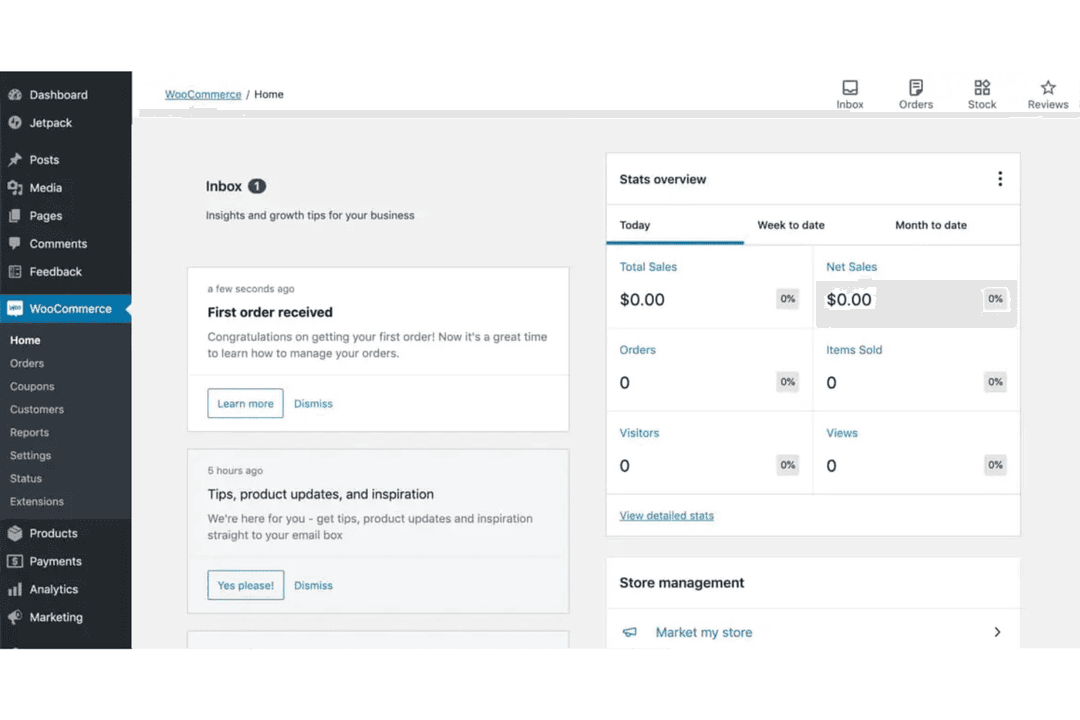
4.4/5
- Free plan available
- From $0 platform fee; extensions from $29/year
BigCommerce
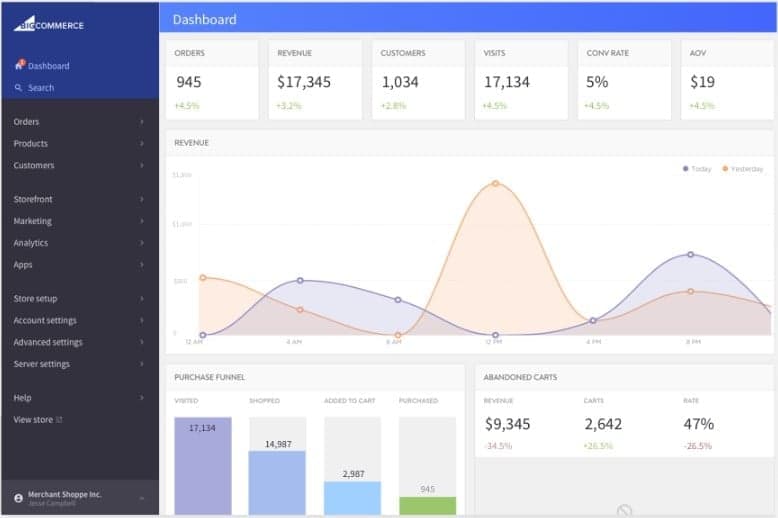
4.3/5
- 15-day free trial + free demo available
- From $29/month (billed annually)
Why Trust Our Software Recommendations
6,700+
Reviews
20
Industry experts
16+
Evaluation factors
14
Years
Our team has been testing and reviewing software since 2012. As retail leaders ourselves, we know how difficult—and important—it is to choose the right software.
For this guide, we evaluated tools using hands-on testing and independent research, scoring tools using our selection criteria.
Our reviews reflect our independent judgment—not a sales pitch.
| WooCommerce | BigCommerce | |
|---|---|---|
| Free Trial | Free plan available | 15-day free trial + free demo available |
| Pricing | From $0 platform fee; extensions from $29/year | From $29/month (billed annually) |
WooCommerce vs. BigCommerce Pricing & Hidden Costs
WooCommerce uses a free, open-source model, but you’ll need to pay for hosting, security, themes, and extensions as your store grows. BigCommerce, on the other hand, charges a monthly subscription that includes hosting, security, and core features, but some advanced tools and integrations may come with extra fees. Both platforms can surprise you with add-on costs, especially as your sales volume or feature needs increase.
To choose the right pricing model, map out your must-have features and estimate your store’s growth over the next year. Look beyond the base price—factor in hosting, payment processing, add-ons, and support. Ask vendors for a sample invoice or total cost of ownership estimate based on your real needs, so you can avoid surprises and make a confident decision.
Both WooCommerce and BigCommerce offer essential ecommerce features like product management, order tracking, discounting, and support for multiple payment gateways. They also include mobile-responsive storefronts, SEO capabilities, and integrations with popular shipping and fulfillment providers, covering the core needs of most online stores.
Where they differ most is in how those capabilities are delivered. WooCommerce stands out for its open-source flexibility and deep integration with WordPress, giving users full control over design, data, and functionality through an extensive plugin ecosystem. In contrast, BigCommerce differentiates itself with a fully hosted, all-in-one architecture that includes built-in features like security, performance optimization, and advanced capabilities such as multi-storefront, B2B tools, and omnichannel selling—reducing reliance on third-party add-ons.
| WooCommerce | BigCommerce | |
|---|---|---|
| 2-Factor Authentication | Yes | No |
| A/B Testing | No | No |
| Analytics | Yes | No |
| API | Yes | Yes |
| BitCoin | No | No |
| Conversion Tracking | Yes | Yes |
| Dashboard | Yes | Yes |
| Data Export | Yes | Yes |
| Data Import | Yes | Yes |
| Data Visualization | Yes | Yes |
| Design Templates | Yes | No |
| External Integrations | Yes | Yes |
| Inventory Tracking | Yes | Yes |
| Keyword Tracking | No | No |
| Marketing Automation | Yes | Yes |
| Multi-User | Yes | Yes |
| Notifications | Yes | Yes |
| Order Management | Yes | Yes |
| Payment Gateway Integration | Yes | No |
| Payment Processor | No | Yes |
| PayPal | Yes | Yes |
| Product Catalog | Yes | Yes |
| Review Monitoring | No | No |
| SAP Integration | No | Yes |
| Scheduling | Yes | No |
| Stripe | Yes | Yes |
| Third-Party Plugins/Add-Ons | Yes | Yes |
| Integration | WooCommerce | BigCommerce |
| Stripe | ✅ | ✅ |
| PayPal | ✅ | ✅ |
| Mailchimp | ✅ | ✅ |
| Klaviyo | ✅ | ✅ |
| QuickBooks Online | ✅ | ✅ |
| Xero | ✅ | ❌ |
| ShipperHQ | ❌ | ✅ |
| Printful | ✅ | ✅ |
| Avalara AvaTax | ❌ | ✅ |
| Yotpo | ✅ | ✅ |
| API | ✅ | ✅ |
| Zapier | ✅ | ✅ |
WooCommerce and BigCommerce both support a wide range of integrations, but they differ significantly in how those connections are delivered. WooCommerce relies heavily on plugins for most integrations—including marketing, accounting, and fulfillment tools—giving users flexibility but requiring more setup and maintenance. In contrast, BigCommerce offers more native and built-in integrations, with standout connections like Avalara AvaTax and ShipperHQ, making it easier to access advanced functionality without relying as heavily on third-party extensions.
| Factor | WooCommerce | BigCommerce |
| PCI Compliance | Store owners must ensure PCI compliance through their hosting and plugins. | PCI DSS Level 1 certified, with compliance managed by BigCommerce. |
| SSL Encryption | Requires you to install and manage your own SSL certificate. | SSL certificates included and managed for all stores. |
| Data Privacy | Data privacy depends on your hosting and plugin choices. | Built-in GDPR tools and privacy features for customer data. |
| Uptime Guarantee | Uptime depends on your chosen hosting provider. | 99.99% uptime SLA with global infrastructure. |
| Fraud Protection | Relies on third-party plugins for fraud detection and prevention. | Built-in fraud protection and monitoring tools. |
BigCommerce offers stronger out-of-the-box security and compliance, while WooCommerce puts more responsibility on you to manage these areas. WooCommerce’s flexibility is great if you want control, but BigCommerce’s managed approach gives you peace of mind and less to worry about.
| Factor | WooCommerce | BigCommerce |
| Initial Setup | Requires manual setup, hosting, and plugin installation. | Guided onboarding with automated store setup and hosting included. |
| User Interface | Familiar for WordPress users but can feel complex for beginners. | Clean, intuitive dashboard designed for all experience levels. |
| Customization | Highly customizable with plugins and themes, but can be overwhelming. | Customization is straightforward with built-in tools and themes. |
| Support Access | Community forums and documentation, with paid support options. | 24/7 live chat, phone, and email support included. |
| Learning Curve | Steeper learning curve, especially if new to WordPress. | Lower learning curve with step-by-step guidance. |
BigCommerce is easier for most users to get started and manage, while WooCommerce rewards those who want deep customization and don’t mind a steeper learning curve. WooCommerce shines for WordPress fans who love flexibility, but BigCommerce is the clear winner for simplicity and fast setup.
WooCommerce
- WooCommerce provides extensive customization capabilities.
- The platform allows for a rich variety of plugins.
- WooCommerce benefits from strong community support and resources.
- Technical knowledge is needed for setup and customization.
- Extensive plugins and high traffic can affect site speed and performance.
- There's a lack of advanced SEO features.
BigCommerce
- You can easily customize your store with its flexible design tools.
- Your team benefits from strong SEO features that boost visibility.
- You get reliable performance with fast loading times.
- Your team might find the learning curve a bit steep.
- You could encounter limitations with multi-language support.
- You might need more advanced reporting tools for detailed insights.
WooCommerce
- In-House DevelopersOpen-source codebase allows developers to build custom features and workflows.
- International SellersMulti-currency and multilingual plugins help reach global customers.
- NonprofitsCustom donation and fundraising plugins make WooCommerce a fit for nonprofits.
- Content CreatorsSeamless WordPress integration lets bloggers and publishers sell products directly.
- Subscription Box BrandsBuilt-in and third-party plugins support recurring billing and membership models.
- Small RetailersWooCommerce’s low upfront costs and flexibility suit small shops with limited budgets.
BigCommerce
- Fashion RetailersBigCommerce’s flexible design tools let you create visually appealing stores that attract fashion-savvy customers.
- Electronics StoresIts strong SEO features help your tech products reach a wider audience, boosting your online presence.
- Mid-Sized BusinessesBigCommerce supports scalability, allowing your business to grow without hitting platform limitations.
- Marketing TeamsThe SEO capabilities enable your team to enhance your brand’s visibility and drive more traffic.
- Home Goods RetailersYou can benefit from reliable performance and fast loading times, ensuring a smooth shopping experience for your customers.
- Digital AgenciesBigCommerce’s customizable design options let your agency craft unique, branded experiences for clients.
Who Should Use WooCommerce, and Who Should Use BigCommerce?
WooCommerce is best suited for users who want maximum control and flexibility, especially those already using WordPress or building a content-driven ecommerce strategy. It’s ideal for teams with technical resources or specific customization needs, since it offers full ownership of your code, data, and site structure, along with virtually unlimited extensibility through plugins.
BigCommerce is a better fit for businesses that want a powerful, all-in-one platform without managing infrastructure. It works well for growing brands, mid-market, and even enterprise teams that need built-in features like multi-channel selling, B2B functionality, and scalability—without relying heavily on third-party tools or development.
| WooCommerce | BigCommerce | |
|---|---|---|
| Customization | WooCommerce Highly customizable with thousands of plugins and full code control. | BigCommerce Flexible via built-in tools, APIs, and headless commerce, but less open at the core level. |
| Hosting | WooCommerce Self-hosted, you choose and manage your own hosting. | BigCommerce Fully hosted, with infrastructure, security, and performance managed for you. |
| Pricing Model | WooCommerce Free core plugin; costs come from hosting, themes, and extensions. | BigCommerce Monthly subscription includes hosting, support, and most core features. |
| Scalability | WooCommerce Scales with the right hosting and development resources. | BigCommerce Built to scale out of the box with enterprise-level capabilities. |
| Security | WooCommerce You handle updates, backups, and security. | BigCommerce Platform handles security, updates, and maintenance automatically. |
| Mobile Optimization | Stores on both platforms are mobile-friendly, with responsive themes and checkout experiences. |
|---|---|
| Payment Gateways | Both support major payment gateways like Stripe and PayPal, making it easy to accept payments globally. |
| Product Management | Each platform offers robust product catalog management, including variants, inventory tracking, and SKUs. |
| SEO Tools | Both provide built-in SEO features and plugins or apps to help boost search rankings and visibility. |
| Third-Party Apps | Both integrate with a wide range of third-party apps for marketing, shipping, and analytics, though via plugins or app stores. |