



KORONA POS vs. Lightspeed: Comparison & Expert Reviews for 2026



KORONA POS and Lightspeed are both powerful POS systems, but they’re built for very different types of businesses. KORONA POS focuses on flexibility, deep inventory control, and avoiding vendor lock-in, while Lightspeed leans into omnichannel selling, built-in ecommerce, and industry-specific tools for retail and restaurants.
In this guide, I’ll break down how KORONA POS and Lightspeed compare across features, pricing, ease of use, and real-world use cases—so you can decide which platform actually fits how your business operates today (and where it’s headed next).
KORONA POS vs. Lightspeed: An Overview
KORONA POS

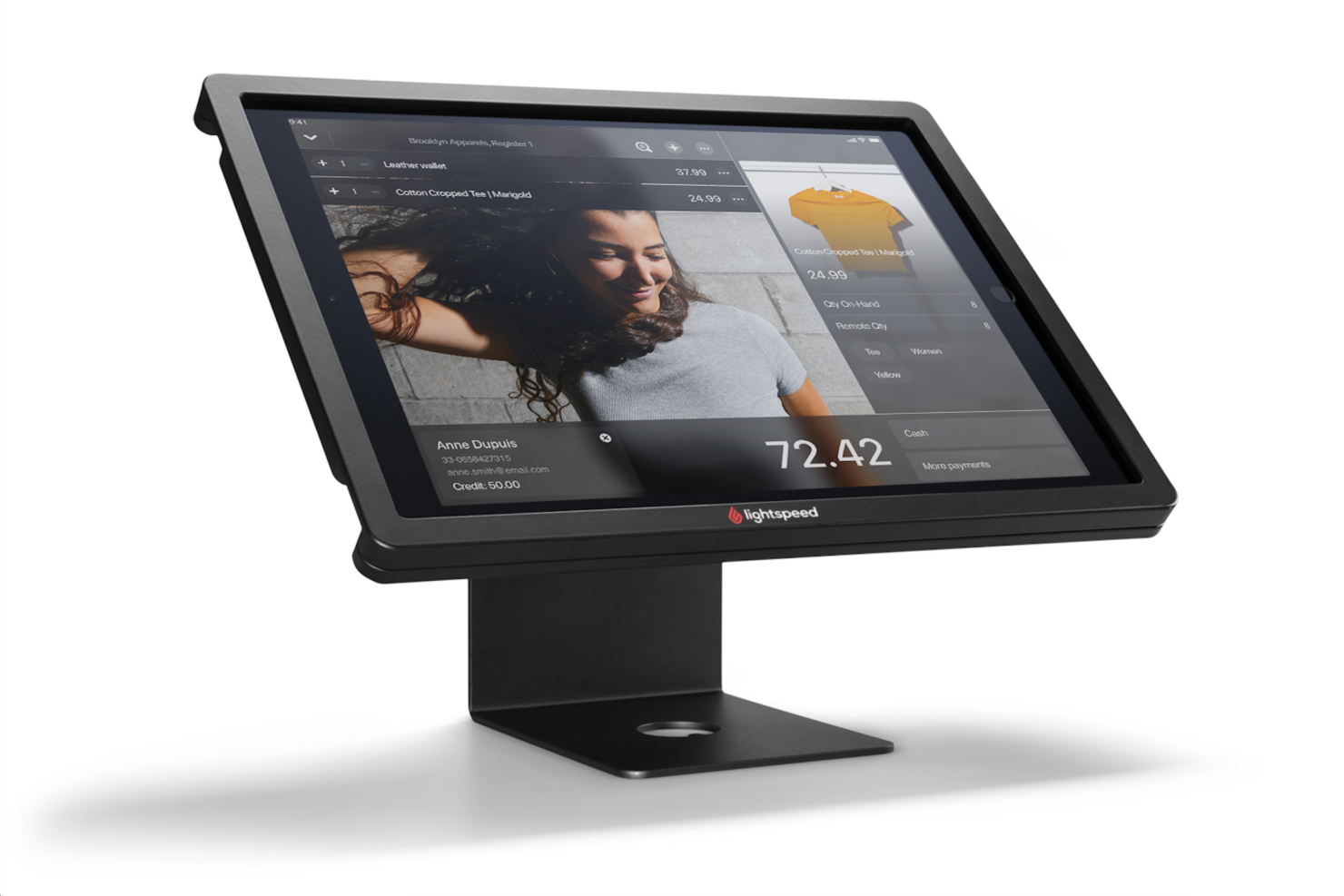
Lightspeed


Why Trust Our Software Recommendations
Our team has been testing and reviewing software since 2012. As retail leaders ourselves, we know how difficult—and important—it is to choose the right software.
For this guide, we evaluated tools using hands-on testing and independent research, scoring tools using our selection criteria.
Our reviews reflect our independent judgment—not a sales pitch.
KORONA POS vs. Lightspeed Pricing Comparison
| KORONA POS | Lightspeed | |
|---|---|---|
| Free Trial | Free trial + free demo available | 14-day free trial |
| Pricing | From $59/month | From $89/month (billed annually) |
KORONA POS vs. Lightspeed Pricing & Hidden Costs
KORONA POS uses transparent, month-to-month pricing with no long-term contracts and support included at every tier. Features scale across plans—from core POS functionality to more advanced inventory, automation, and reporting—so you’re paying for the level of capability your business actually needs. You can also add modules like ticketing or franchise tools as needed. One of its biggest advantages is that it’s payment processor agnostic, so you can choose your own provider and shop for better transaction rates over time.
Lightspeed also uses a subscription-based model, but pricing varies by product line (Lightspeed Retail, Restaurant, and Golf) and typically increases as you add features, registers, locations, or hardware. Many advanced capabilities, such as ecommerce tools, integrations, or operational add-ons, come at an additional cost. It’s also important to note that Lightspeed Payments is often required for eligible businesses, and using an external processor can result in additional fees or restrictions.
To find the best value, it’s worth looking closely at both your current needs and how you plan to grow. Getting a full quote from each provider helps uncover the real cost—especially once add-ons, payment processing, and scaling factors are included.
KORONA POS vs. Lightspeed Feature Comparison
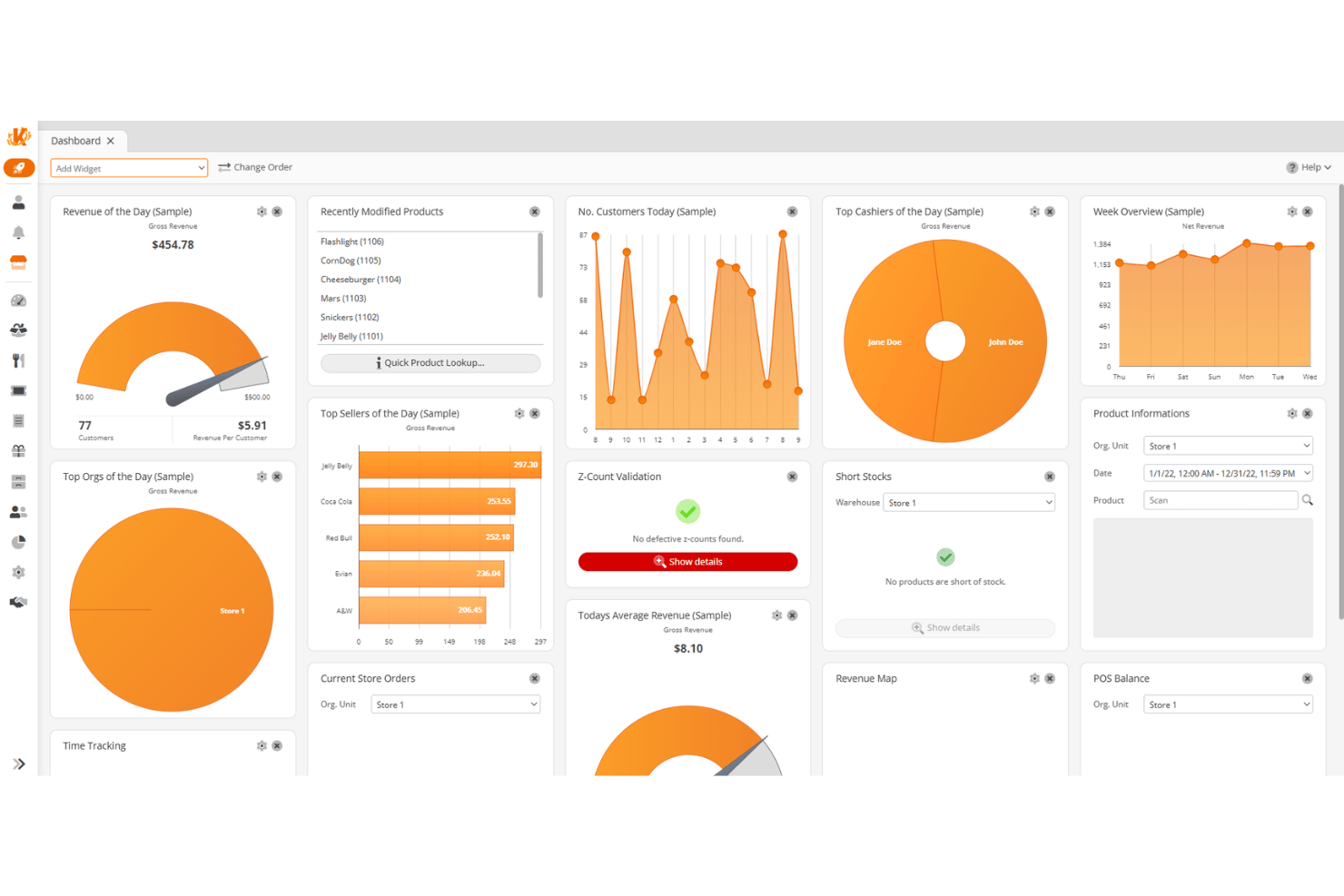
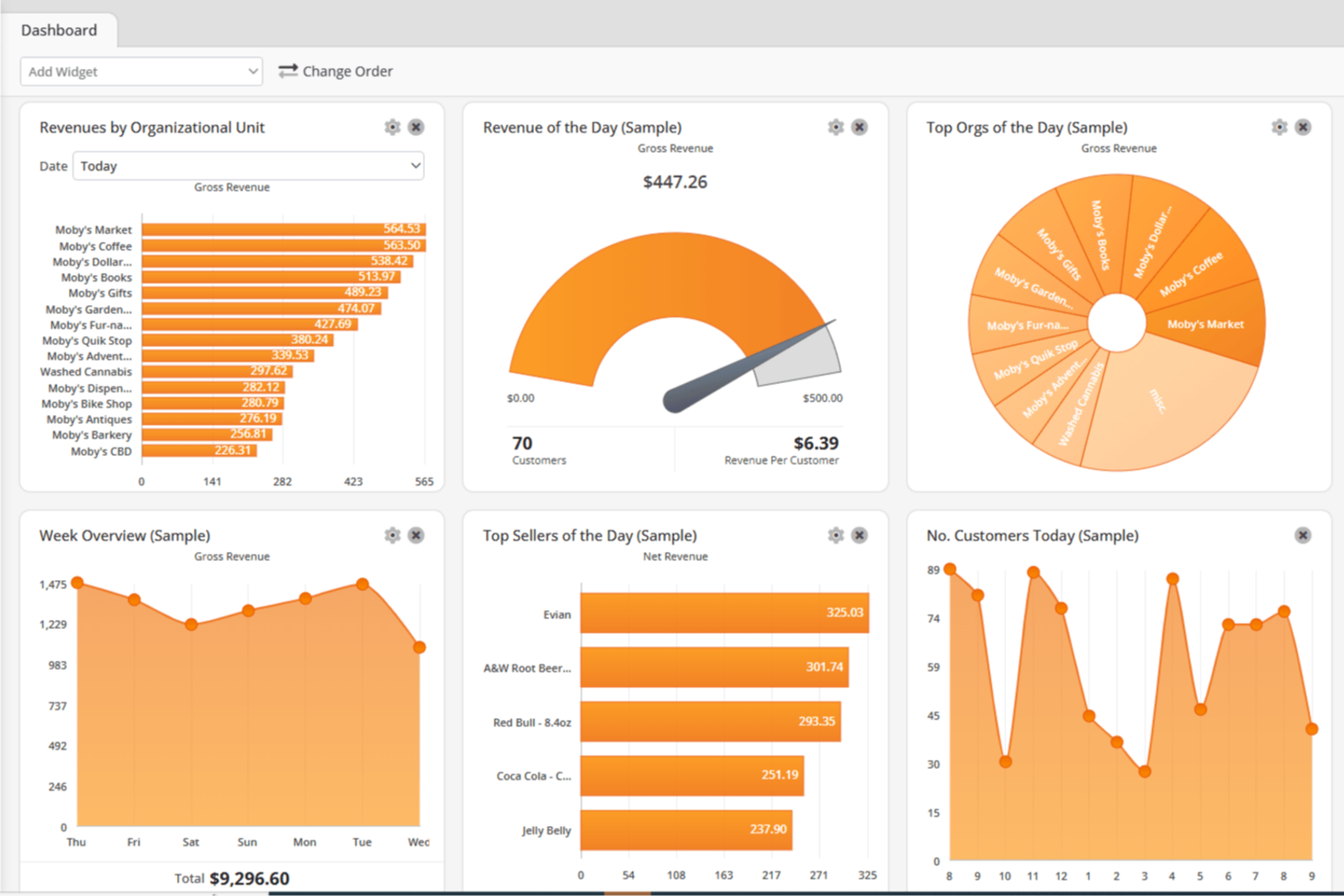
Both KORONA POS and Lightspeed cover the core functionality you’d expect from a modern POS system. You get inventory management, real-time reporting, store management, multi-location controls, customer tracking, employee management, and integrated payments on both platforms. In day-to-day retail management operations, either system can handle sales, staff management, and performance tracking without needing additional tools.
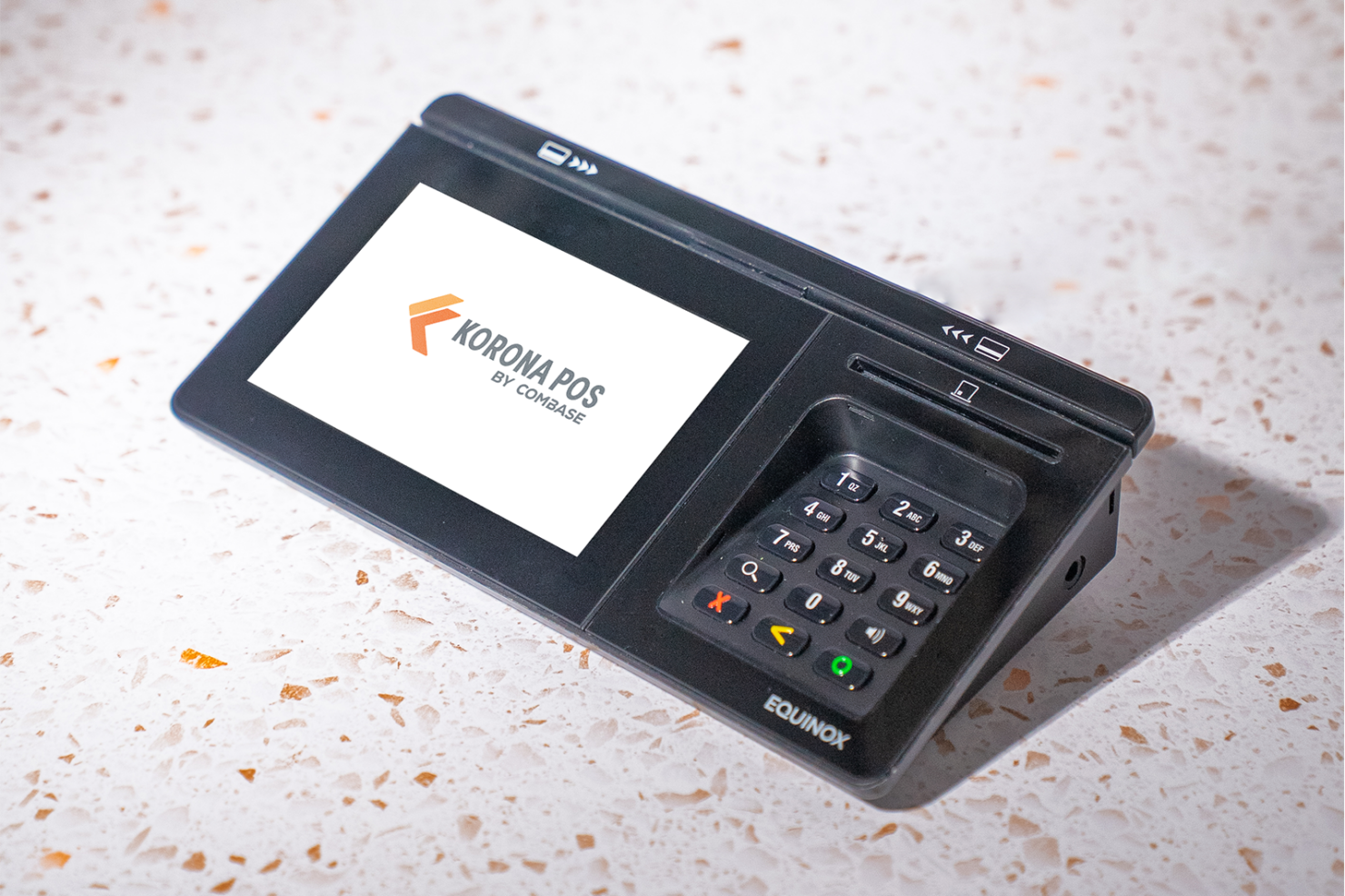
Where they really separate is in their standout strengths. KORONA POS differentiates itself with processor and hardware flexibility, giving you full control over how you set up payments and infrastructure, along with deep inventory intelligence for niche retail. Lightspeed, on the other hand, stands out for its built-in ecommerce and omnichannel capabilities, plus specialized tools like NuORDER for supplier management and industry-specific features for retail and restaurants.
| KORONA POS | Lightspeed | |
|---|---|---|
| API | ||
| BitCoin | ||
| Contact Management | ||
| Customer Management | ||
| Data Export | ||
| Data Import | ||
| External Integrations | ||
| Inventory Tracking | ||
| Multi-User | ||
| Notifications | ||
| Order Management | ||
| PayPal | ||
| Stripe | ||
| Supplier Management | ||
| Third-Party Plugins/Add-Ons |
KORONA POS vs. Lightspeed Integrations
| Integration | KORONA POS | Lightspeed |
|---|---|---|
| QuickBooks | ✅ | ✅ |
| Shopify | ❌ | ✅ |
| WooCommerce | ✅ | ✅ |
| Card Market | ✅ | ✅ |
| CMS Max | ✅ | ✅ |
| bLoyal | ✅ | ❌ |
| Octopus Bridge | ✅ | ❌ |
| EzShop | ❌ | ✅ |
| BigCommerce | ❌ | ✅ |
| API | ✅ | ✅ |
Both systems support accounting, operations, and ecommerce integration, along with API access for custom connections. Lightspeed stands out for its broader, more plug-and-play ecosystem, including built-in ecommerce, marketplace integrations, and a large partner network. KORONA POS takes a more selective, partner-driven approach, with fewer native integrations but strong API flexibility for custom setups. As always, it’s worth confirming compatibility with any niche tools your business depends on.
KORONA POS vs. Lightspeed Security, Compliance & Reliability
| Factor | KORONA POS | Lightspeed |
|---|---|---|
| Payment Security | PCI-compliant processing through supported payment providers. | PCI-compliant with integrated payments and EMV support. |
| Data Privacy | Role-based access controls and secure cloud-based data storage. | Role-based permissions, MFA, encryption, and secure cloud infrastructure. |
| System Uptime | Cloud-based system with reliable uptime and data synchronization. | Cloud-based platform with strong uptime history and public status tracking. |
| Regulatory Compliance | Supports tax rules, reporting, and industry-specific compliance tools. | SOC 2 Type II audited, PCI DSS compliant, and aligned with global privacy frameworks. |
| Support & Updates | Automatic updates with ongoing support included in all plans. | Frequent updates with support availability varying by plan and product line. |
Both KORONA POS and Lightspeed offer secure, cloud-based systems with standard protections like PCI-compliant payments and role-based access controls. Lightspeed stands out for its more extensive compliance coverage, including SOC 2 Type II certification and alignment with global privacy frameworks, along with more advanced security features like MFA and encryption.
KORONA POS takes a more practical approach, focusing on secure operations and regulatory tools for retail environments, with data practices influenced by European standards. For most businesses, both platforms are secure, but Lightspeed may be a better fit for companies with stricter compliance or international requirements.
KORONA POS vs. Lightspeed Ease of Use
| Factor | KORONA POS | Lightspeed |
|---|---|---|
| User Interface | Functional interface with some dated elements and non-standard terminology. | Modern, intuitive front-end with customizable layouts. |
| Onboarding | Guided onboarding with unlimited training, demos, and support resources. | Structured onboarding with 1:1 sessions, checklists, and training resources. |
| Hardware Setup | Flexible hardware options with straightforward setup and configuration. | Integrated hardware ecosystem with guided setup and configuration support. |
| Learning Curve | User-friendly for staff daily, but broader features require time to learn. | Easy for front-line staff, but the back-office setup can be complex. |
| Customer Support | 24/7 in-house support is included across all plans. | 24/7 support is available, but varies by product line and plan. |
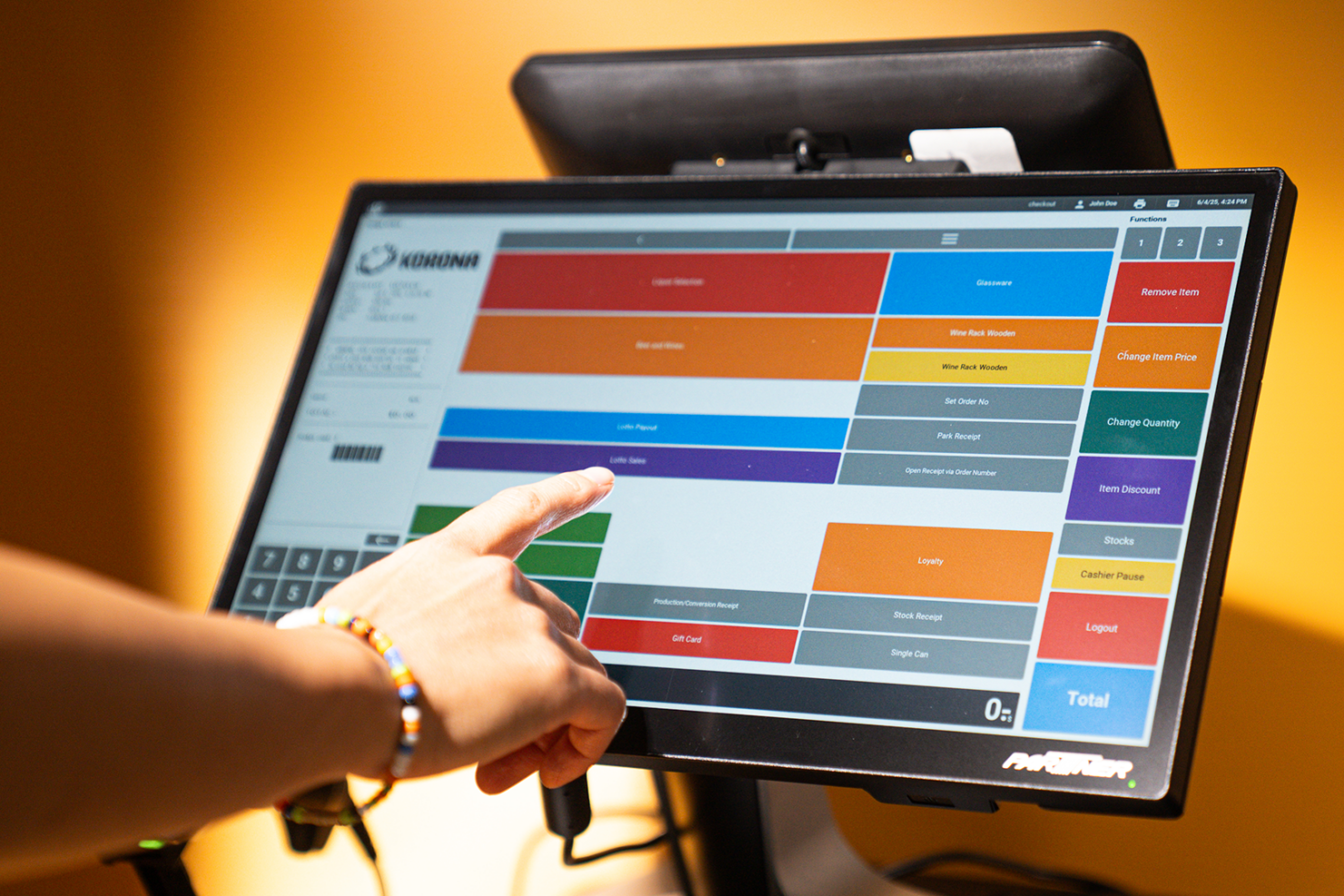
Lightspeed has an edge in front-end usability, with a more modern interface and structured onboarding designed for complex setups. KORONA POS, on the other hand, stands out for its support model, offering 24/7 in-house assistance and unlimited training across all plans. That said, KORONA’s interface can feel more dated, while Lightspeed’s back-office tools can be more complex to configure. In practice, both systems involve a learning curve—it just shows up in different ways.
KORONA POS vs Lightspeed: Pros & Cons
KORONA POS
- Highly customizable POS built for specific retail industry needs.
- Flexible payments, hardware options, and no long-term contracts required.
- Deep inventory management with automation and real-time tracking.
- Steeper learning curve due to the depth of features.
- User interface feels dated compared to modern POS competitors.
- Ecommerce capabilities are weaker for businesses primarily selling online.
Lightspeed
- Advanced inventory management with variants, transfers, and purchase ordering.
- Strong omnichannel platform combining POS, ecommerce, and payments.
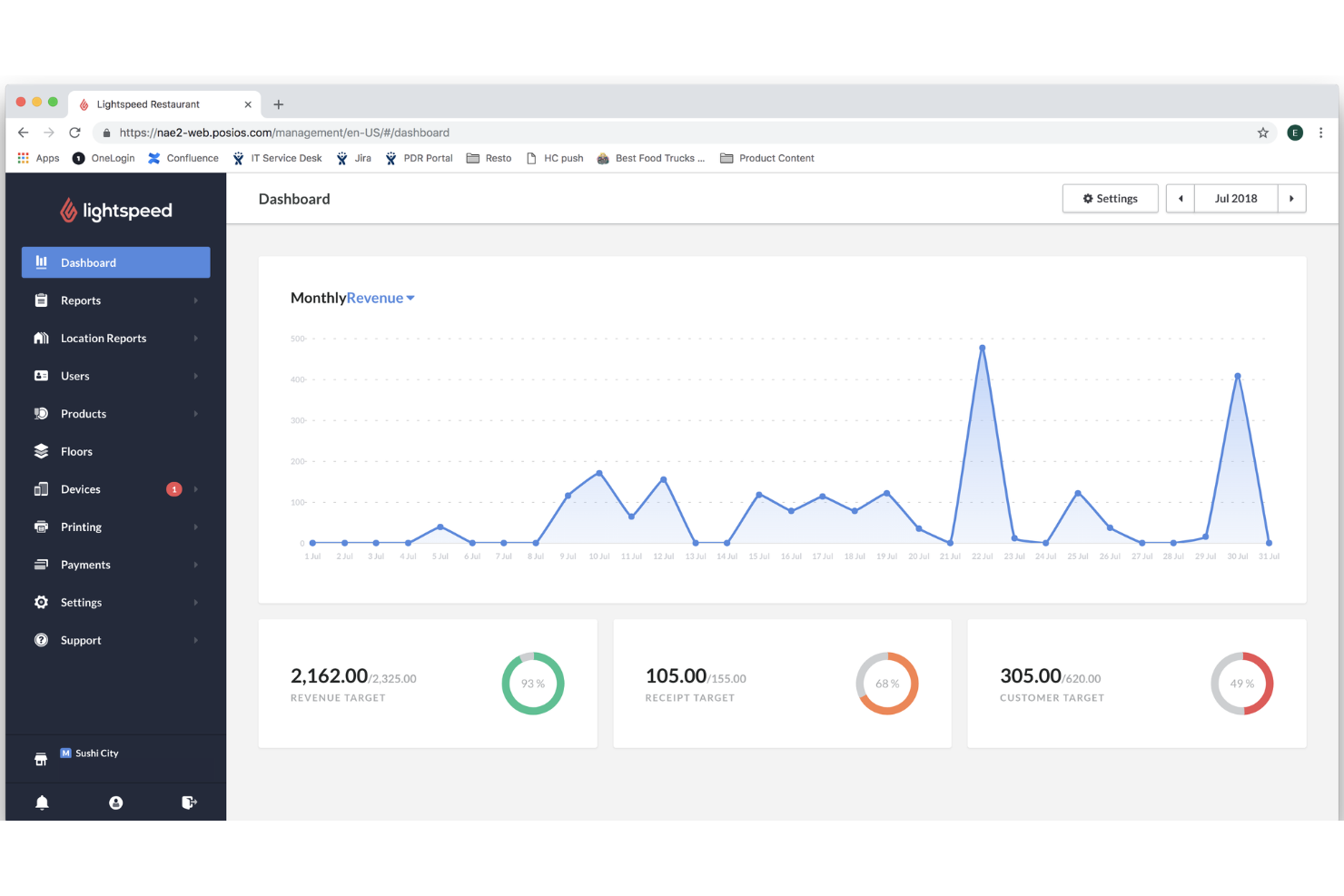
- Real-time analytics across multiple locations and sales channels.
- Merchants not using Lightspeed Payments may face extra fees.
- Back-office setup can be complex with a learning curve.
- Pricing increases quickly with add-ons, registers, and locations.
Best Use Cases for KORONA POS and Lightspeed
KORONA POS
- Inventory-Heavy Specialty Retailers Shops like pet stores, gift shops, and thrift stores benefit from deep inventory and customizable reporting.
- Quick-Service Restaurants (QSRs) Best suited for cafes, bakeries, and counter-service setups (not full-service dining) with simple menu and order workflows.
- Liquor, Vape, and Smoke Shops Built-in age verification, strong inventory controls, and compliance-friendly workflows make this a natural fit for liquor stores and other age-restricted shops.
- Convenience Stores High SKU counts, fast transactions, and real-time inventory tracking support busy, high-volume environments.
- Ticketing (Amusement Parks and Attractions) Integrated ticketing, admission control, and retail sales in one system make it ideal for hybrid operations.
- Franchises and Multi-Location Retailers Centralized reporting, product syncing, and royalty tools help manage multiple stores efficiently.
Lightspeed
- Apparel Stores Matrix inventory supports size, color, and style variations easily.
- Bike Shops Serialized inventory and work order tracking fit specialty retail needs.
- Full-Service Restaurants Strong table management, menu configuration, kitchen workflows, and service pacing tools.
- Multi-Store & Omnichannel Retailers Centralized inventory, ecommerce, and reporting keep locations and channels aligned.
- Franchise Operations Centralized controls and permissions help manage franchise networks.
- Golf & Hospitality Operators Lightspeed has a dedicated golf platform (tee sheets, bookings, pro shop, F&B), which is unusually specialized.
Who Should Use KORONA POS, and Who Should Use Lightspeed?
If you want flexibility and control over how your POS is set up, I’d lean toward KORONA POS. It’s a better fit if you’re running an inventory-heavy retail business, managing multiple locations, operating in regulated environments like liquor stores, or running quick-service restaurants (QSRs) like a café or bakery.
It’s also a strong choice for attractions or event-based businesses that need built-in ticketing and admission management—something most POS systems, including Lightspeed, don’t offer natively. I’d especially recommend it if you don’t want to be locked into a specific payment processor. Overall, it works best for businesses that are willing to invest a bit of time upfront to get a system tailored exactly to how they operate.
Lightspeed makes more sense if you need a broader, all-in-one commerce platform—especially if you’re selling both in-store and online or running a more complex retail or restaurant operation. I’d recommend it for apparel retailers, full-service restaurants, and multi-location brands that benefit from built-in ecommerce, supplier integrations, and more structured workflows.
It’s also worth noting that Lightspeed has a dedicated golf platform, which makes it a strong option for course operators.
Differences Between KORONA POS and Lightspeed
| KORONA POS | Lightspeed | |
|---|---|---|
| Age Verification & Compliance | Built-in age verification tools for regulated retail (e.g., liquor, vape). | No native age verification; relies on external tools or workflows. |
| Ecommerce Focus | Limited ecommerce features with selective integrations. | Built-in ecommerce, marketplace sync, and omnichannel selling. |
| Event Ticketing | Built-in ticketing tools for events and attractions. | No native ticketing; relies on integrations or external tools. |
| Integrations Ecosystem | Smaller, partner-driven integrations with strong API flexibility. | Large integration ecosystem with more plug-and-play options. |
| Visit KORONA POSOpens new window | Read Lightspeed ReviewOpens new window | |
| Omnichannel Capabilities | Primarily focused on in-person, in-store operations. | Strong omnichannel platform (POS + ecommerce + payments). |
| Payment Flexibility | Processor-agnostic with no required payment provider. | Often requires Lightspeed Payments or adds fees for alternatives. |
| Visit KORONA POSOpens new window | Read Lightspeed ReviewOpens new window |
Similarities Between KORONA POS and Lightspeed
| Customer Management | Each includes customer profiles, purchase tracking, and basic loyalty program capabilities. |
|---|---|
| Detailed Reporting | Both include real-time dashboards and customizable sales reports and performance insights. |
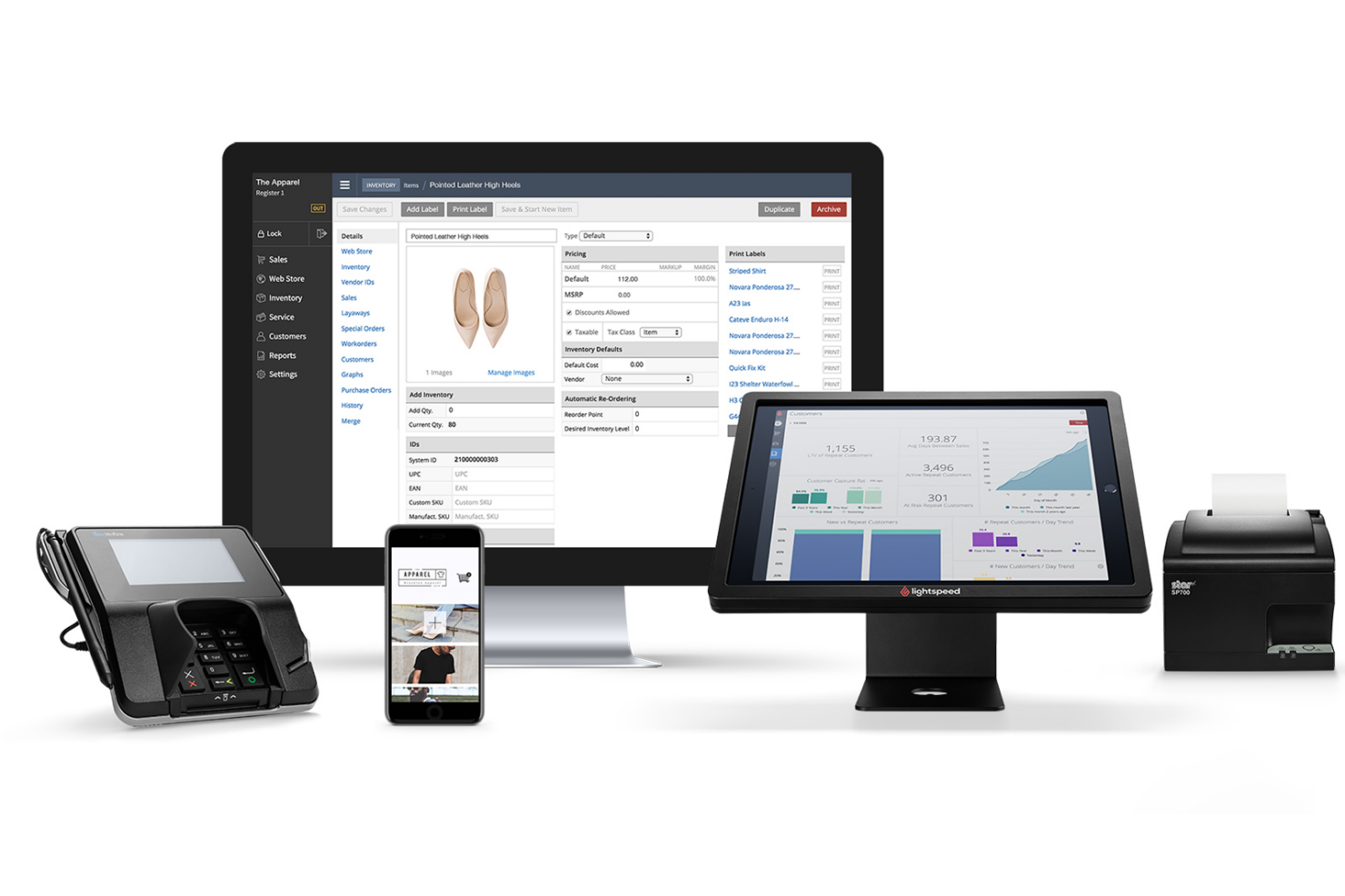
| Hardware Compatibility | Both work with POS hardware like terminals, scanners, and receipt printers. |
| Inventory Management | Both platforms offer real-time inventory tracking, stock alerts, and multi-store visibility. |
| Visit KORONA POSOpens new window Read Lightspeed ReviewOpens new window | |
| Multi-Location Management | Each POS solution supports centralized control across multiple stores or locations. |
| Payment Methods | Both support modern payment methods, including debit cards, credit cards, cash, gift cards, and contactless payments. |
| Visit KORONA POSOpens new window Read Lightspeed ReviewOpens new window | |