

Instacart Storefront Review: Pros, Cons, Features and Pricing
Instacart Storefront isn’t just another grocery ecommerce tool—I’ll show you where it excels, where it falls short, and how it fits into the evolving online grocery game in 2026.

We review tools independently, and commissions help fund our testing. See our transparency policy, our methodology, or suggest a tool.
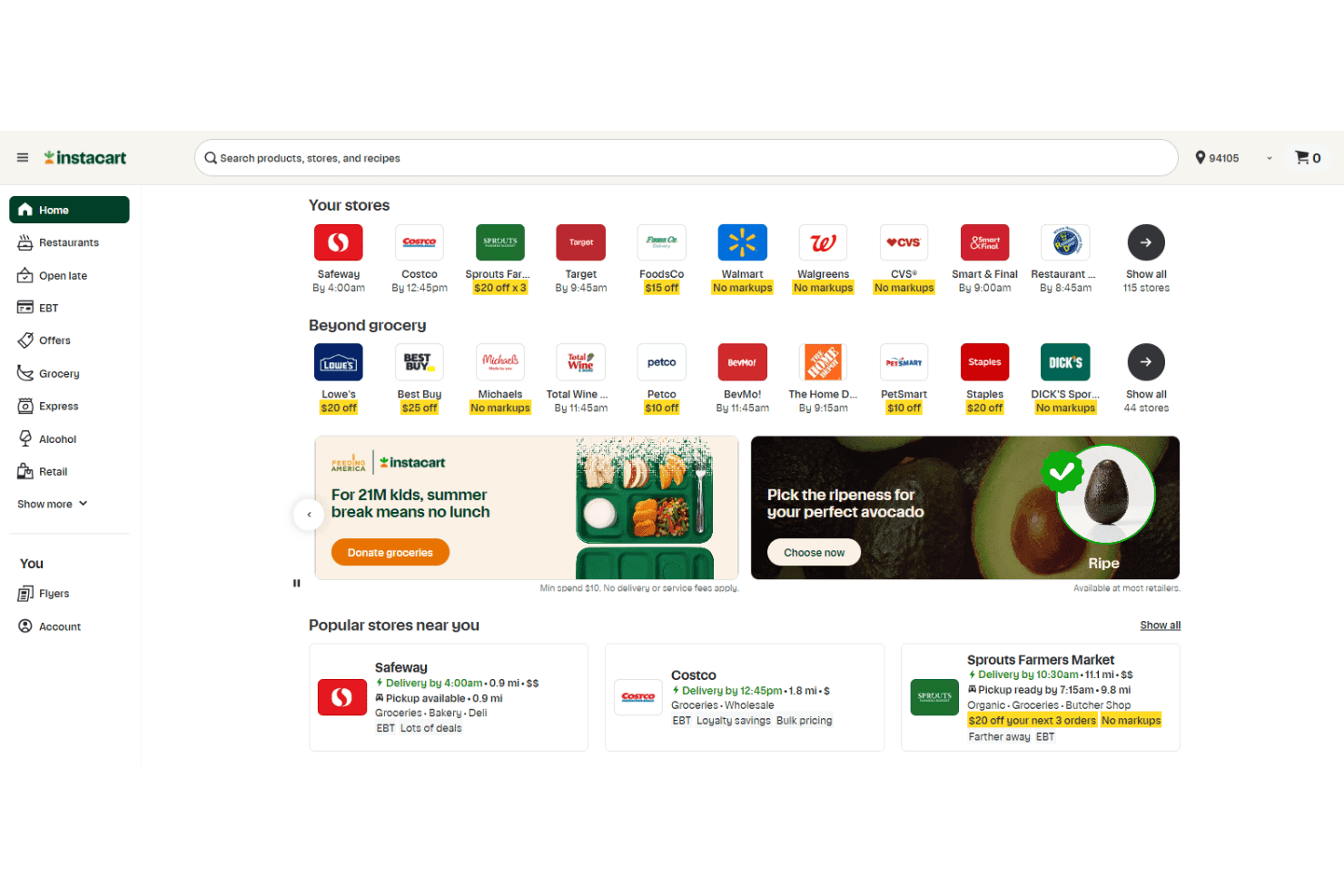
Instacart Storefront is a grocery ecommerce platform built for independent and regional grocers. It gives you a branded online store with same-day delivery and pickup already integrated. I'd consider it over a general solution like Shopify if native fulfillment is your priority. Storefront connects directly to Instacart's delivery network—something Shopify can't replicate without significant third-party configuration. This review covers its features, pricing, and where it fits for grocery operators competing online.
Instacart Storefront Evaluation Summary
4/5
- Pricing upon request
- Free demo available
Why Trust Our Software Recommendations
6,700+
Reviews
20
Industry experts
16+
Evaluation factors
14
Years
Our team has been testing and reviewing software since 2012. As retail leaders ourselves, we know how difficult—and important—it is to choose the right software.
For this guide, we evaluated tools using hands-on testing and independent research, scoring tools using our selection criteria.
Our reviews reflect our independent judgment—not a sales pitch.
Instacart Storefront Overview
In my view, Instacart Storefront stands out for its turnkey approach, user-friendly interface, and deep fulfillment integrations—offering the speed of the Instacart Marketplace with a branded, white-label experience. Pricing can be higher than some DIY alternatives, but the tradeoff is speed, support, and access to Instacart’s advanced e-commerce solutions and ecosystem. I think it’s a smart choice for midsize and large grocers looking to improve Omnichannel service and shopper convenience. If you’re determining what matters most—rapid setup, white-label branding, or native delivery—Instacart Storefront deserves a close look.
Pros
- Fast setup with branded storefronts for grocers
- Direct integration with Instacart’s fulfillment and delivery network
- Built-in merchandising and digital marketing tools
Cons
- Limited ability to manage multiple store banners under one login
- Some fees and commissions can reduce overall margins
- Advanced analytics are less granular than competing platforms
Is Instacart Storefront Right For Your Needs?
Who Would be a Good Fit for Instacart Storefront?
Instacart Storefront is a smart fit for grocers and retail teams seeking a robust ecommerce platform without heavy IT requirements. It benefits operations teams, digital marketers, and multi-location grocery businesses with analytics, order management, and fulfillment flexibility. Both small and large grocery stores can take advantage of its features, with streamlined onboarding for independents and enterprise options for chains.
- Independent GrocersInstacart Storefront provides turnkey ecommerce, rapid launch, and support for single-location retailers without in-house developers.
- Regional Grocery ChainsPre-built omnichannel functions, centralized reporting, and marketing tools support expanded reach and brand control across locations.
- Digital MarketersMerchandising levers, promotions, email integrations, and analytics tailored for grocery ecommerce campaigns are available.
- Operations ManagersReal-time inventory sync, order management, and built-in fulfillment workflows help manage day-to-day grocery operations with less manual work.
- Enterprise RetailersCustom integration options, premium analytics, and dedicated account management scale for complex corporate needs.
- Meal Planning AppsNative integration support and food catalog data enable digital meal planners or recipe providers to connect users with real-time availability and delivery.
Who Would be a Bad Fit for Instacart Storefront?
Instacart Storefront isn’t ideal for businesses outside grocery, teams needing highly customized ecommerce, international operations, B2B commerce, or those requiring direct POS integration. Convenience stores and retailers already committed to other fulfillment solutions may also find it unsuitable.
- Non-Grocery RetailApparel, electronics, and specialty shops won’t benefit from features designed for grocery ecommerce.
- International ChainsLimited support for cross-border commerce and region-specific compliance restricts scalability for global retailers.
- Single Product StoresShops with one SKU or limited merchandise don’t need Instacart Storefront’s extensive inventory and promotion features.
- B2B WholesalersLacks B2B pricing tiers, quote management, and account-based commerce so is less relevant for wholesale buyers.
- Third-Party MarketplacesMarketplace operators or aggregators requiring vendor management and commission models won’t find those capabilities here.
- Convenience StoresSmall outlets with fast-turn, impulse-driven products and nonstandard fulfillment may require more specialized ecommerce solutions.
Our Review Methodology
How We Test & Score Tools
We’ve spent years building, refining, and improving our software testing and scoring system. The rubric is designed to capture the nuances of software selection and what makes a tool effective, focusing on critical aspects of the decision-making process.
Below, you can see exactly how our testing and scoring works across seven criteria. It allows us to provide an unbiased evaluation of the software based on core functionality, standout features, ease of use, onboarding, customer support, integrations, customer reviews, and value for money.
Core Functionality (25% of final scoring)
The starting point of our evaluation is always the core functionality of the tool. Does it have the basic features and functions that a user would expect to see? Are any of those core features locked to higher-tiered pricing plans? At its core, we expect a tool to stand up against the baseline capabilities of its competitors.
Standout Features (25% of final scoring)
Next, we evaluate uncommon standout features that go above and beyond the core functionality typically found in tools of its kind. A high score reflects specialized or unique features that make the product faster, more efficient, or offer additional value to the user.
We also evaluate how easy it is to integrate with other tools typically found in the tech stack to expand the functionality and utility of the software. Tools offering plentiful native integrations, 3rd party connections, and API access to build custom integrations score best.
Ease of Use (10% of final scoring)
We consider how quick and easy it is to execute the tasks defined in the core functionality using the tool. High scoring software is well designed, intuitive to use, offers mobile apps, provides templates, and makes relatively complex tasks seem simple.
Onboarding (10% of final scoring)
We know how important rapid team adoption is for a new platform, so we evaluate how easy it is to learn and use a tool with minimal training. We evaluate how quickly a team member can get set up and start using the tool with no experience. High scoring solutions indicate little or no support is required.
Customer Support (10% of final scoring)
We review how quick and easy it is to get unstuck and find help by phone, live chat, or knowledge base. Tools and companies that provide real-time support score best, while chatbots score worst.
Customer Reviews (10% of final scoring)
Beyond our own testing and evaluation, we consider the net promoter score from current and past customers. We review their likelihood, given the option, to choose the tool again for the core functionality. A high scoring software reflects a high net promoter score from current or past customers.
Value for Money (10% of final scoring)
Lastly, in consideration of all the other criteria, we review the average price of entry level plans against the core features and consider the value of the other evaluation criteria. Software that delivers more, for less, will score higher.
Core Features
Branded Online Storefronts
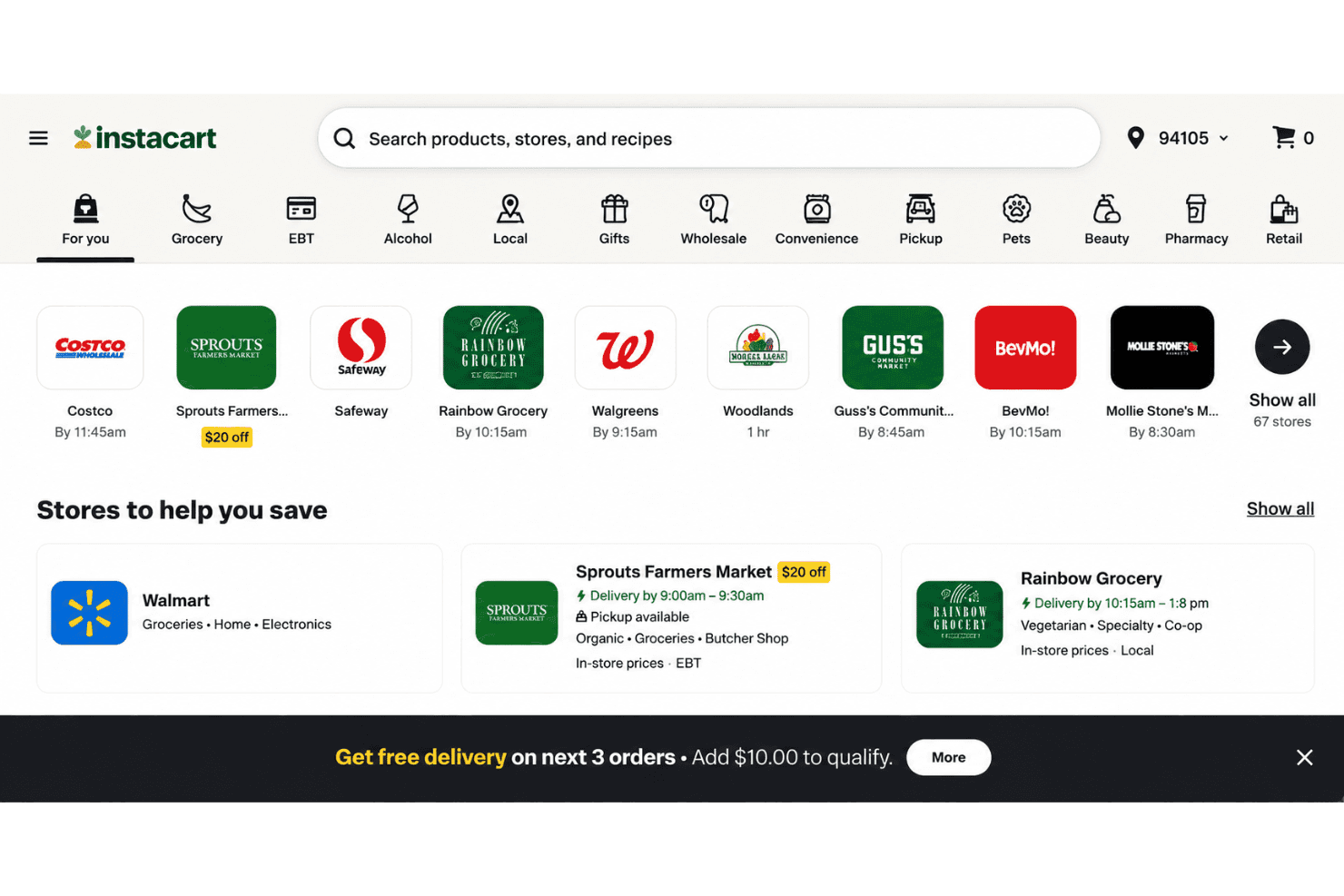
Create a fully branded ecommerce site that matches your store’s look and feel. Customers shop directly from your digital shelves with familiar navigation and categories.
Real-Time Inventory and Pricing
Show live product availability and up-to-date prices across all SKUs. Shoppers only see what’s truly in stock, reducing out-of-stocks and enabling smarter substitutions when items are unavailable.
Instacart Fulfillment Integration
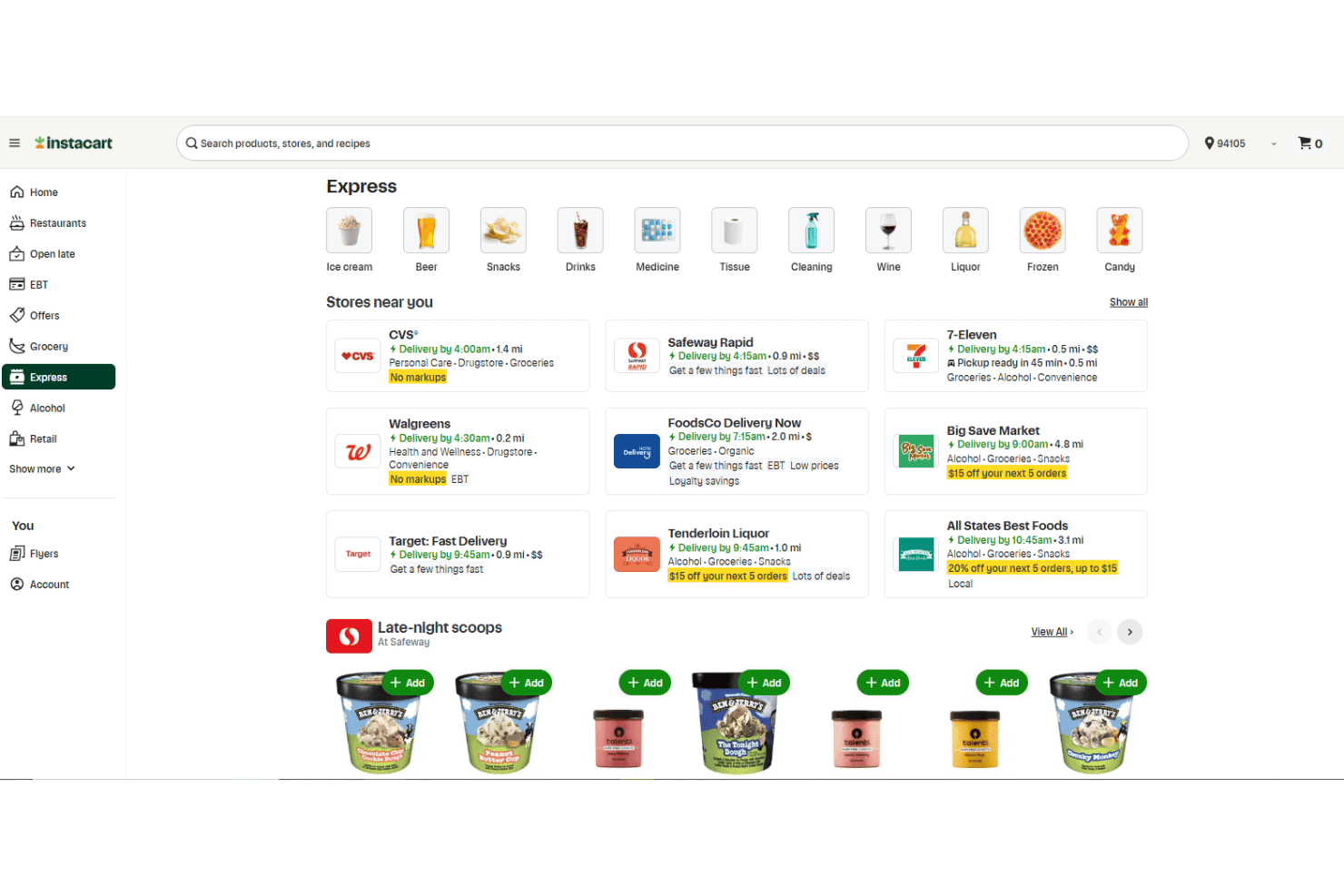
Route orders automatically to in-store pickers and Instacart Shopper drivers for fast, flexible fulfillment. Customers choose delivery or pickup at checkout.
Digital Merchandising Tools
Showcase promos, weekly ad deals, and featured products with built-in merchandising modules. Drive basket size with personalized recommendations tailored to each visitor.
Omnichannel Order Management
Manage delivery, pickup, and in-store orders in one dashboard for simpler operations. Orders sync with your POS for accurate tracking and service.
Self-Service Content Management
Easily add banners, product images, and seasonal updates with self-serve tooling that requires no tech support. Merchandisers can update content fast to reflect weekly offers or new items, with FoodStorm handling catering and deli ordering workflows.
Standout Features
Built-In Shoppable Recipes
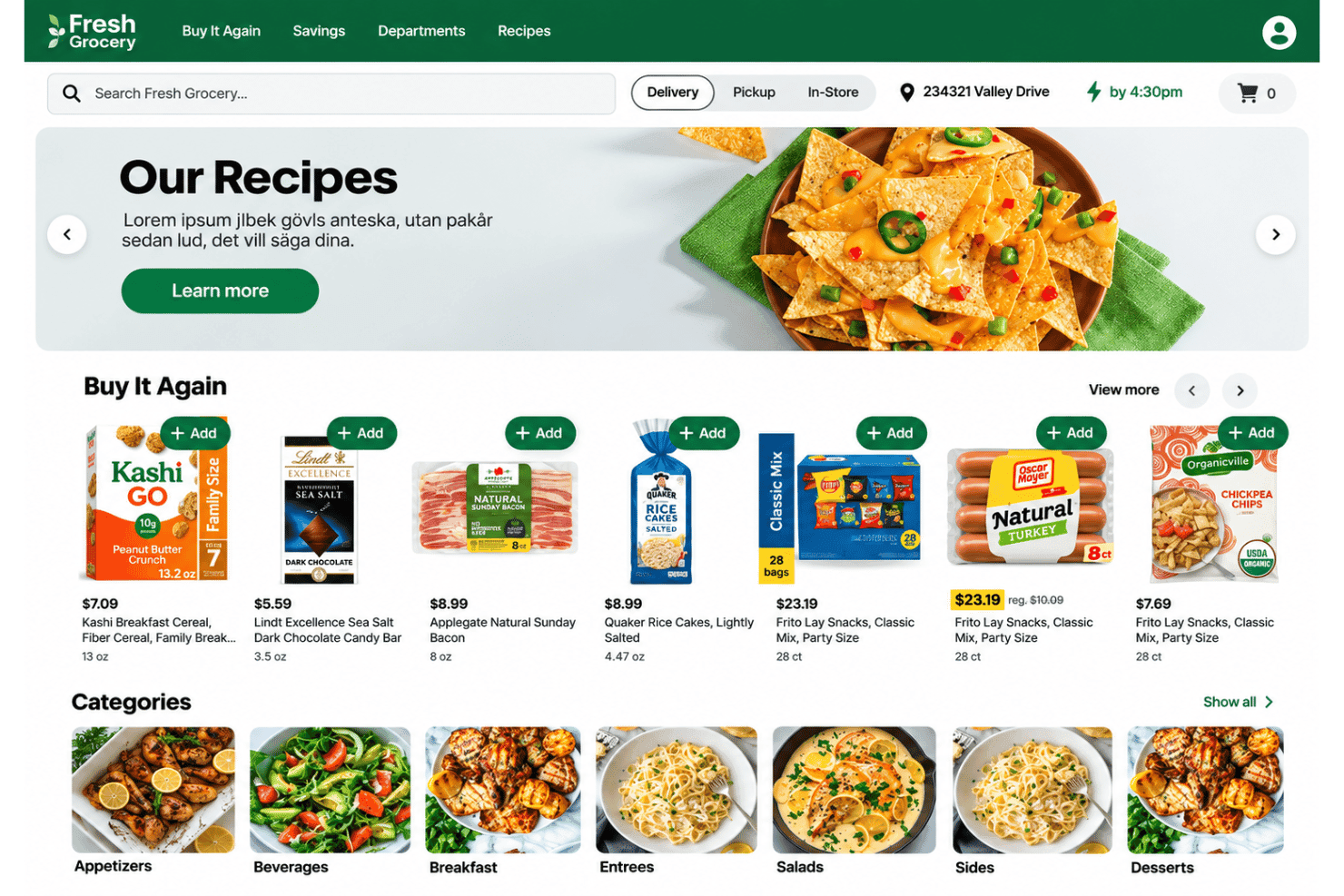
Customers browse curated recipes and add all ingredients to their cart with one click. Paired with Caper Carts, this feature drives inspiration-driven purchases and increases basket value across both digital and in-store channels.
Instacart Ad Network Access
Grocers can tap into Instacart’s retail media networks and offer sponsored products alongside their branded digital storefront. This opens new digital revenue streams through Instacart Ads and brand-funded ad placements for grocery suppliers.
Ease of Use
Instacart Storefront is one of the most intuitive platforms I’ve seen for grocers. The dashboard is clean, navigation mirrors an in-store flow, and onboarding takes days—not weeks. Merchandisers can update content or launch promos with just a few clicks. Real-time inventory sync and flexible order management keep things simple—and the Instacart app gives shoppers and operators a seamless mobile extension, minimizing manual work even during peak periods.
Onboarding
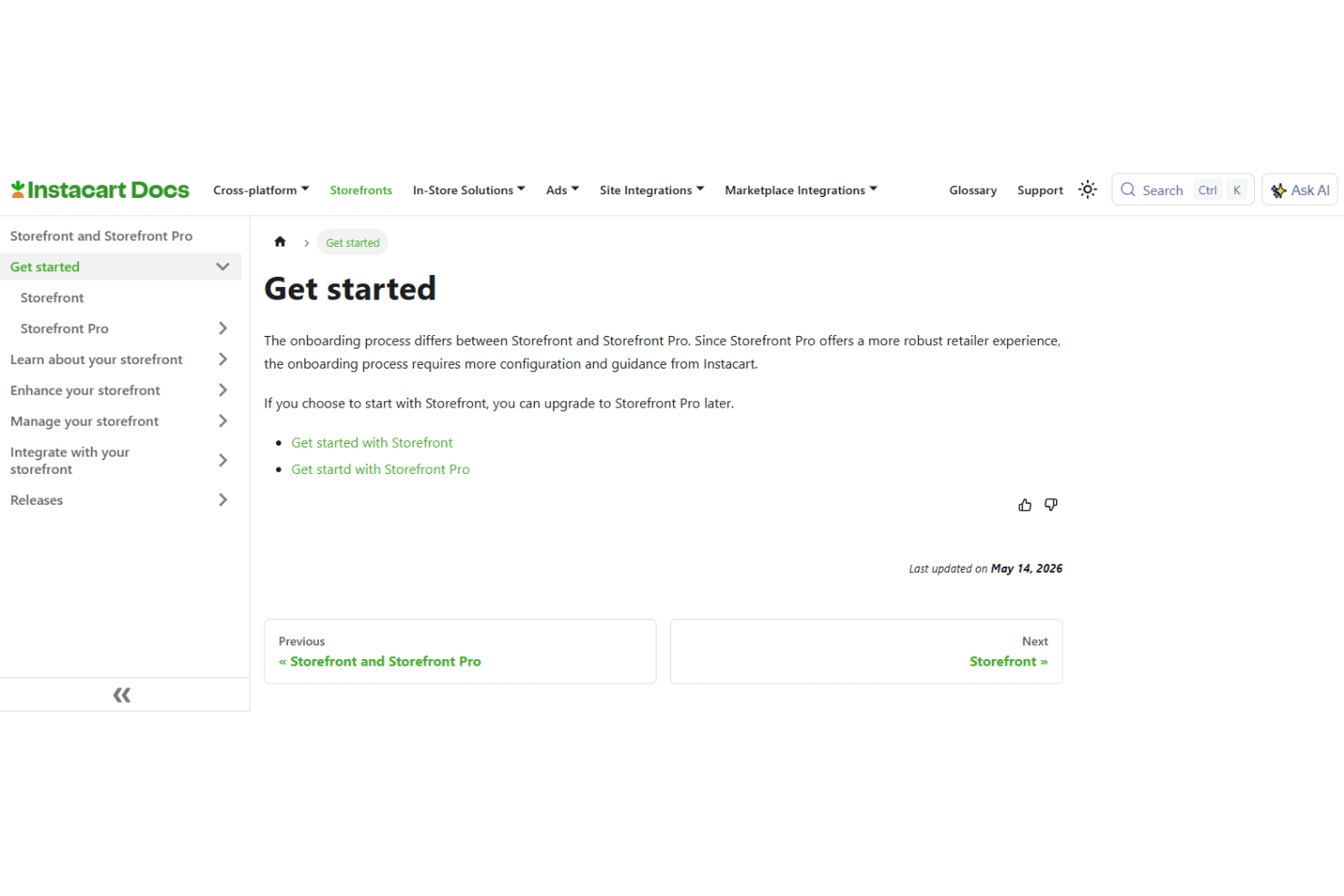
New users say Instacart Storefront’s onboarding includes clear, guided setup with access to a help center and responsive support. The platform provides step-by-step walkthroughs and dedicated onboarding specialists, so grocers are up and running quickly and rarely get stuck.
Customer Support
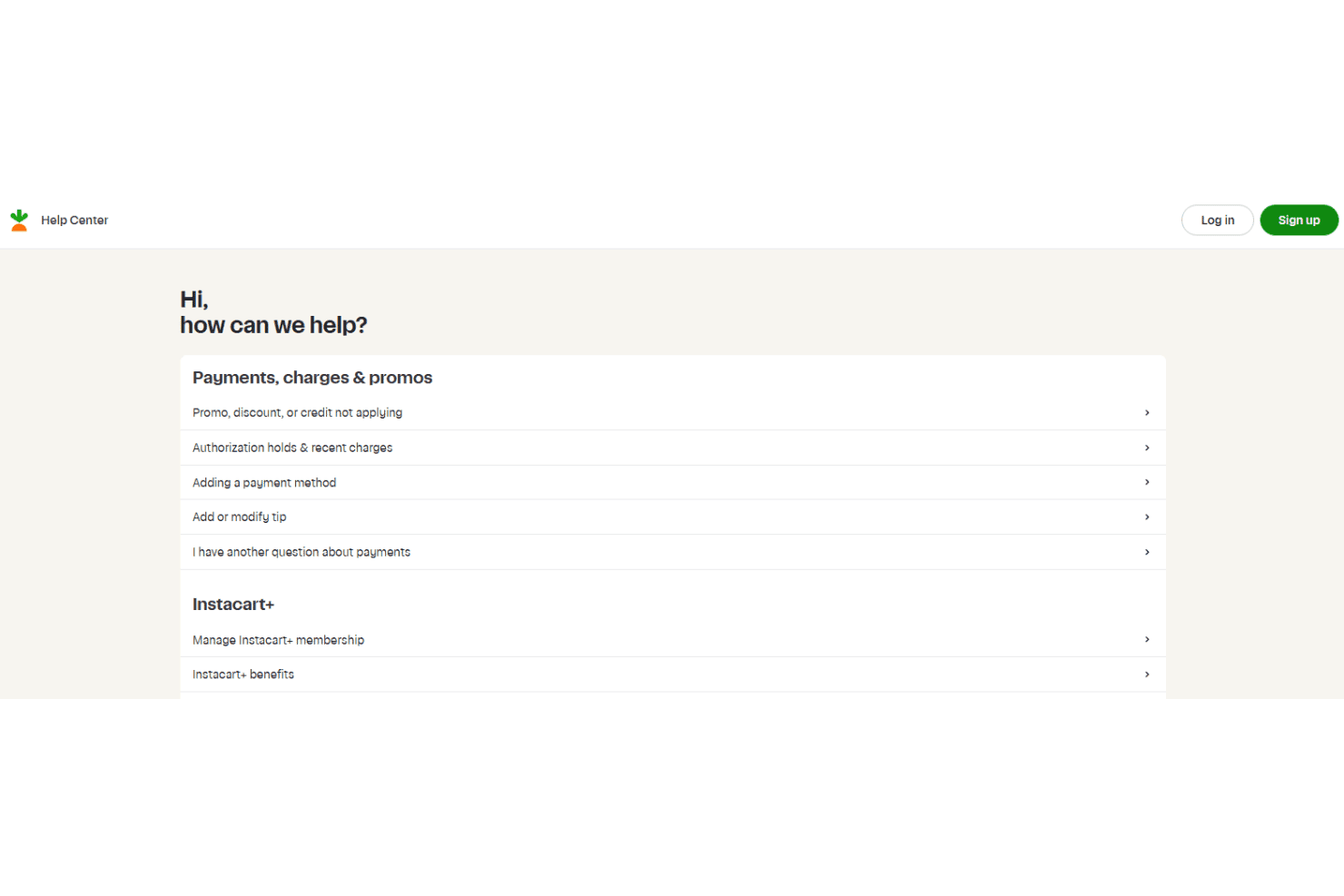
Instacart Storefront impresses with responsive, knowledgeable support teams available via chat, email, and phone. Users highlight fast response times during setup and post-launch, plus a detailed help center and proactive account managers who offer practical, grocery-specific guidance.
Integrations
Instacart Storefront integrates with POS systems and catalogs, as well as loyalty programs such as Inmar and Birdzi.
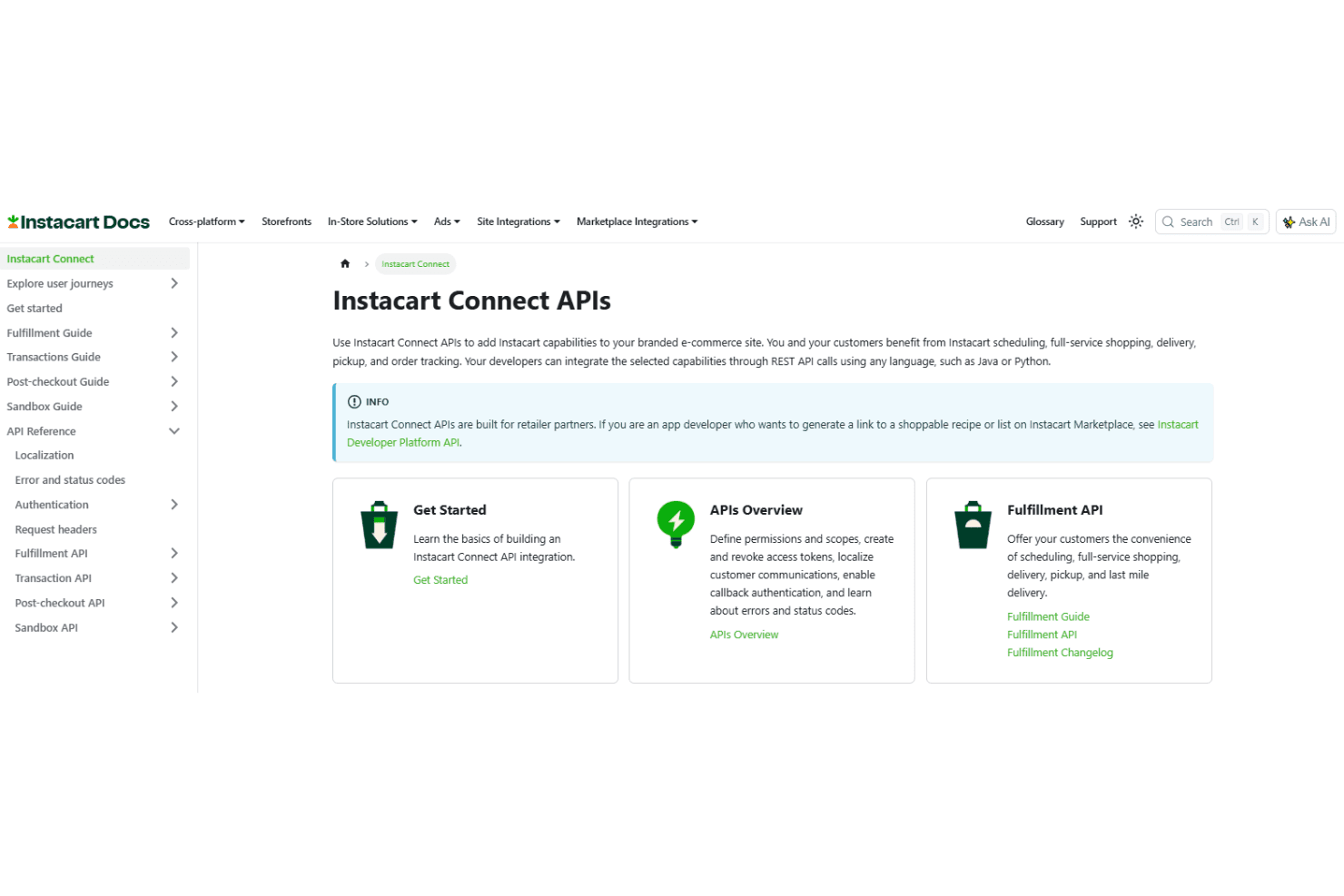
Instacart Storefront also offers robust REST APIs—including the Instacart Connect APIs and Developer Platform—and supports third-party integration for custom workflows and partner apps.
Value for Money
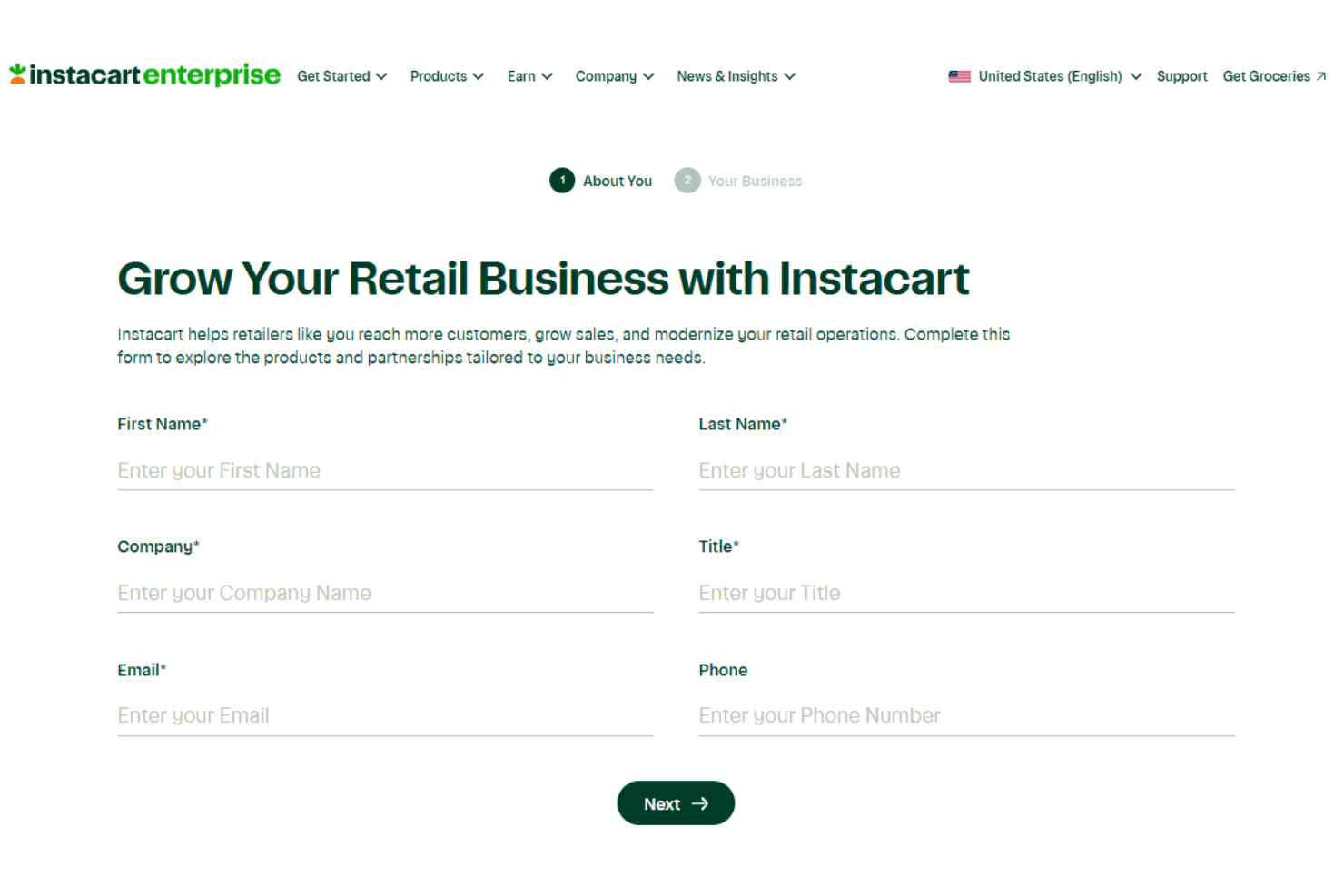
Instacart does not publish flat-rate pricing for Storefront Pro, with costs custom-quoted based on business size and needs. The platform can still offer strong value through flexible pricing, included support, advanced integrations, analytics, and Carrot Ads, which Instacart says can offset an average of 65% of monthly platform fees. Instacart Storefront uses custom pricing based on each retailer’s business needs, requiring companies to contact Instacart for details.
Instacart Storefront Specs
- 2-Factor Authentication: Yes
- A/B Testing: Yes
- Analytics: Yes
- API: Yes
- BitCoin: Yes
- Conversion Tracking: Yes
- Dashboard: Yes
- Data Export: Yes
- Data Import: Yes
- Data Visualization: Yes
- Design Templates: Yes
- External Integrations: Yes
- Inventory Tracking: Yes
- Keyword Tracking: Yes
- Marketing Automation: Yes
- Multi-User: Yes
- Notifications: Yes
- Order Management: Yes
- Payment Gateway Integration: Yes
- Payment Processor: Yes
- PayPal: Yes
- Product Catalog: Yes
- Review Monitoring: Yes
- SAP Integration: Yes
- Scheduling: Yes
- Stripe: Yes
- Third-Party Plugins/Add-Ons: Yes
Instacart Storefront FAQs
Instacart Storefront Company Overview & History
Instacart, headquartered in San Francisco, is North America’s leading grocery technology company, employing thousands across engineering, operations, and support roles. Widely recognized for its shopper platform and partnerships with major grocery retailers, Instacart launched Storefront to help retailers digitize the end-to-end grocery shopping experience. The company—known formally as Maplebear Inc.—also offers additional enterprise solutions and is publicly traded on the NASDAQ under the ticker CART. Clients include regional leaders like Rosauers, Harmons, The Save Mart Companies, and other household-name grocers nationwide.
Instacart Storefront Major Milestones
- 2012: Instacart founded in San Francisco.
- 2020: Instacart Storefront launched to enable white-label ecommerce for grocers.
- 2021: Became one of the largest grocery technology platforms with hundreds of retail partners.
- 2023: Instacart publicly listed on NASDAQ under the ticker symbol CART.
- 2024: StorefrontPro and expanded enterprise platform offerings rolled out to new verticals and partners.