

Recensione di FreshBooks: vantaggi, svantaggi, funzionalità e prezzi
Se gestisci un negozio online, FreshBooks trasforma la contabilità dell'e-commerce da un'impresa complicata a un'attività senza difficoltà. Ecco la mia valutazione pratica di ciò che lo distingue nel 2026 e dei suoi attuali punti deboli.

Recensiamo gli strumenti in modo indipendente, e le commissioni aiutano a finanziare i nostri test. Consulta la nostra politica sulla trasparenza, la nostra metodologia o suggerisci uno strumento.
FreshBooks is an ecommerce accounting software built for small business owners and solo operators who need to manage invoicing, expense tracking, and financial reporting without a dedicated accounting team. I'd consider it most seriously if QuickBooks feels like more software than your operation actually needs. FreshBooks takes a more approachable approach to bookkeeping, with a cleaner interface and a faster learning curve, while still covering the core accounting functions a growing ecommerce business relies on.
FreshBooks Evaluation Summary
4.5/5
- From $12/month (billed annually)
- Free demo + 30-day free trial available
Perché fidarsi dei nostri consigli sui software
6,700+
Reviews
20
Industry experts
16+
Evaluation factors
14
Years
Il nostro team testa e recensisce software dal 2012. In quanto leader del retail noi stessi, sappiamo quanto sia difficile — e importante — scegliere il software giusto.
Per questa guida, abbiamo valutato gli strumenti attraverso test pratici e ricerche indipendenti, assegnando un punteggio agli strumenti in base ai nostri criteri di selezione.
Le nostre recensioni riflettono il nostro giudizio indipendente, non un discorso di vendita.
FreshBooks Overview
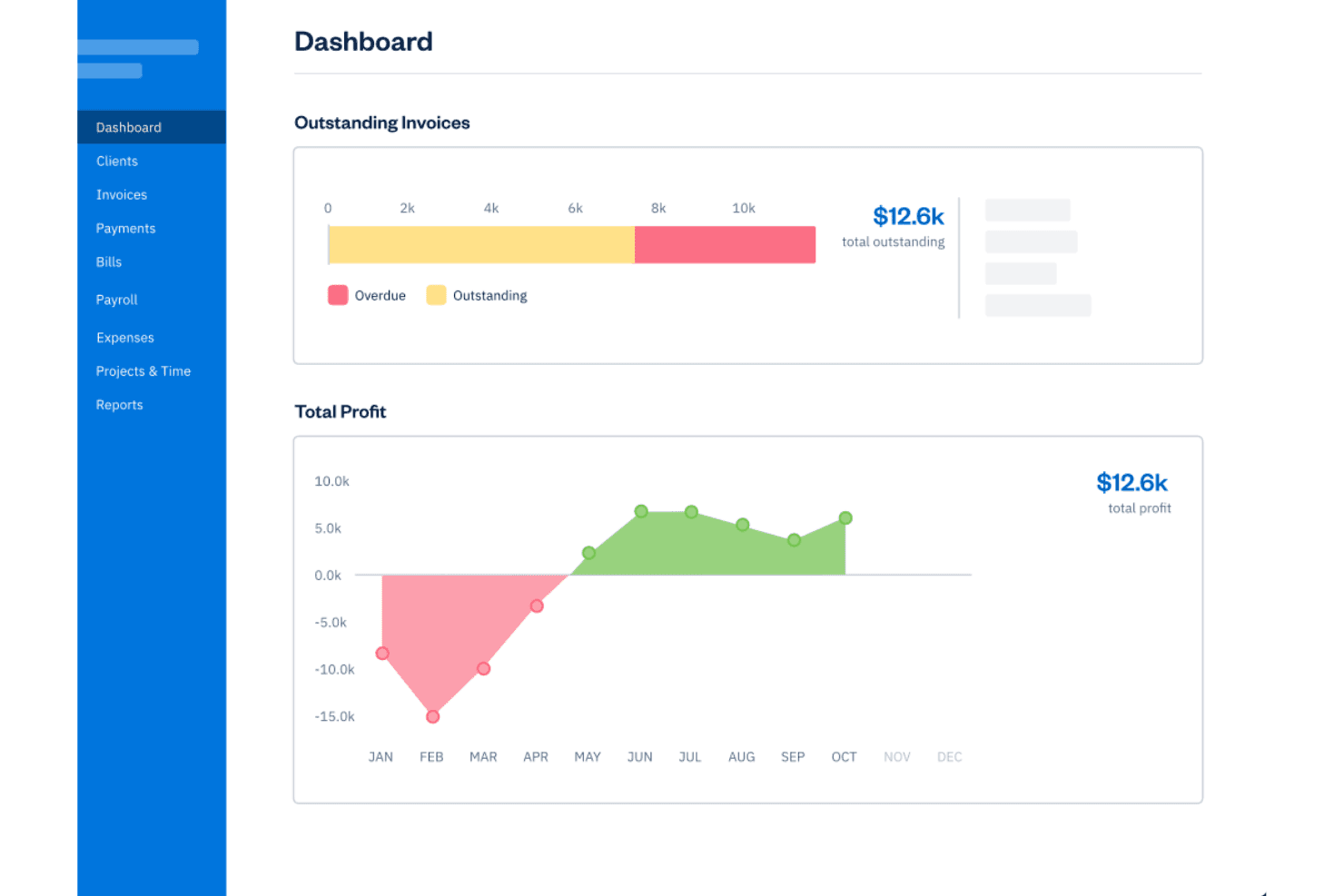
If you’re judging ecommerce accounting software for ease of onboarding, clean interface, and responsive support, I think FreshBooks stands out. Its seamless integrations with payment processors and shopping carts make setup simple. Pricing feels fair for growing retailers, though I’d flag limited advanced inventory or multi-currency options compared to others.
In my opinion, FreshBooks is best for small to midsize ecommerce businesses that want smart automation and clear workflows without a big learning curve or heavy customization.
Pros
- Automates recurring invoices and payment reminders for orders
- Built-in inventory tracking for product-based selling
- Offers mobile apps for on-the-go receipt scanning
Cons
- Lacks advanced inventory forecasting and demand planning
- No native multi-currency support in base plans
- Limited in-depth sales tax management features
Is FreshBooks Right For Your Needs?
Who Would be a Good Fit for FreshBooks?
FreshBooks is a smart bet for small ecommerce retailers, boutique brands, and lean digital teams that want simple but capable accounting without hiring a full-time bookkeeper. If you value fast setup, automated recurring invoices, and self-service portals for your clients, FreshBooks really delivers.
Industry reviews praise how easy it is for individuals and small teams to stay organized and collaborate without getting stuck in accounting jargon.
- Solo entrepreneursFreshBooks simplifies invoicing, expenses, and payments—perfect for sellers just starting out who need focused tools and a gentle learning curve.
- Boutique ecommerce shopsInventory tracking, sales tax reports, and branded invoicing make life easy for smaller shops selling unique products online.
- Shopify merchantsDirect Shopify integration helps these users sync orders, manage client payments, and automate much of their bookkeeping.
- Freelance marketersProject-based accounting and client communications work well for marketers handling online ad budgets or campaign-based ecommerce revenue.
- Small retail teamsTeams with a handful of employees can use built-in collaboration tools for expense tracking and time entries without the overhead of complex ERP systems.
- Direct-to-consumer brandsAutomated payment reminders and recurring invoice features help brands building lasting customer relationships maintain cash flow and repeat sales.
Who Would be a Bad Fit for FreshBooks?
FreshBooks isn’t going to serve highly complex operations, massive transaction volumes, or manufacturers that need a serious inventory and supply chain backend. If your business relies on in-depth demand planning or has strict multi-currency and tax requirements, FreshBooks will likely fall short. Mid-size companies with an accounting department or enterprises needing custom reporting will want a platform with more advanced finance controls.
- Enterprise retailersFreshBooks lacks advanced controls, configurable workflows, and bulk transaction support needed for enterprise accounting complexity.
- Large manufacturersNo modules for raw material management, production tracking, or detailed supply chain accounting.
- Global brandsLimited native support for multi-currency transactions and international tax frameworks.
- Wholesale distributorsMissing specialized pricing tools, purchase order management, and high-volume inventory forecasting capabilities.
- Accounting teamsNo granular role permissions or workflow automation tools for larger, multi-person finance departments.
- B2B marketplacesDoes not support custom billing structures, contract management, or complex credit terms often required by B2B platforms.
La Nostra Metodologia di Recensione
Come Testiamo e Valutiamo gli Strumenti
Abbiamo trascorso anni a costruire, perfezionare e migliorare il nostro sistema di test e valutazione dei software. Il nostro schema di valutazione è progettato per cogliere le sfumature della selezione dei software e per comprendere cosa rende uno strumento efficace, concentrandosi su aspetti critici del processo decisionale. Qui sotto puoi vedere esattamente come funzionano i nostri test e valutazioni attraverso sette criteri. Questo ci permette di fornire una valutazione imparziale del software basata su funzionalità principali, caratteristiche distintive, facilità d’uso, onboarding, supporto clienti, integrazioni, recensioni dei clienti e rapporto qualità-prezzo.
Funzionalità di base (25% della valutazione finale)
Il punto di partenza della nostra valutazione è sempre la funzionalità principale dello strumento. Ha le funzioni e le caratteristiche di base che un utente si aspetterebbe? Alcune di queste funzionalità sono bloccate a piani tariffari di livello superiore? Alla base, ci aspettiamo che uno strumento regga il confronto con le capacità minime dei suoi concorrenti.
Caratteristiche distintive (25% della valutazione finale)
Successivamente valutiamo caratteristiche distintive e non comuni che vadano oltre la normale funzionalità presente in strumenti simili. Un punteggio alto riflette funzionalità specializzate o uniche che rendono il prodotto più veloce, efficiente o che offrano valore aggiunto all’utente. Valutiamo anche quanto sia facile integrare il software con altri strumenti della consueta infrastruttura tecnologica per espanderne la funzionalità e l’utilità. Gli strumenti che offrono molte integrazioni native, connessioni di terze parti e accesso API per costruire integrazioni personalizzate ottengono il punteggio più alto.
Facilità d’uso (10% della valutazione finale)
Consideriamo quanto sia rapido e semplice eseguire le attività definite nelle funzionalità di base utilizzando lo strumento. I software che ottengono un punteggio alto sono ben progettati, intuitivi, offrono app mobili, modelli pronti e rendono compiti complessi relativamente semplici.
Onboarding (10% della valutazione finale)
Sappiamo quanto sia importante una rapida adozione da parte del team per una nuova piattaforma, quindi valutiamo quanto sia facile imparare a usare uno strumento con una formazione minima. Esaminiamo quanto tempo impiega un membro del team a configurarsi e iniziare a utilizzare lo strumento senza esperienza. Le soluzioni con punteggi elevati richiedono poco o nessun supporto.
Supporto clienti (10% della valutazione finale)
Valutiamo quanto sia rapido e facile ricevere assistenza e trovare aiuto tramite telefono, live chat o base di conoscenza. Gli strumenti e le aziende che forniscono un supporto in tempo reale ottengono i punteggi migliori, mentre i chatbot hanno i punteggi più bassi.
Recensioni dei clienti (10% della valutazione finale)
Oltre ai nostri test e valutazioni, consideriamo il net promoter score dei clienti attuali e passati. Esaminiamo la loro propensione, data la possibilità, a scegliere nuovamente lo strumento per le sue funzionalità di base. Un punteggio elevato riflette un alto net promoter score da clienti attuali o passati.
Rapporto qualità-prezzo (10% della valutazione finale)
Infine, considerando tutti gli altri criteri, valutiamo il prezzo medio dei piani base rispetto alle funzionalità fondamentali e teniamo in considerazione il valore degli altri criteri di valutazione. Il software che offre di più, a meno, ottiene punteggi più alti.
Core Features
Automated Invoicing
Create and send customer invoices based on online orders. Automate recurring bills so repeat buyers get invoices without manual work.
Inventory Tracking
Monitor product counts as items sell and restock automatically. Stay updated on inventory levels directly in your dashboard.
Expense Management
Capture and categorize expenses by snapping photos of receipts. Assign expenses to specific sales or products for accurate profitability analysis.
Sales Tax Calculation
Apply and track sales tax by jurisdiction during checkout. Generate tax summary reports to simplify filings for multiple states.
Payment Processing
Accept credit card and ACH payments from invoices with built-in payment tools. Funds are deposited directly into your selected business account.
Financial Reporting
Run profit and loss, expense, and sales reports anytime for insights. Filter and export reports to review trends or share with your bookkeeper.
Ease of Use
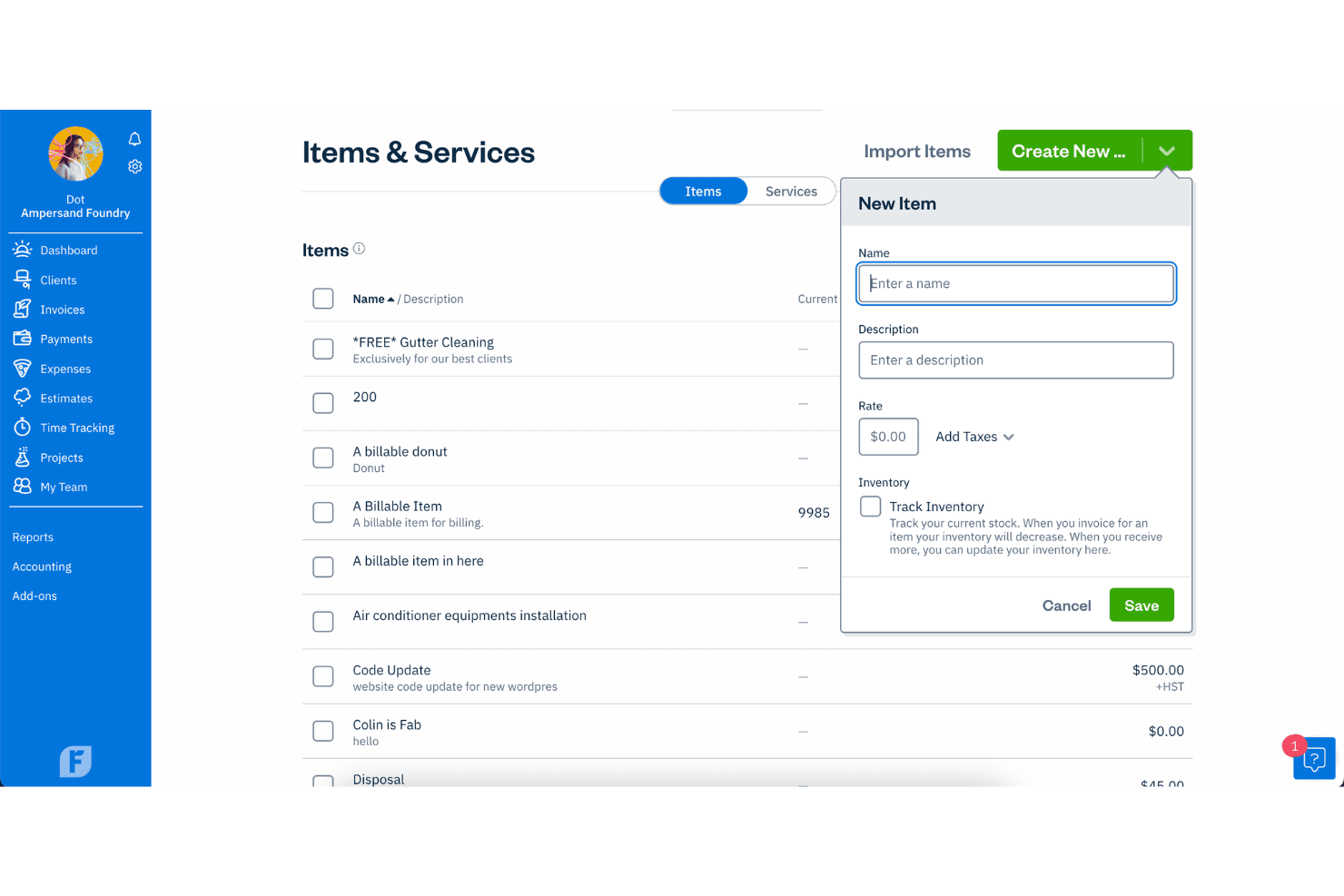
FreshBooks stands out for its user-friendly interface, making it a breeze for your team to navigate. The clean design and intuitive layout mean you won't waste time hunting for features. Even those with minimal accounting experience can manage church finances with ease. Its straightforward setup and accessible help resources ensure you get up and running quickly.
Compared to other options, FreshBooks simplifies tasks like invoicing and expense tracking, making it a favorite for busy church staff.
Integrations
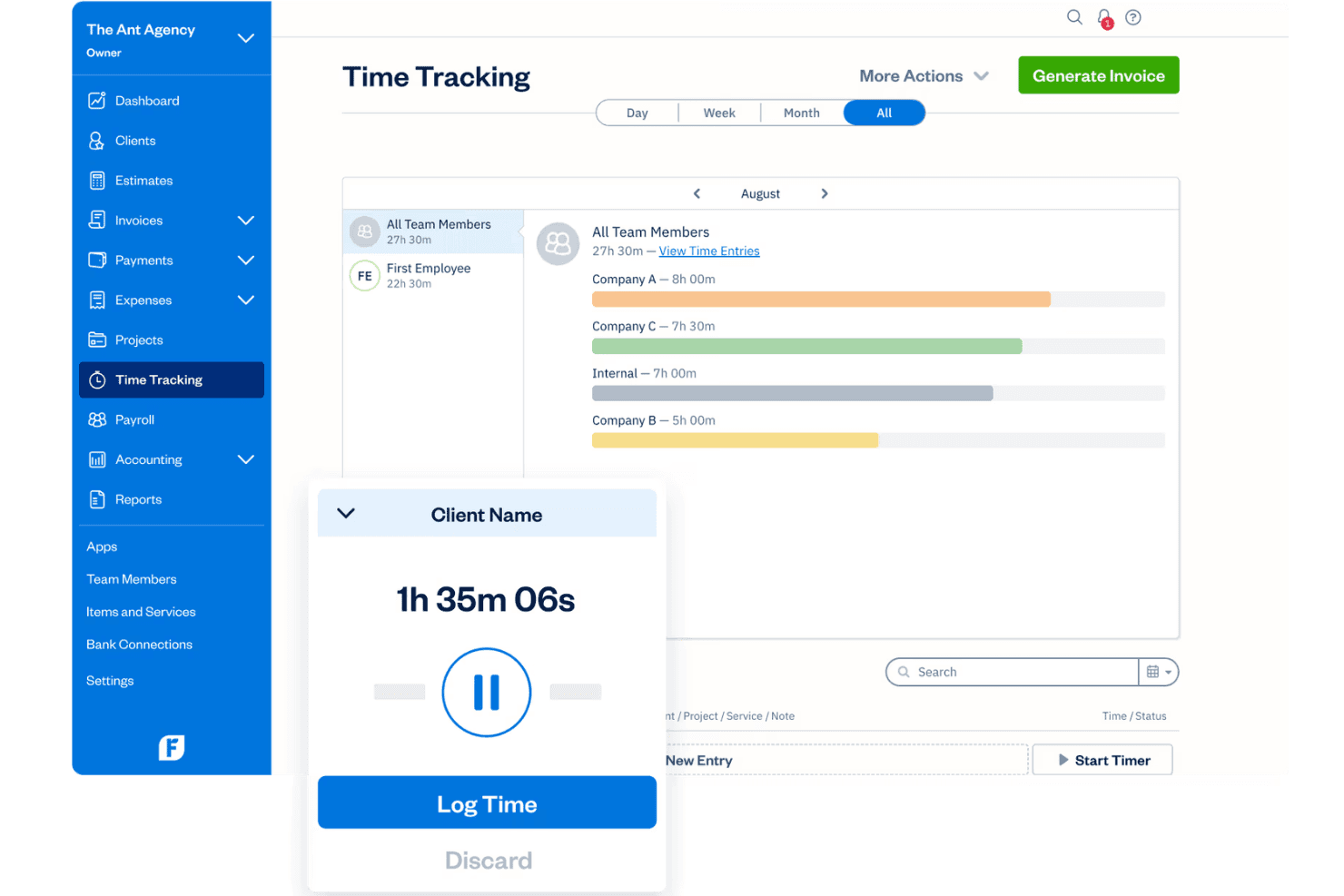
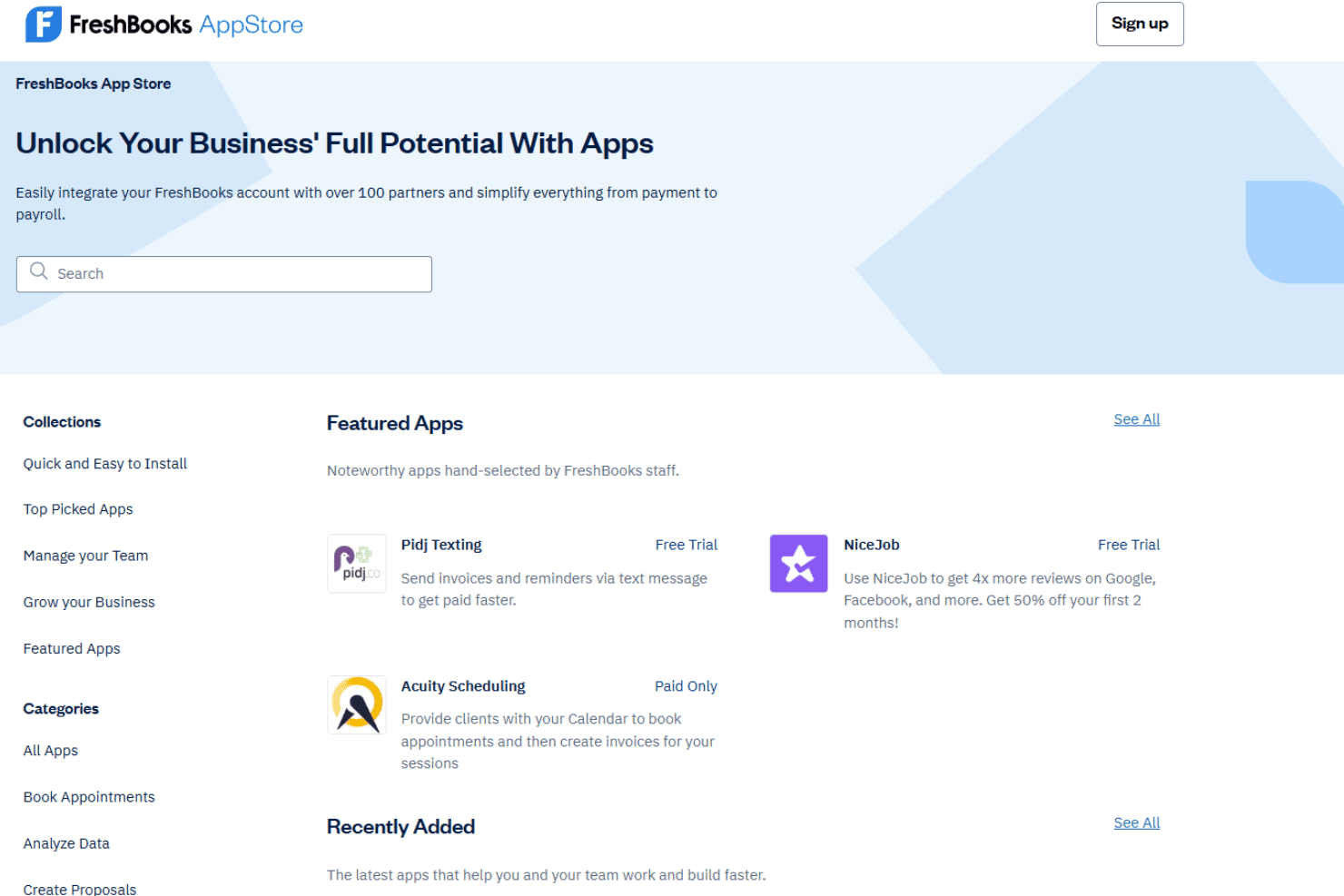
FreshBooks integrates with Shopify, Squarespace, Stripe, PayPal, Gusto, HubSpot, Zapier, Dropbox, Trello, and Bench, among others.
FreshBooks also offers an API and connects with popular third-party integration tools.
FreshBooks Specs
- 2-Factor Authentication: Yes
- Accounts Payable: Yes
- Accounts Receivable: Yes
- API: Yes
- Balance Sheet: Yes
- Billing/Invoicing: Yes
- BitCoin: No
- Budgeting: Yes
- Calendar Management: No
- Contact Management: No
- CRM Integration: Yes
- Customer Management: Yes
- Dashboard: Yes
- Data Export: Yes
- Data Import: Yes
- Data Visualization: Yes
- Expense Tracking: Yes
- External Integrations: Yes
- Forecasting: No
- General Account Ledger: Yes
- Inventory Tracking: No
- Multi-Currency: Yes
- Multi-User: No
- Notifications: Yes
- P&L: Yes
- PayPal: Yes
- Payroll: Yes
- SAP Integration: No
- Stripe: Yes
- Supplier Management: No
- Tax Management: Yes


