Avis sur Zeffy : avantages, inconvénients, fonctionnalités et tarifs



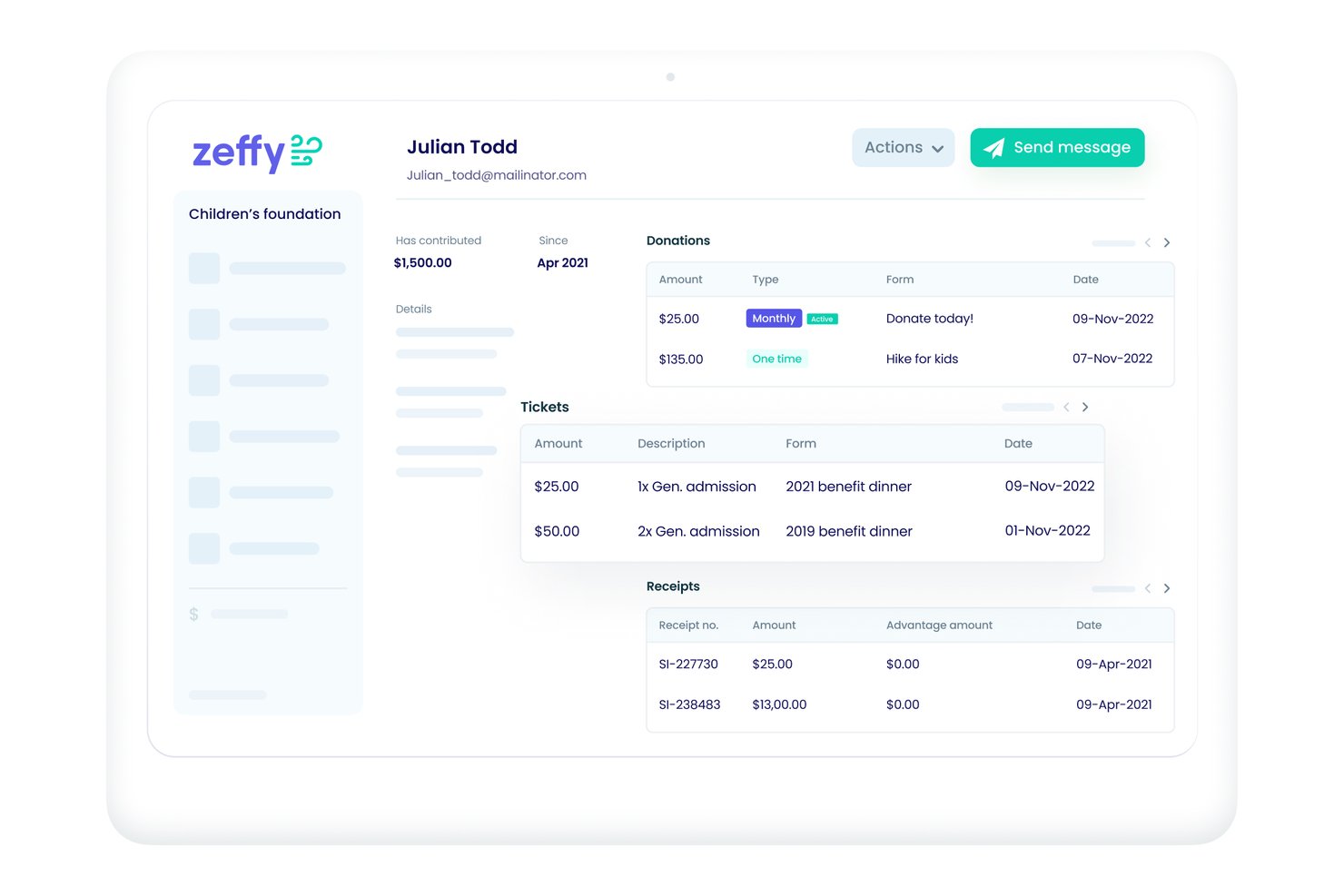
Zeffy is a payment processor for nonprofits built for organizations that need to accept donations, sell event tickets, and run fundraising campaigns. It's worth a close look if keeping 100% of every dollar raised is a priority for your organization. I'd choose Zeffy over Donorbox for that reason specifically—Zeffy charges 0% platform fees, while Donorbox charges either a monthly subscription or a per-transaction percentage depending on the plan you're on.
Zeffy Evaluation Summary
- Free to use
- Free plan available
Pourquoi faire confiance à nos recommandations de logiciels
Notre équipe teste et évalue des logiciels depuis 2012. En tant que dirigeants du commerce de détail nous-mêmes, nous savons à quel point il est difficile — et important — de choisir le bon logiciel.
Pour ce guide, nous avons évalué les outils grâce à des tests pratiques et une recherche indépendante, en notant les outils selon nos critères de sélection.
Nos avis reflètent notre jugement indépendant — et non un argumentaire de vente.
Zeffy Overview
In my opinion, Zeffy is a strong contender in the fundraising tools market for nonprofits. It excels with its no-fee structure, offering a significant advantage over competitors that often charge transaction fees. Zeffy is particularly appealing for small to medium-sized nonprofits focused on maximizing donations. However, the onboarding process is somewhat challenging and might require some patience. Compared to other platforms, such as PayPal and DonorBox, Zeffy shines in affordability and basic functionality, but it may fall short in integrations and advanced features. If your team values cost-effectiveness and straightforward processing, this product is worth considering.
pros
-
You won't pay any platform fees, maximizing your donations.
-
It's easy to use, making it ideal for teams with limited tech skills.
-
Customer support is responsive, helping you quickly resolve issues.
cons
-
The onboarding process could be more intuitive for new users.
-
Some users find the feature set lacking compared to competitors.
-
Advanced reporting options are limited, which might not suit all needs.
-

MakersHub
Visit WebsiteThis rating combines scores from multiple user review sites to reflect overall customer sentiment about the product.4.9 -
Square
Visit WebsiteThis rating combines scores from multiple user review sites to reflect overall customer sentiment about the product.4.7 -
Zeffy
Visit WebsiteThis rating combines scores from multiple user review sites to reflect overall customer sentiment about the product.4.9





Notre méthodologie d'évaluation
Comment nous testons et notons les outils
Nous avons passé des années à construire, affiner et améliorer notre système de test et de notation des logiciels. Notre grille d’évaluation est conçue pour prendre en compte toutes les subtilités du choix d’un logiciel et identifier ce qui rend un outil efficace, en se concentrant sur les aspects essentiels du processus de décision. Vous pouvez voir ci-dessous comment fonctionne notre système de test et de notation selon sept critères. Il nous permet de fournir une évaluation impartiale des logiciels selon leur fonctionnalité principale, leurs caractéristiques remarquables, la facilité d’utilisation, l’intégration, l’onboarding, le service client, les avis clients et le rapport qualité-prix.
Fonctionnalité principale (25% de la note finale)
Le point de départ de notre évaluation est toujours la fonctionnalité de base de l’outil. Possède-t-il les fonctions et caractéristiques attendues par un utilisateur ? Certaines de ces fonctionnalités essentielles sont-elles réservées à des plans tarifaires supérieurs ? Nous attendons d’un outil qu’il se mesure aux capacités minimales proposées par ses concurrents.
Caractéristiques remarquables (25% de la note finale)
Ensuite, nous évaluons les caractéristiques remarquables et uniques qui vont au-delà des fonctionnalités de base normalement attendues d’un outil similaire. Une note élevée reflète des fonctionnalités spécialisées qui rendent le produit plus rapide, plus efficace, ou apportent une valeur ajoutée pour l’utilisateur. Nous évaluons également la facilité d’intégration avec d’autres outils généralement présents dans l’écosystème technique afin d’étendre la fonctionnalité et l’utilité du logiciel. Les outils qui proposent de nombreuses intégrations natives, des connexions avec des solutions tierces, et un accès API pour des intégrations personnalisées obtiennent la meilleure note.
Facilité d’utilisation (10% de la note finale)
Nous analysons la rapidité et la simplicité d’exécution des tâches affectées aux fonctionnalités principales via l’outil. Les logiciels les mieux notés sont bien conçus, intuitifs, offrent des applications mobiles, incluent des modèles prêts à l’emploi et simplifient les opérations complexes.
Onboarding (10% de la note finale)
Nous savons à quel point l’adoption rapide d’une nouvelle plateforme est cruciale pour une équipe. Nous évaluons donc la facilité d’apprentissage et de prise en main d’un outil avec un minimum de formation. Nous examinons la rapidité à laquelle un membre d’équipe peut s’installer et commencer à utiliser l’outil sans expérience préalable. Les solutions les mieux notées montrent qu’elles nécessitent peu ou pas d’assistance.
Service client (10% de la note finale)
Nous évaluons la vitesse et la simplicité pour obtenir de l’aide ou se débloquer par téléphone, chat en direct, ou base de connaissances. Les outils et sociétés qui offrent une assistance en temps réel obtiennent la meilleure note, tandis que les chatbots sont moins bien évalués.
Avis clients (10% de la note finale)
Au-delà de nos propres tests et évaluations, nous tenons compte du score de recommandation (NPS) des clients actuels et passés. Nous examinons leur probabilité de choisir à nouveau l’outil pour sa fonctionnalité principale. Un logiciel bien noté reflète un NPS élevé de la part des clients actuels ou passés.
Rapport qualité-prix (10% de la note finale)
Enfin, au regard de tous les autres critères, nous évaluons le prix moyen des offres de départ au regard des fonctionnalités clés, et tenons compte de la valeur ajoutée selon les autres critères. Les logiciels qui offrent plus pour moins obtiennent une meilleure note.
Core Features
No Platform Fees
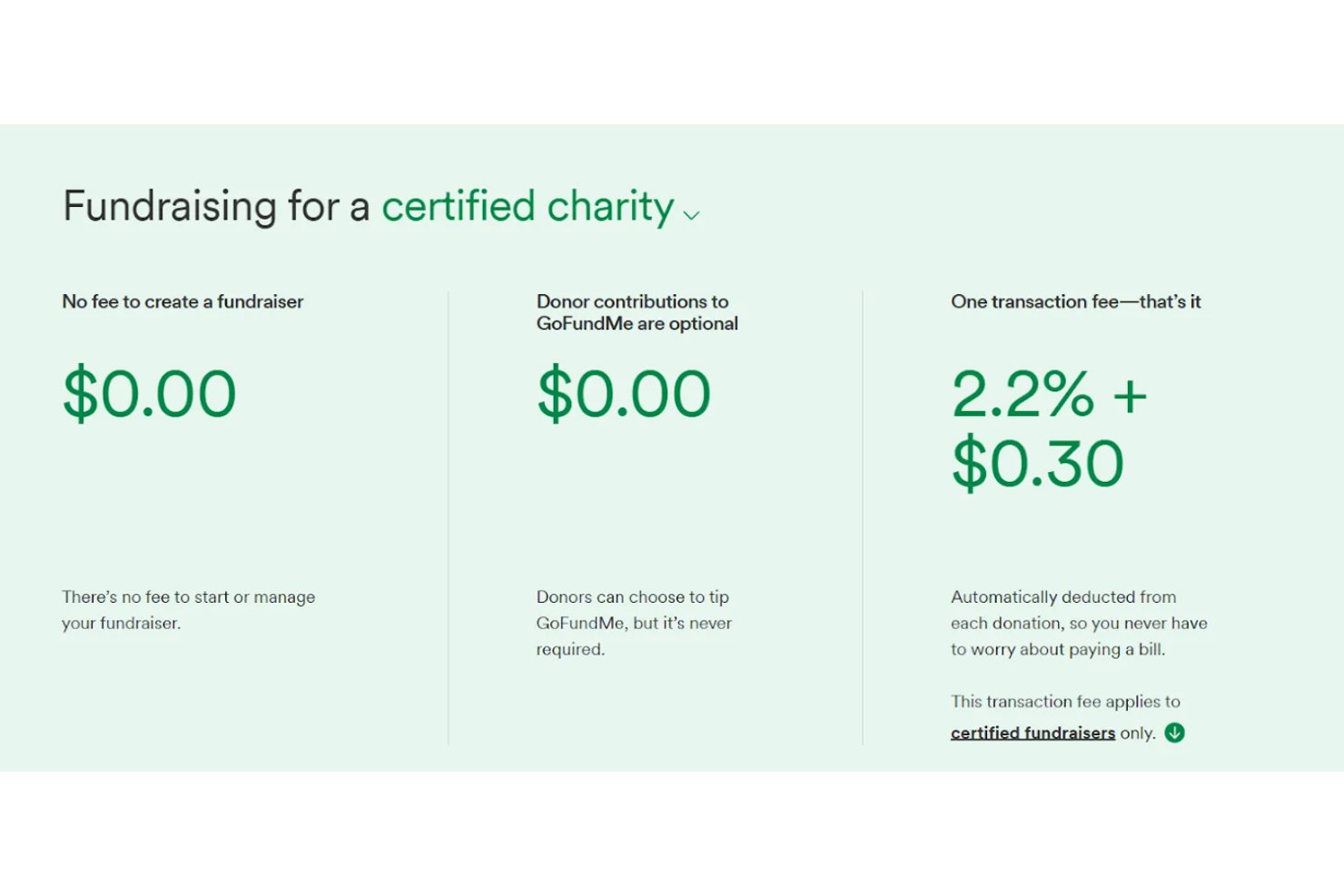
Zeffy provides nonprofits with tools for peer-to-peer fundraising, event ticketing, and payment processing without charging platform or transaction fees, helping them raise more. This feature is ideal for maximizing your fundraising efforts.
User-Friendly Dashboard
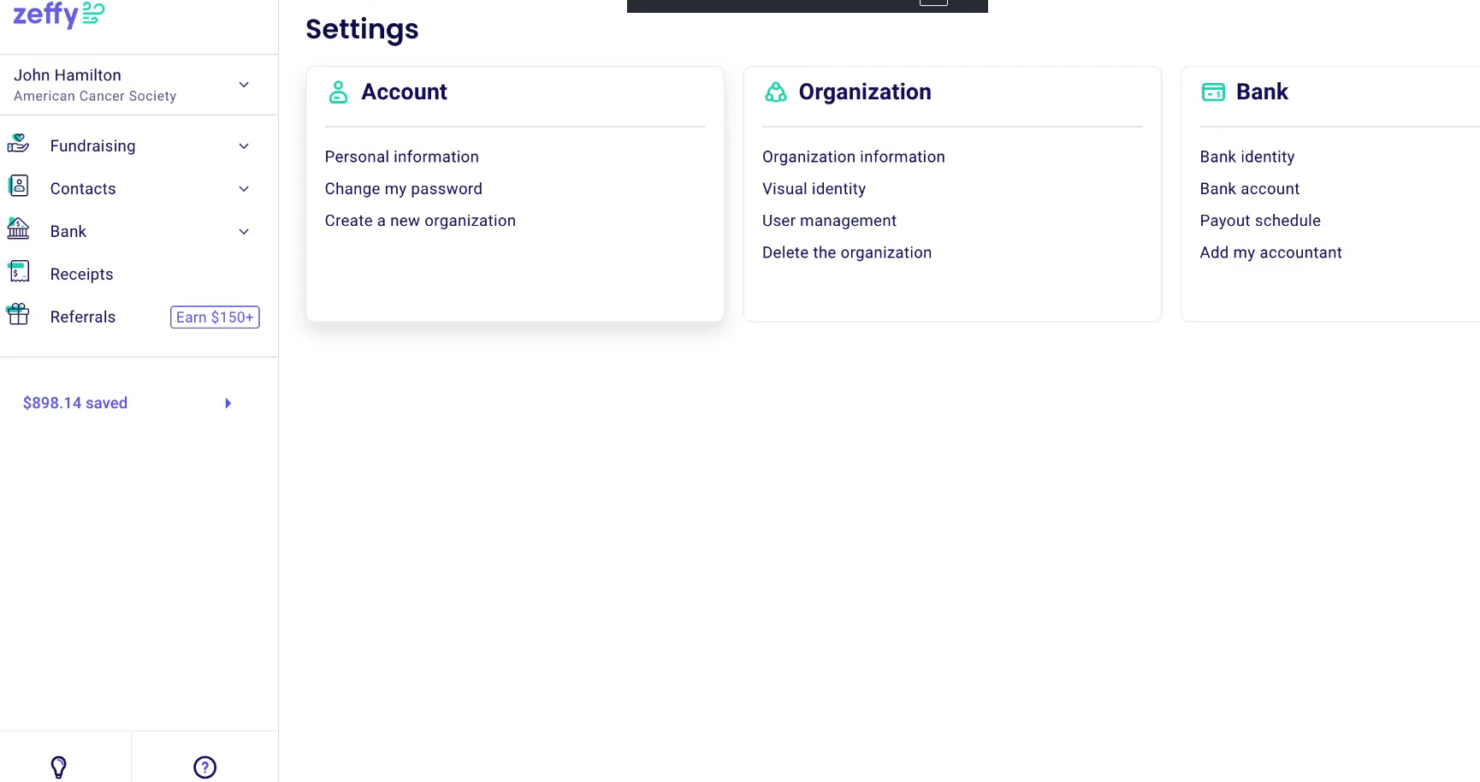
The dashboard is intuitive and easy to navigate, allowing your team to manage donations even with limited technical skills. This way, they can focus more on fundraising and less on tech support.
Recurring Donations
Using Zeffy to set up recurring donations is simple, allowing donors to contribute regularly. This feature helps maintain a steady flow of funds for your organization.
Donor Management
The platform facilitates the tracking of donor information and maintaining relationships, helping you engage and communicate with donors.
Basic Reporting
Zeffy offers basic reporting tools that help you monitor your fundraising campaigns, providing enough data to keep your team informed.
Ease of Use
Zeffy is user-friendly, with a simple interface that makes managing donations a breeze for your team. Its intuitive dashboard requires little technical know-how, allowing you and your organization to focus on fundraising rather than troubleshooting. Although some users find the onboarding process less intuitive than they'd like, its ease of use makes it a strong choice for nonprofit organizations seeking a straightforward payment solution.
Integrations
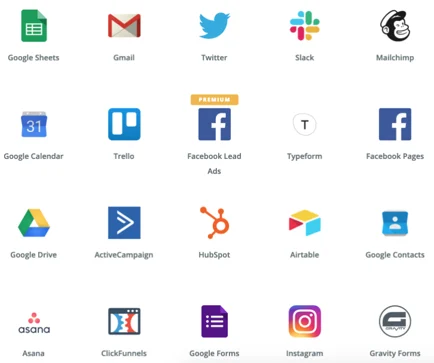
Zeffy integrates with HubSpot, Salesforce, Mailchimp, QuickBooks, and more through Zapier. Zeffy does not have an open-source API but connects with over 1,000 web tools via Zapier.
Zeffy Specs
- 2-Factor Authentication
- A/B Testing
- Analytics
- API
- BitCoin
- Conversion Tracking
- Dashboard
- Data Export
- Data Import
- Data Visualization
- Design Templates
- External Integrations
- Inventory Tracking
- Keyword Tracking
- Marketing Automation
- Multi-User
- Notifications
- Order Management
- Payment Gateway Integration
- Payment Processor
- PayPal
- Product Catalog
- Review Monitoring
- SAP Integration
- Scheduling
- Stripe
- Third-Party Plugins/Add-Ons