

Avis sur Constant Contact : avantages, inconvénients, fonctionnalités et tarifs
Constant Contact se distingue par son interface conviviale et son service client efficace, ce qui en fait un choix fiable pour le marketing par e-mail dans le commerce électronique.

Nous évaluons les outils de façon indépendante, et les commissions contribuent à financer nos tests. Consultez notre politique de transparence, notre méthodologie, ou suggérez un outil.
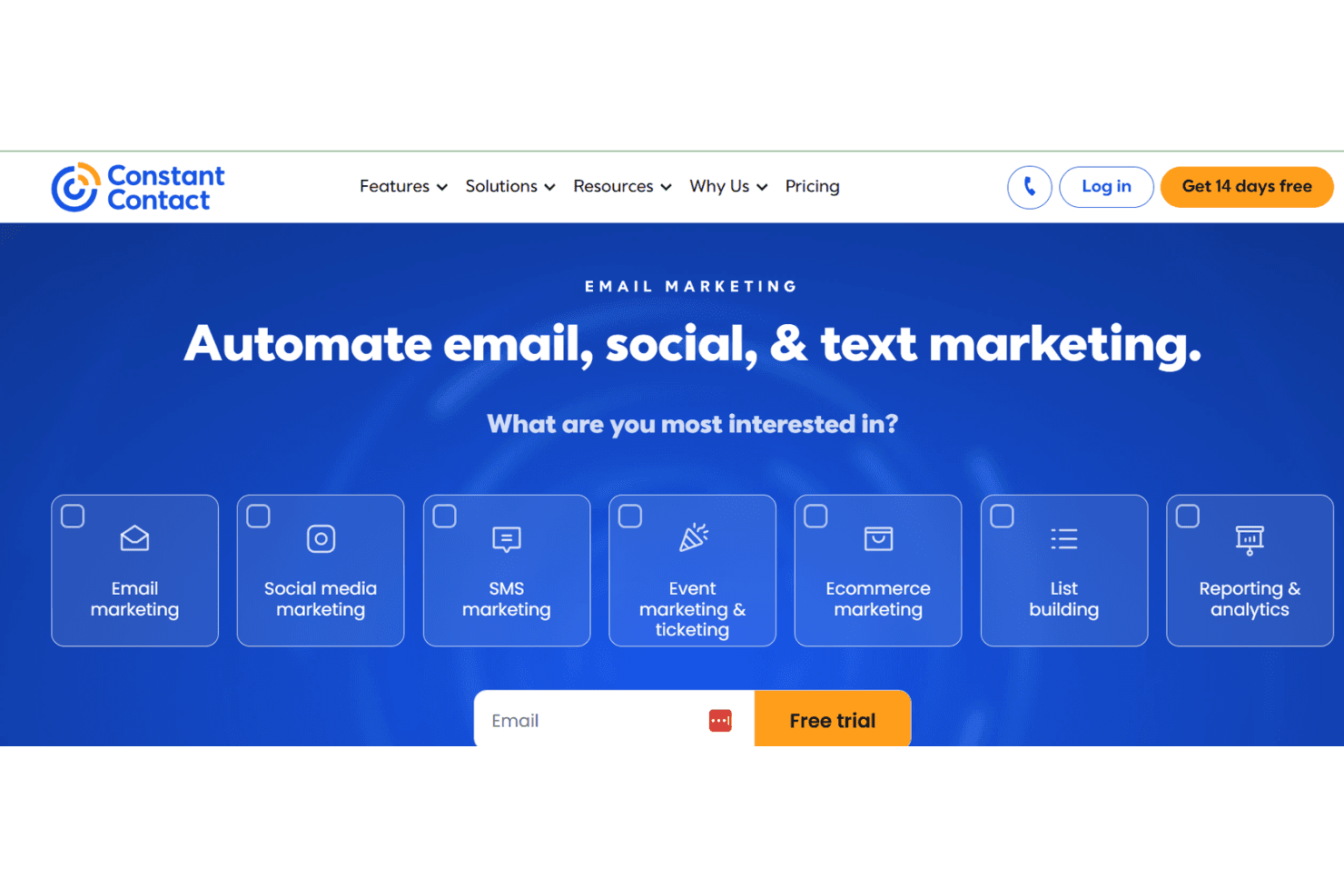
Constant Contact is an ecommerce email marketing software that helps businesses create and manage email campaigns. It's ideal for small to medium-sized retailers, nonprofits, and local service providers seeking easy-to-use tools. Constant Contact offers straightforward email marketing solutions with templates and analytics for effective audience engagement.
Constant Contact addresses email marketing efficiency and engagement issues for marketing teams and small business owners. In this article, I'll cover Constant Contact's features, pros and cons, use cases, pricing, and more, so you can decide if it meets your marketing needs and goals.
Constant Contact Evaluation Summary
4.2/5
- From $12/month
- 14-day free trial + free demo available
Pourquoi faire confiance à nos recommandations de logiciels
6,700+
Reviews
20
Industry experts
16+
Evaluation factors
14
Years
Notre équipe teste et évalue des logiciels depuis 2012. En tant que dirigeants du commerce de détail nous-mêmes, nous savons à quel point il est difficile — et important — de choisir le bon logiciel.
Pour ce guide, nous avons évalué les outils grâce à des tests pratiques et une recherche indépendante, en notant les outils selon nos critères de sélection.
Nos avis reflètent notre jugement indépendant — et non un argumentaire de vente.
Constant Contact Overview
In my opinion, Constant Contact is a solid choice for small to medium-sized businesses looking for straightforward email marketing solutions. It shines with its user-friendly interface and responsive customer support, making it easy for teams to get started. However, its pricing can be a bit steep for those who need advanced features or extensive integrations, which might be a drawback compared to competitors like Mailchimp or SendinBlue. If your team values ease of use and reliable support over complex integrations, Constant Contact could be a good fit.
Pros
- Your team will find the user interface simple and intuitive.
- Customer support is responsive and helpful when you need it.
- You'll appreciate the variety of email templates available.
Cons
- Your team might find the reporting features limited compared to other tools.
- The editor can be a bit clunky when designing emails.
- You may notice that the automation options are not as advanced.
Is Constant Contact Right For Your Needs?
Who Would be a Good Fit for Constant Contact?
Constant Contact is great for small to medium-sized businesses, nonprofits, and local service providers. If your team values straightforward tools and responsive support, you’ll find it easy to use Constant Contact to manage your email marketing efforts. It's especially useful for businesses that want to quickly create professional-looking emails without fuss. The variety of templates and easy-to-use interface make it ideal for teams with limited tech expertise. You'll find it beneficial if you need reliable customer service to guide you through your email marketing efforts.
- Small RetailersYour team will benefit from easy-to-use email templates that help keep customers engaged.
- NonprofitsYou'll appreciate the support and simple tools for reaching donors effectively.
- Local ServicesYour business can quickly create and send promotional emails to your client base.
- Educational InstitutionsYour team will find the templates handy for sending newsletters and updates to students and parents.
- Event PlannersYou'll enjoy the ease of managing email invitations and RSVPs for event marketing.
- Healthcare ProvidersYour practice can use it to send appointment reminders and health tips to patients efficiently.
Who Would be a Bad Fit for Constant Contact?
Constant Contact may not suit large enterprises or tech-savvy companies needing advanced features and integrations. If your team requires sophisticated automation, in-depth analytics, or extensive customization, this software might fall short. It's not the best choice for businesses that rely heavily on data-driven strategies and complex email campaigns. You might find its reporting and automation features limited compared to other tools like HubSpot or Salesforce Marketing Cloud.
- Large EnterprisesYour team may find the features too basic for complex digital marketing needs.
- Tech CompaniesYou'll likely miss the advanced automation and integrations you require.
- Data-Driven TeamsYour work might suffer from the limited analytics capabilities.
- E-commerce GiantsYour business may need more sophisticated email automation tools for handling large customer bases.
- Digital AgenciesYour team might find the customization options lacking for client-specific marketing strategies.
- Financial InstitutionsYou'll likely need more secure and feature-rich email solutions.
Notre méthodologie d'évaluation
Comment nous testons et notons les outils
Nous avons passé des années à construire, affiner et améliorer notre système de test et de notation des logiciels. Notre grille d’évaluation est conçue pour prendre en compte toutes les subtilités du choix d’un logiciel et identifier ce qui rend un outil efficace, en se concentrant sur les aspects essentiels du processus de décision. Vous pouvez voir ci-dessous comment fonctionne notre système de test et de notation selon sept critères. Il nous permet de fournir une évaluation impartiale des logiciels selon leur fonctionnalité principale, leurs caractéristiques remarquables, la facilité d’utilisation, l’intégration, l’onboarding, le service client, les avis clients et le rapport qualité-prix.
Fonctionnalité principale (25% de la note finale)
Le point de départ de notre évaluation est toujours la fonctionnalité de base de l’outil. Possède-t-il les fonctions et caractéristiques attendues par un utilisateur ? Certaines de ces fonctionnalités essentielles sont-elles réservées à des plans tarifaires supérieurs ? Nous attendons d’un outil qu’il se mesure aux capacités minimales proposées par ses concurrents.
Caractéristiques remarquables (25% de la note finale)
Ensuite, nous évaluons les caractéristiques remarquables et uniques qui vont au-delà des fonctionnalités de base normalement attendues d’un outil similaire. Une note élevée reflète des fonctionnalités spécialisées qui rendent le produit plus rapide, plus efficace, ou apportent une valeur ajoutée pour l’utilisateur. Nous évaluons également la facilité d’intégration avec d’autres outils généralement présents dans l’écosystème technique afin d’étendre la fonctionnalité et l’utilité du logiciel. Les outils qui proposent de nombreuses intégrations natives, des connexions avec des solutions tierces, et un accès API pour des intégrations personnalisées obtiennent la meilleure note.
Facilité d’utilisation (10% de la note finale)
Nous analysons la rapidité et la simplicité d’exécution des tâches affectées aux fonctionnalités principales via l’outil. Les logiciels les mieux notés sont bien conçus, intuitifs, offrent des applications mobiles, incluent des modèles prêts à l’emploi et simplifient les opérations complexes.
Onboarding (10% de la note finale)
Nous savons à quel point l’adoption rapide d’une nouvelle plateforme est cruciale pour une équipe. Nous évaluons donc la facilité d’apprentissage et de prise en main d’un outil avec un minimum de formation. Nous examinons la rapidité à laquelle un membre d’équipe peut s’installer et commencer à utiliser l’outil sans expérience préalable. Les solutions les mieux notées montrent qu’elles nécessitent peu ou pas d’assistance.
Service client (10% de la note finale)
Nous évaluons la vitesse et la simplicité pour obtenir de l’aide ou se débloquer par téléphone, chat en direct, ou base de connaissances. Les outils et sociétés qui offrent une assistance en temps réel obtiennent la meilleure note, tandis que les chatbots sont moins bien évalués.
Avis clients (10% de la note finale)
Au-delà de nos propres tests et évaluations, nous tenons compte du score de recommandation (NPS) des clients actuels et passés. Nous examinons leur probabilité de choisir à nouveau l’outil pour sa fonctionnalité principale. Un logiciel bien noté reflète un NPS élevé de la part des clients actuels ou passés.
Rapport qualité-prix (10% de la note finale)
Enfin, au regard de tous les autres critères, nous évaluons le prix moyen des offres de départ au regard des fonctionnalités clés, et tenons compte de la valeur ajoutée selon les autres critères. Les logiciels qui offrent plus pour moins obtiennent une meilleure note.
Core Features
Email Templates
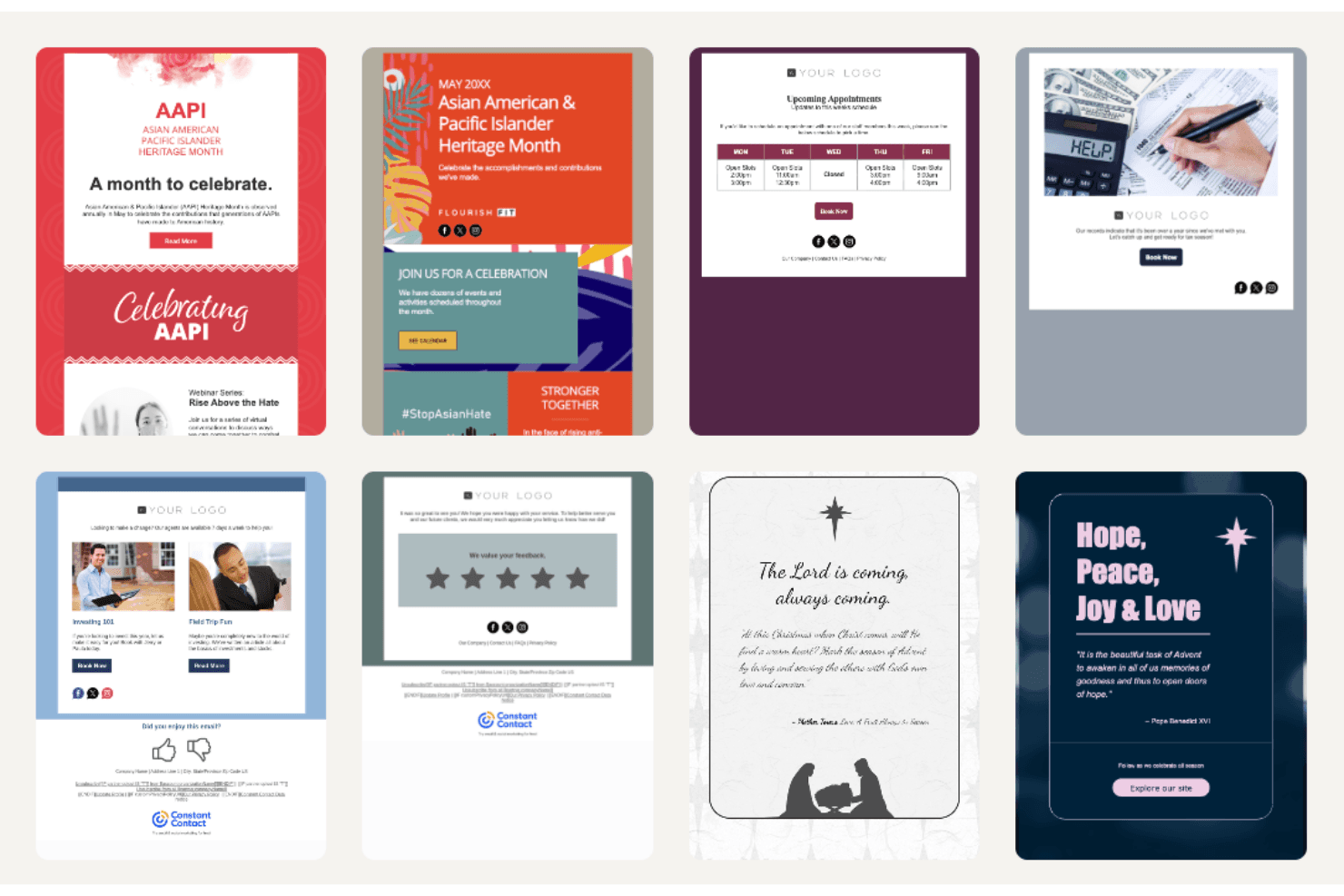
Constant Contact offers a variety of customizable templates that let your team create professional emails quickly.
List Management
You can easily segment and manage your email lists for targeted campaigns.
Drag-and-Drop Editor
The drag-and-drop email editor makes designing emails simple with its intuitive functionality.
Email Scheduling
Schedule your emails in advance or use simple autoresponders to reach your audience at the perfect time.
Tracking and Reporting
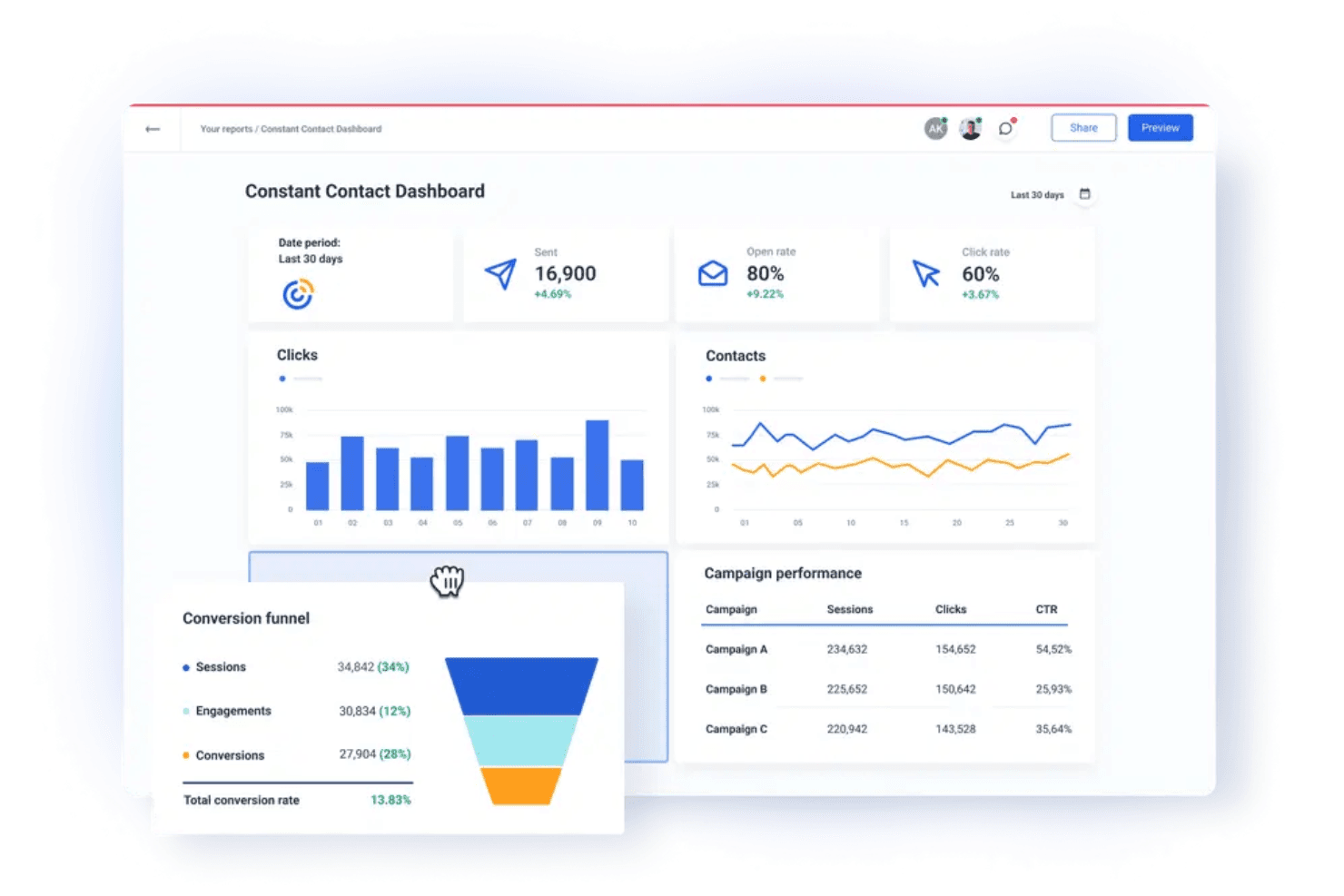
Monitor your campaign performance with basic analytics on opens, clicks, unsubscribes, abandoned cart workflows, and more.
A/B Testing
Test different email versions to see what resonates best with your audience and optimize your campaigns for better performance.
Ease of Use
Constant Contact has a seamless user experience, thanks to its intuitive interface and straightforward design. The drag-and-drop editor simplifies email creation, making it accessible even if you're not tech-savvy. While some users might find the editor a bit clunky, most appreciate the simplicity it offers for quick campaign setup. User reviews often highlight the ease of managing contacts and scheduling emails, which helps you focus on your marketing goals without getting bogged down by complex tools.
Integrations
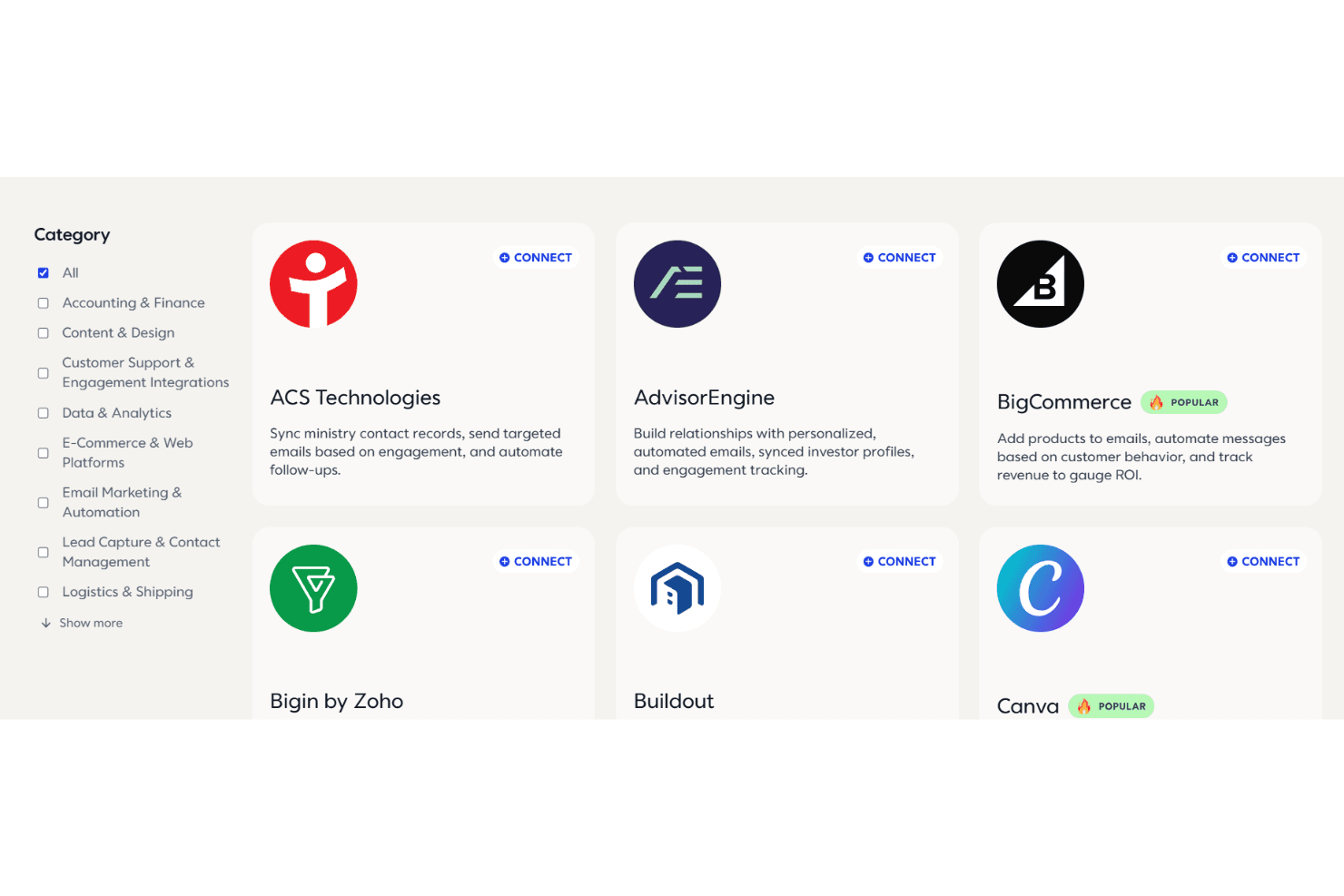
Constant Contact integrates with popular platforms such as Shopify, WooCommerce, Salesforce, Canva, Facebook, Brevo, and Eventbrite to connect email marketing with e-commerce, CRM, and social media tools. These integrations make it easy to sync contacts, track sales, and manage campaigns from one dashboard.
The platform also supports Zapier for connecting with hundreds of additional apps, along with an API for developers who want to build custom integrations.
Constant Contact Specs
- A/B Testing: Yes
- API: Yes
- Audience Targeting: Yes
- Brand Management: Yes
- Calendar Management: No
- Campaign Management: Yes
- Compliance Tracking: No
- Contact Management: Yes
- Contact Sharing: Yes
- Conversion Tracking: No
- CRM Integration: Yes
- Customer Management: Yes
- Dashboard: Yes
- Data Export: Yes
- Data Import: Yes
- Data Visualization: Yes
- Email Integration: Yes
- External Integrations: Yes
- Google Apps Integration: No
- Lead Management: Yes
- Lead Scoring: Yes
- Link Tracking: Yes
- Marketing Automation: Yes
- Multi-User: Yes
- Notifications: Yes
- Scheduling: Yes
- Social-Media Integration: Yes
- Third-Party Plugins/Add-Ons: No


