
Shopify POS -arvostelu: hyvät puolet, huonot puolet, ominaisuudet ja hinnoittelu
Urani aikana olen käyttänyt monia kassajärjestelmiä, mukaan lukien Shopify POS -järjestelmää. Tässä perusteellisessa arvostelussa arvioin tämän työkalun parhaat (ja huonoimmat) käyttötapaukset, integraatiot, hinnoittelun ja paljon muuta.

We review tools independently, and commissions help fund our testing. See our transparency policy, our methodology, or suggest a tool.
Shopify POS is a POS system built for retailers who sell both online and in person. It connects your brick-and-mortar store directly to your Shopify ecommerce store, keeping inventory, customer data, and sales reporting unified under one platform. I'd consider it over Square POS if omnichannel selling is a priority—Shopify POS offers native online-to-offline integration that Square can't match without third-party workarounds. If you're already on Shopify or building toward a multichannel retail operation, this is a natural fit.
Shopify POS Evaluation Summary
4.4/5
- From $89/month
- 3-day free trial
Miksi luottaa ohjelmistosuosituksiimme
6,700+
Reviews
20
Industry experts
16+
Evaluation factors
14
Years
Tiimimme on testannut ja arvioinut ohjelmistoja vuodesta 2012 lähtien. Julkaisijoina ja mediatoimijoina tiedämme itse, kuinka vaikeaa — ja tärkeää — oikean ohjelmiston valitseminen on.
Tätä opasta varten arvioimme työkaluja käytännön testauksen ja itsenäisen tutkimuksen avulla, pisteyttäen työkalut valintakriteeriemme perusteella.
Arvostelumme perustuvat inhimilliseen toimitukselliseen harkintaamme, eivät myyntipuheeseen.
Shopify POS Overview
Shopify POS offers a robust, easy-to-use system that caters to both online and offline sales, making it ideal for businesses looking to unify their sales channels.
Pros
- You can easily manage both online and offline sales from a single platform.
- It provides a user-friendly interface that simplifies sales tasks for your team.
- You get access to detailed sales analytics to help grow your business.
Cons
- You might find the setup process a bit time-consuming.
- Your team may need time to fully adapt to its functionalities.
- You may encounter occasional issues with customer support responsiveness.
Is Shopify POS Right For Your Needs?
Who Would be a Good Fit for Shopify POS?
Small to medium-sized retailers looking to unify their online and physical sales channels would find Shopify POS ideal. If you’re running a boutique, a pop-up shop, or a small cafe, you’ll appreciate its easy integration for managing inventory and sales analytics. Shopify POS simplifies operations by offering a user-friendly interface and robust analytics, which are essential for growing your business and adapting quickly to market changes.
- Boutique ShopsShopify POS is perfect for boutiques needing seamless inventory management and customer engagement tools.
- Pop-Up StoresIt provides mobile capabilities that make it easy for pop-up stores to handle transactions anywhere.
- Small CafesYour cafe can benefit from its straightforward interface and quick sales processing.
- Online RetailersIf you’re an online retailer, Shopify POS helps you manage both online and in-person sales effortlessly.
- Artisan MarketsArtisans at markets can use its mobile setup to capture sales and manage inventory on the go.
- Local Retail ChainsFor local retail chains, it offers centralized management for multiple locations and channels.
Who Would be a Bad Fit for Shopify POS?
Large enterprises with complex sales operations might find Shopify POS lacking due to its limited advanced customization options and scalability for extensive inventory management. If your business relies heavily on intricate reporting or requires extensive third-party integrations, you may struggle to meet these needs with Shopify POS. It’s also not ideal for industries needing specialized POS features, like those in the hospitality sector, where tailored solutions are critical.
- Large EnterprisesShopify POS may not scale well for large enterprises needing complex inventory and reporting features.
- Specialized RetailersRetailers requiring industry-specific features might find its generalist approach insufficient.
- High-Volume StoresStores with exceptionally high transaction volumes may encounter performance limitations.
- RestaurantsRestaurants that need specialized order management and table service features won’t find them here.
- Wholesale BusinessesWholesale businesses needing bulk order processing and pricing structures won’t find robust tools.
- Custom Product SellersSellers of highly customizable products may miss detailed customization capabilities.
Our Review Methodology
How We Test & Score Tools
We’ve spent years building, refining, and improving our software testing and scoring system. The rubric is designed to capture the nuances of software selection and what makes a tool effective, focusing on critical aspects of the decision-making process.
Below, you can see exactly how our testing and scoring works across seven criteria. It allows us to provide an unbiased evaluation of the software based on core functionality, standout features, ease of use, onboarding, customer support, integrations, customer reviews, and value for money.
Core Functionality (25% of final scoring)
The starting point of our evaluation is always the core functionality of the tool. Does it have the basic features and functions that a user would expect to see? Are any of those core features locked to higher-tiered pricing plans? At its core, we expect a tool to stand up against the baseline capabilities of its competitors.
Standout Features (25% of final scoring)
Next, we evaluate uncommon standout features that go above and beyond the core functionality typically found in tools of its kind. A high score reflects specialized or unique features that make the product faster, more efficient, or offer additional value to the user.
We also evaluate how easy it is to integrate with other tools typically found in the tech stack to expand the functionality and utility of the software. Tools offering plentiful native integrations, 3rd party connections, and API access to build custom integrations score best.
Ease of Use (10% of final scoring)
We consider how quick and easy it is to execute the tasks defined in the core functionality using the tool. High scoring software is well designed, intuitive to use, offers mobile apps, provides templates, and makes relatively complex tasks seem simple.
Onboarding (10% of final scoring)
We know how important rapid team adoption is for a new platform, so we evaluate how easy it is to learn and use a tool with minimal training. We evaluate how quickly a team member can get set up and start using the tool with no experience. High scoring solutions indicate little or no support is required.
Customer Support (10% of final scoring)
We review how quick and easy it is to get unstuck and find help by phone, live chat, or knowledge base. Tools and companies that provide real-time support score best, while chatbots score worst.
Customer Reviews (10% of final scoring)
Beyond our own testing and evaluation, we consider the net promoter score from current and past customers. We review their likelihood, given the option, to choose the tool again for the core functionality. A high scoring software reflects a high net promoter score from current or past customers.
Value for Money (10% of final scoring)
Lastly, in consideration of all the other criteria, we review the average price of entry level plans against the core features and consider the value of the other evaluation criteria. Software that delivers more, for less, will score higher.
Core Features
Sales Tracking
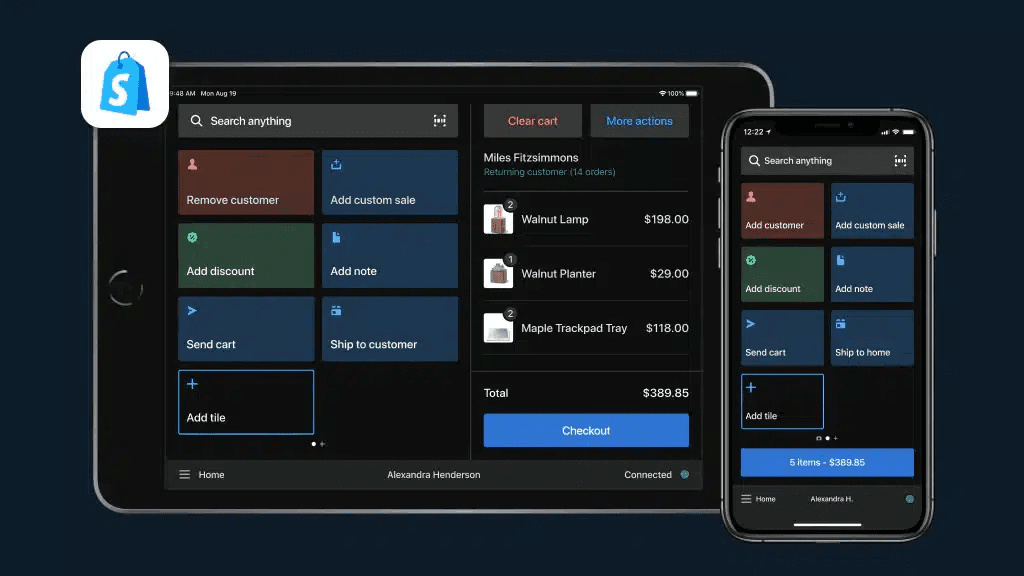
Shopify POS lets you monitor sales in real-time, helping you keep tabs on your business performance. You can quickly access daily summaries and sales trends.
Inventory Management
It allows you to manage your inventory across multiple locations effortlessly. You’ll find it easy to update stock levels and track product variants.
Customer Profiles
Build customer profiles to personalize sales and enhance customer relationships. You can save purchase history and preferences for better service.
Staff Management
Assign roles and permissions to your team, ensuring secure access. Track staff performance and sales contributions easily.
Order Management
Manage orders from start to finish, whether they’re online or in-store. You can track order status and handle returns seamlessly.
Analytics and Reporting
Get detailed insights into your sales data with built-in analytics. You’ll be able to make informed decisions based on real-time reports.
Ease of Use
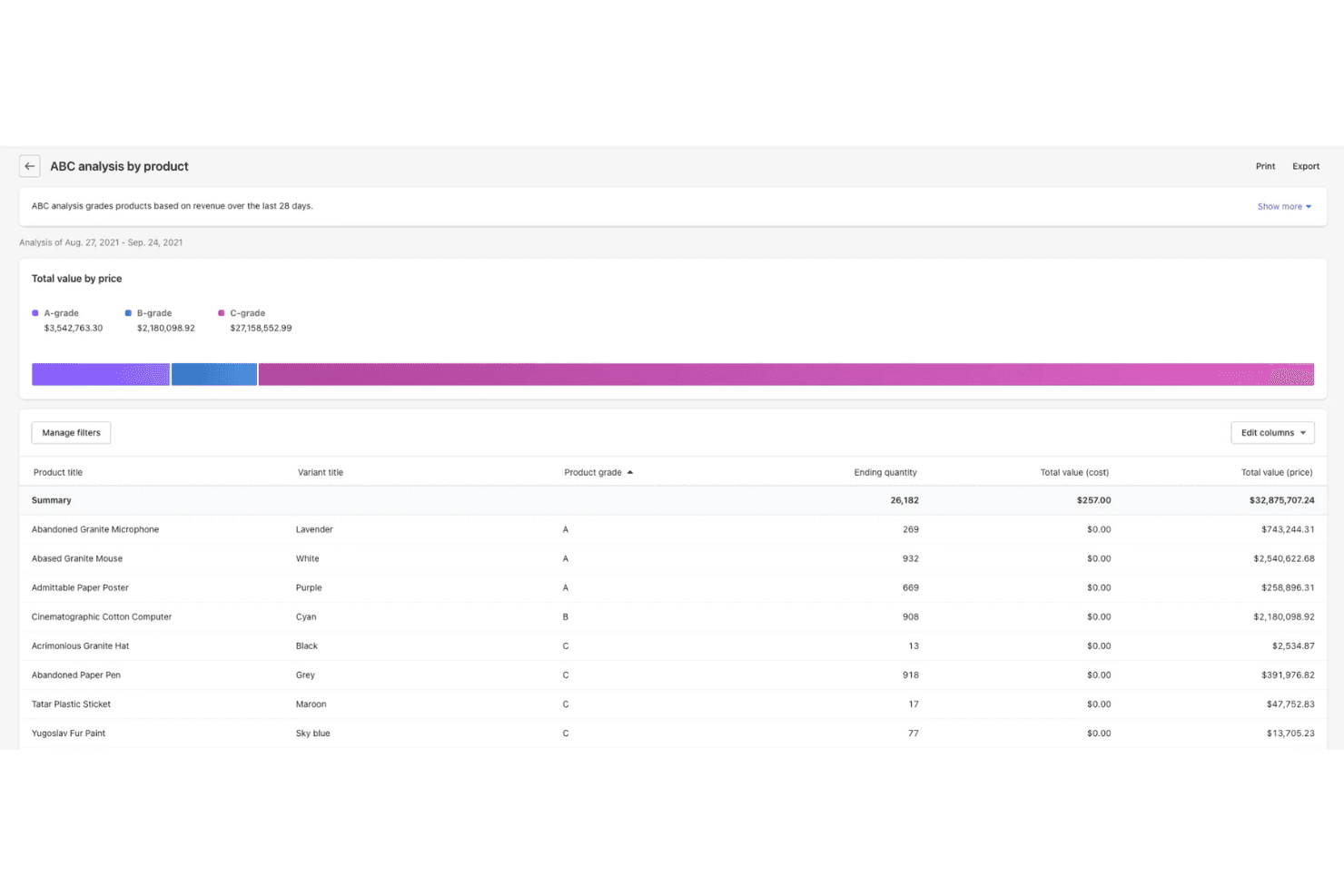
Shopify POS offers a user-friendly interface, but some users might find the initial setup a bit challenging. Once you’re past the setup, your team will appreciate how intuitive the system is for daily operations. The dashboard is clean and straightforward, making it easy to manage sales and inventory. However, some users report a learning curve when adapting to its full range of features. Overall, it provides a good balance of functionality and simplicity for small to medium-sized businesses.
Integrations
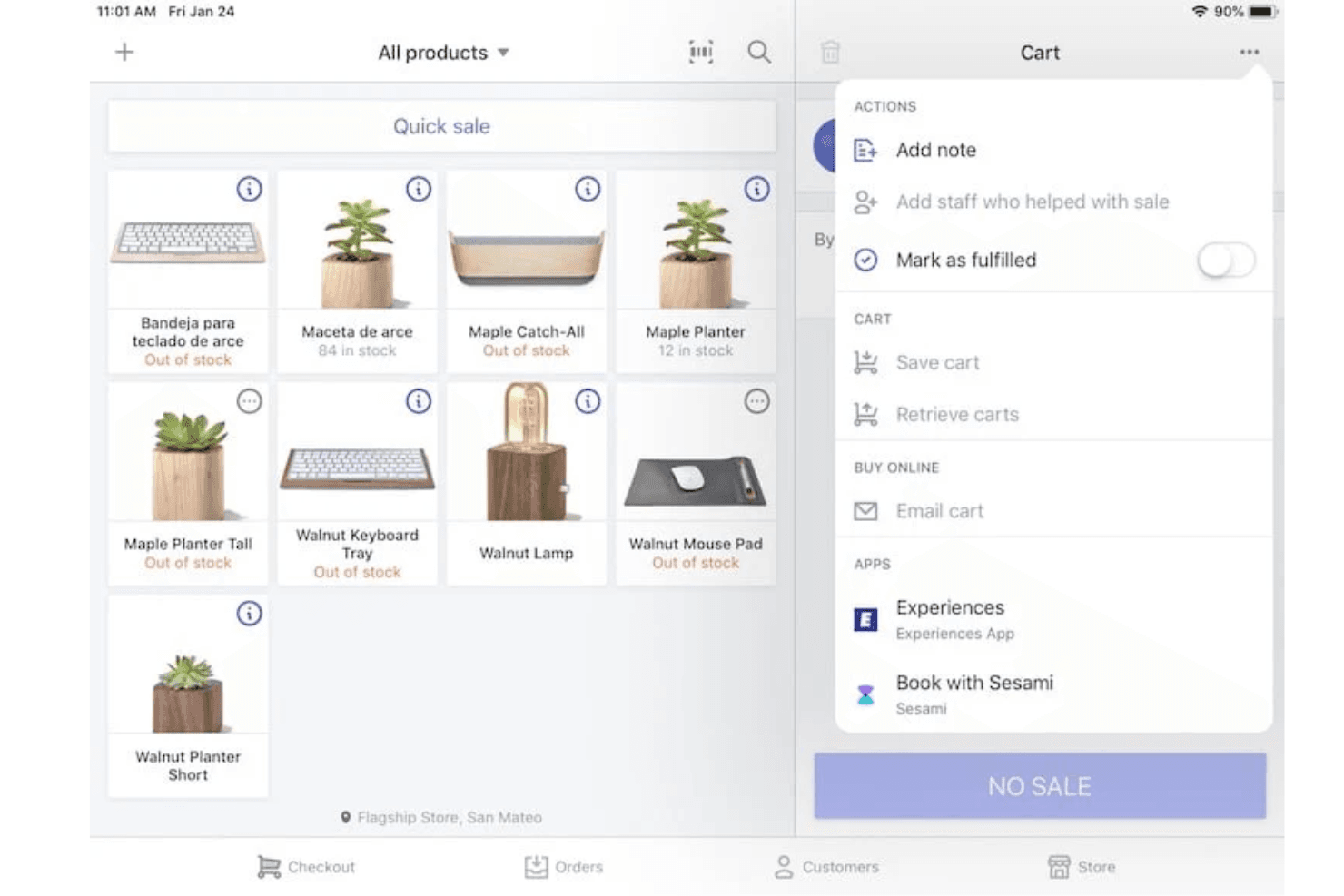
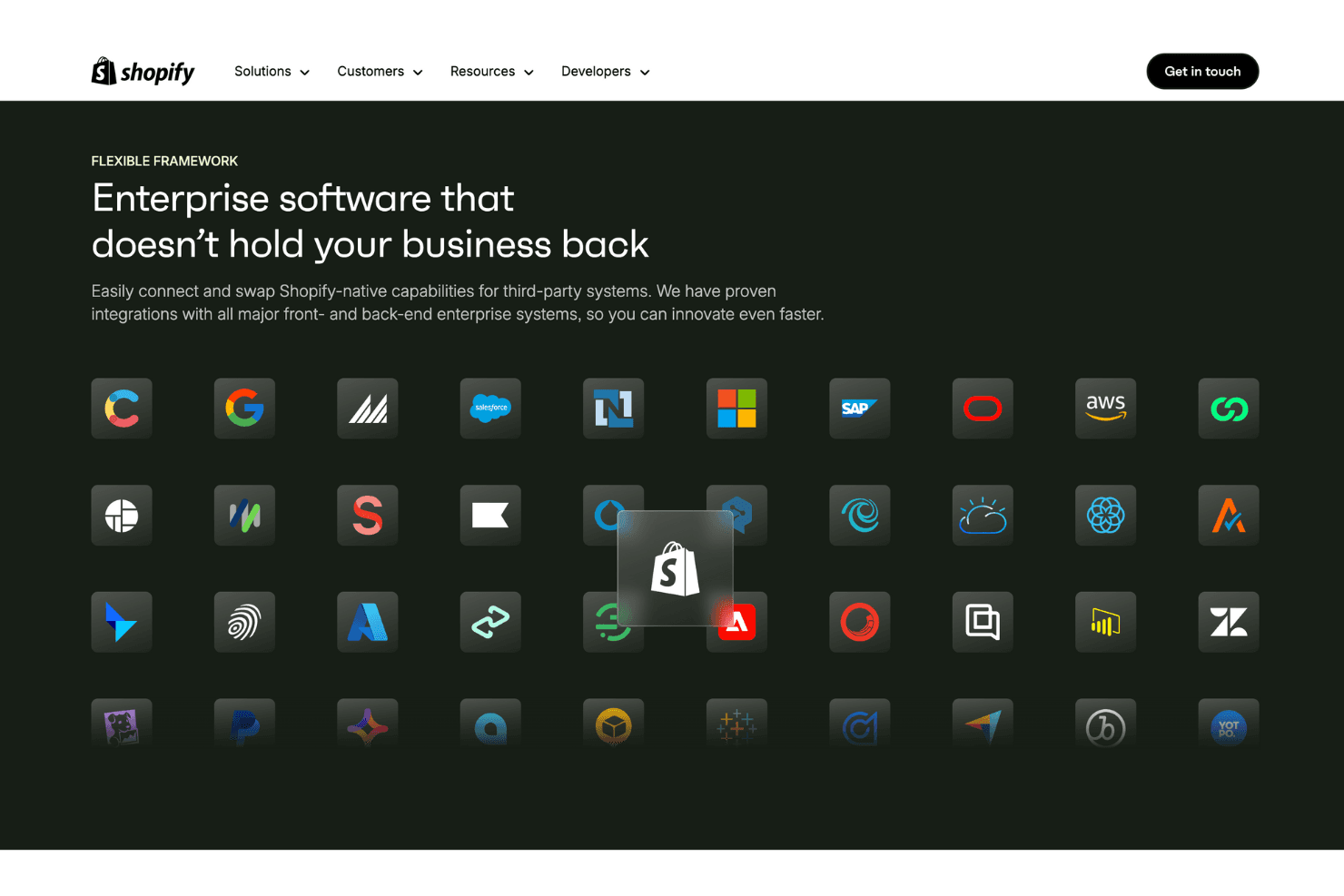
Integrations include Ecommerce Integration, Inventory Management, Order Fulfillment, Product Discounts and Bundling, Receipt Printing, Email Marketing, Customer Loyalty Programs, Payment Processing, Post-Purchase Feedback, Returns and Exchanges, Reporting and Analytics, and POS Hardware.
Shopify POS Specs
- 2-Factor Authentication: Yes
- Accounts Receivable: No
- API: Yes
- Approval Workflows: No
- Billing/Invoicing: No
- BitCoin: No
- Budgeting: No
- Calendar Management: No
- Compliance Tracking: No
- Contact Management: Yes
- CRM Integration: No
- Custom Reports: Yes
- Customer Management: Yes
- Dashboard: Yes
- Data Export: No
- Data Import: Yes
- Data Visualization: Yes
- DDoS Protection: No
- Expense Tracking: No
- External Integrations: Yes
- Fraud Detection: Yes
- Inventory Tracking: Yes
- Multi-Currency: Yes
- Multi-User: Yes
- Notifications: No
- Payment Gateway Integration: No
- Payment Processor: Yes
- PayPal: Yes
- Risk Assessment: No
- Scheduling: No
- Stripe: No
- Suspicious Order Monitoring (SOM): No
- Tax Management: Yes
- Workflow Management: No
Alternatives to Shopify POS


Shopify POS FAQs
Mitä seuraavaksi
Haluatko verkostoitua muiden digitaalisten projektipäälliköiden kanssa ja jakaa resursseja sekä parhaita käytäntöjä? Liity jäsenyhteisöömme ja saat käyttöösi yli 100 mallipohjaa, näytettä ja esimerkkiä sekä voit verkostoitua Slackissa satojen muiden digitaalisten projektipäälliköiden kanssa.