

Reseña de HubSpot: ventajas, desventajas, funciones y precios
HubSpot destaca por ofrecer una interfaz de usuario intuitiva y valiosos insights, lo que lo diferencia en el ámbito de la automatización del comercio electrónico.

Revisamos las herramientas de forma independiente y las comisiones ayudan a financiar nuestras pruebas. Consulta nuestra política de transparencia, nuestra metodología o sugiere una herramienta.
HubSpot is an ecommerce automation tool built on a unified CRM, connecting marketing, sales, and customer service workflows in one platform. It's worth considering if your team needs to automate across the full customer lifecycle—from acquisition to post-purchase retention—not just trigger email campaigns. If you're coming from a channel-specific tool like Klaviyo, HubSpot gives you a broader foundation, with cross-team workflows and shared customer data that Klaviyo's email-first model doesn't cover.
HubSpot Evaluation Summary
4.4/5
- From $20/user/month
- Free plan available
Por qué confiar en nuestras recomendaciones de software
6,700+
Reviews
20
Industry experts
16+
Evaluation factors
14
Years
Nuestro equipo lleva probando y evaluando software desde 2012. Como líderes del sector retail, sabemos lo difícil —y lo importante— que es elegir el software adecuado.
Para esta guía, evaluamos las herramientas mediante pruebas prácticas e investigación independiente, puntuando las herramientas según nuestros criterios de selección.
Nuestras reseñas reflejan nuestro criterio independiente, no un discurso de ventas.
HubSpot Overview
In my opinion, HubSpot is a solid choice for ecommerce automation, especially for small to medium-sized businesses. It excels with its intuitive interface and extensive feature set, making it a good option for marketing and sales teams. While the pricing might be on the higher side, the value it provides through integrations and ease of use makes it worth considering. Compared to other tools like Salesforce or Pipedrive, HubSpot stands out with its user-friendly onboarding and robust support. However, it may not be the best fit for larger enterprises needing more customization. If your team values simplicity and effective functionality, HubSpot could be the right choice.
Pros
- HubSpot's interface is intuitive and easy for your team to navigate.
- The onboarding process is smooth, helping your team get started quickly.
- Customer support is responsive and helpful when you need assistance.
Cons
- HubSpot's customization options can be limited for advanced users.
- It might not scale well for very large enterprises.
- Some users find the reporting features less flexible than needed.
Is HubSpot Right For Your Needs?
Who Would be a Good Fit for HubSpot?
HubSpot is ideal for small to medium-sized businesses, particularly those with marketing and sales teams aiming to improve customer engagement. If your team values an intuitive interface, HubSpot's user-friendly design makes it easy to manage leads and track customer interactions. Its strong onboarding support ensures your team can quickly adapt to the platform. Teams in dynamic industries like tech startups or creative agencies will benefit from its streamlined communication tools.
- Tech StartupsHubSpot's ease of use and quick onboarding help tech startups manage rapid growth without getting bogged down in complexity.
- Creative AgenciesIts powerful marketing tools allow creative agencies to track and enhance client engagement effectively.
- Small BusinessesHubSpot's features support small businesses in building and maintaining strong customer relationships.
- Sales TeamsIts lead management capabilities make it a strong choice for sales teams looking to optimize their processes.
- Education SectorEducational institutions can utilize HubSpot's engagement tools to effectively communicate with students and stakeholders.
- NonprofitsWith HubSpot, nonprofits can efficiently manage donor relationships and engagement activities.
Who Would be a Bad Fit for HubSpot?
HubSpot might not suit large enterprises or highly specialized industries needing extensive customization. If your team requires in-depth customization options, HubSpot's limited flexibility can be a drawback. Large corporations with complex needs may find its features insufficiently scalable. Industries like manufacturing, which often require tailored solutions, might struggle with HubSpot's standard offerings.
- Large EnterprisesThe platform's limited scalability and customization options can hinder large enterprises with complex needs.
- Manufacturing FirmsManufacturing firms often need specialized solutions that HubSpot's standard features might not accommodate.
- Financial ServicesFinancial services might find HubSpot lacking due to its limited customization and specific regulatory needs.
- Healthcare ProvidersHealthcare providers often require tailored solutions that HubSpot's general features may not provide.
- Government AgenciesGovernment agencies could struggle with HubSpot's lack of advanced customization and compliance features.
- Telecom CompaniesTelecom companies might need more flexible and scalable solutions than HubSpot offers.
Nuestra Metodología de Revisión
Cómo Probamos y Puntamos Herramientas
Hemos pasado años construyendo, perfeccionando y mejorando nuestro sistema de pruebas y puntuación de software. La rúbrica está diseñada para captar los matices de la selección de software y lo que hace que una herramienta sea eficaz, enfocándose en los aspectos críticos del proceso de toma de decisiones. A continuación, puedes ver exactamente cómo funcionan nuestras pruebas y puntuaciones en siete criterios. Esto nos permite brindar una evaluación imparcial del software según la funcionalidad principal, características destacadas, facilidad de uso, incorporación, soporte al cliente, integraciones, reseñas de usuarios y relación calidad-precio.
Funcionalidad Principal (25% de la puntuación final)
El punto de partida de nuestra evaluación siempre es la funcionalidad principal de la herramienta. ¿Cuenta con las características y funciones básicas que un usuario esperaría ver? ¿Alguna de esas funcionalidades está limitada a planes de precios superiores? En esencia, esperamos que una herramienta se compare favorablemente con las capacidades básicas de sus competidores.
Características Destacadas (25% de la puntuación final)
A continuación, evaluamos las características sobresalientes poco comunes que van más allá de la funcionalidad principal que normalmente se encuentra en herramientas similares. Una alta puntuación refleja funcionalidades especializadas o únicas que hacen que el producto sea más rápido, eficiente o aporte un valor extra al usuario. También evaluamos qué tan fácil es integrar la herramienta con otras comúnmente usadas en el entorno tecnológico para ampliar la funcionalidad y utilidad del software. Las herramientas que ofrecen numerosas integraciones nativas, conexiones de terceros y acceso a API para crear integraciones personalizadas obtienen la mejor puntuación.
Facilidad de Uso (10% de la puntuación final)
Consideramos qué tan rápido y fácil es realizar las tareas definidas en la funcionalidad principal usando la herramienta. El software de alta puntuación está bien diseñado, es intuitivo, ofrece aplicaciones móviles, proporciona plantillas y hace que tareas relativamente complejas parezcan simples.
Incorporación (10% de la puntuación final)
Sabemos lo importante que es que un equipo adopte rápidamente una nueva plataforma, así que evaluamos qué tan fácil es aprender y usar la herramienta con mínima capacitación. Analizamos cuánto tiempo tarda un miembro del equipo en prepararse y comenzar a usar la herramienta sin experiencia previa. Las soluciones con alta puntuación requieren poco o ningún soporte.
Soporte al Cliente (10% de la puntuación final)
Revisamos qué tan rápido y fácil es obtener ayuda por teléfono, chat en vivo o base de conocimientos. Las herramientas y empresas que ofrecen soporte en tiempo real obtienen la mejor puntuación, mientras que los chatbots obtienen la peor.
Reseñas de Clientes (10% de la puntuación final)
Además de nuestras pruebas y evaluaciones, consideramos el puntaje neto de promotores de clientes actuales y pasados. Revisamos la probabilidad de que elijan de nuevo la herramienta para la funcionalidad principal. Un software con alta puntuación refleja un alto NPS de clientes actuales o pasados.
Relación Calidad-Precio (10% de la puntuación final)
Por último, considerando todos los demás criterios, revisamos el precio promedio de los planes de nivel básico frente a las características principales y consideramos el valor de los otros criterios de evaluación. El software que ofrece más por menos, tendrá una puntuación más alta.
Core Features
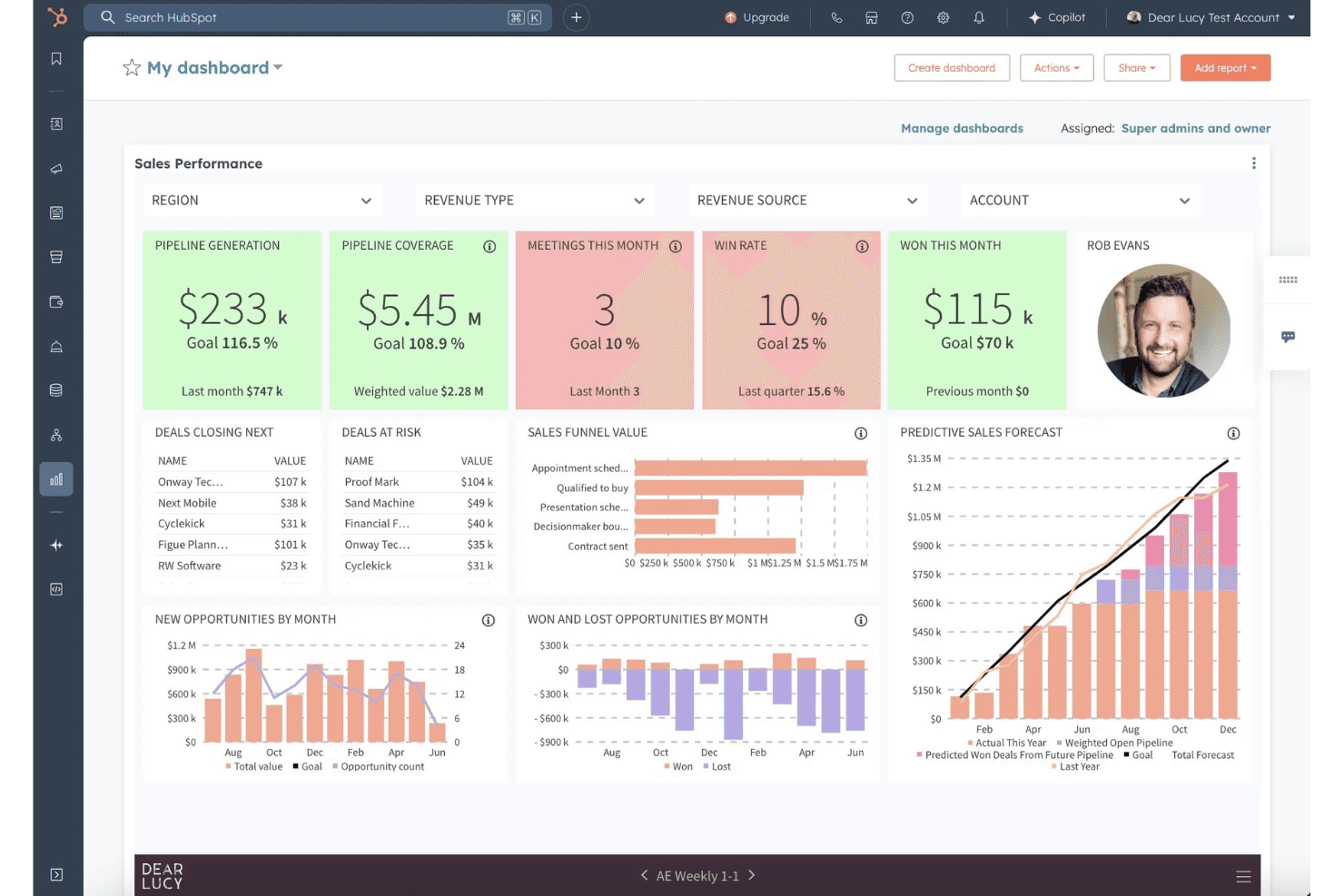
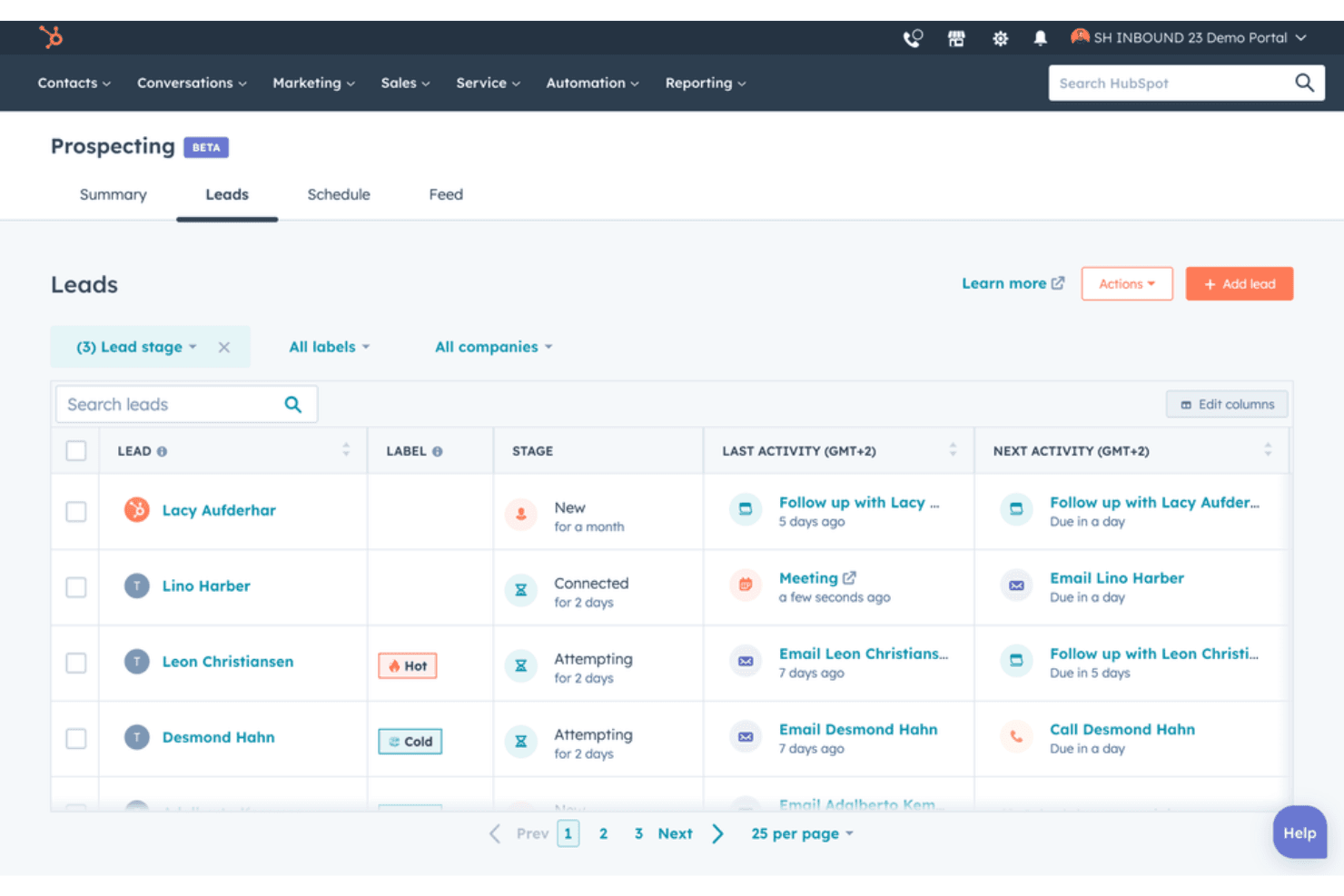
Lead Management: HubSpot helps you track and nurture leads efficiently with its easy-to-use dashboard to streamline your sales process. It ensures your sales team never misses an opportunity within the sales pipeline.
Email Marketing: Create and send personalized email marketing campaigns with built-in marketing automation. HubSpot's tools help you reach your audience effectively and track engagement.
CRM: HubSpot's CRM keeps all your customer data organized and accessible, centralizing contact management. It simplifies customer relationship management for your team.
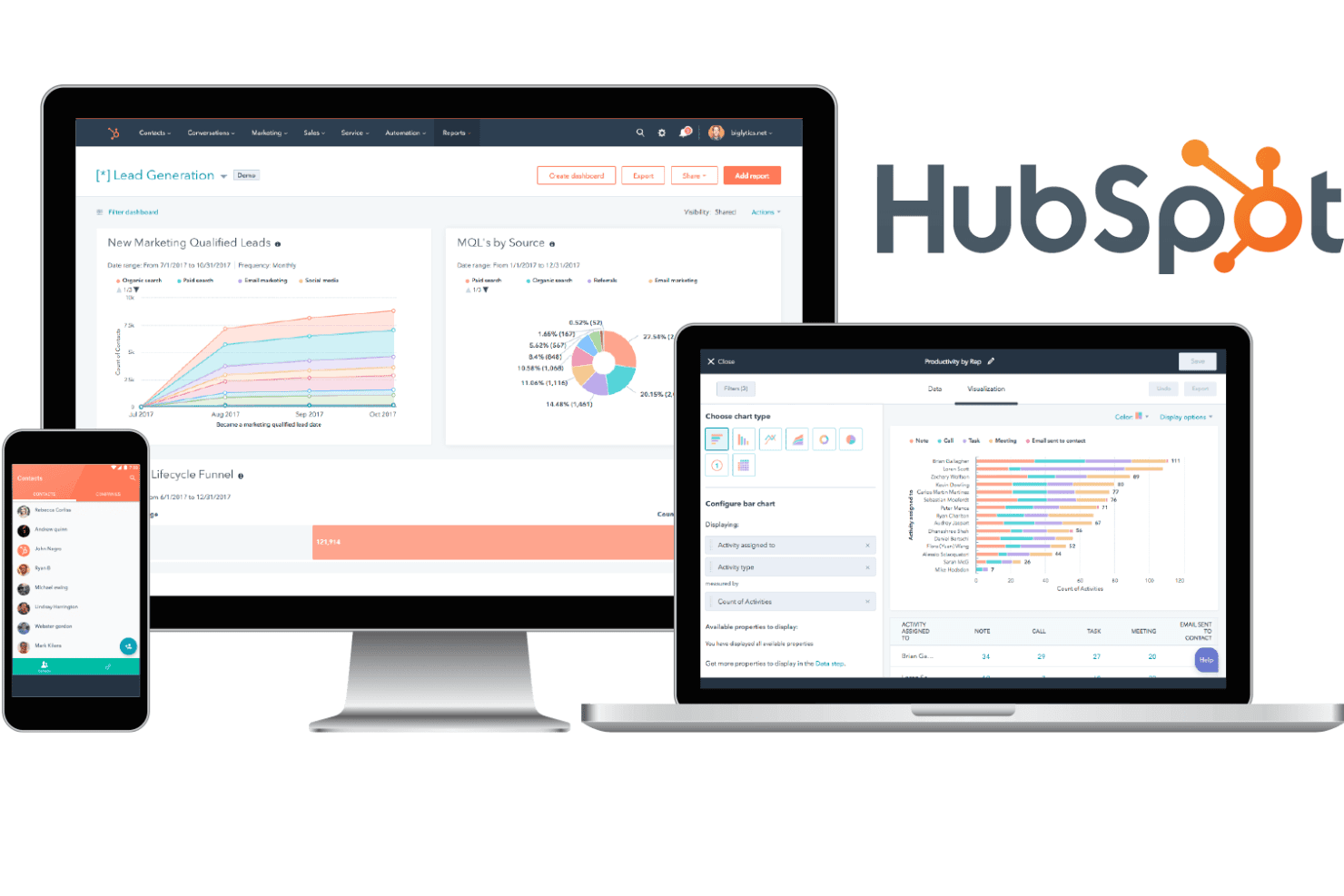
Analytics: Get insights into your marketing efforts with HubSpot's analytics tools, tracking the metrics that matter the most. They help you understand what's working and where to improve.
Social Media Management: Schedule and monitor your social media posts from one place. HubSpot makes it easy to engage with your audience across platforms.
Content Management: HubSpot's CMS lets you create and manage your website and landing page content using a drag and drop editor. It ensures your site stays relevant and engaging.
Ease of Use
HubSpot is user-friendly, making it a popular choice for teams that want to hit the ground running. Its intuitive interface means you spend less time on training and more on your work. The clean design and accessible tools help you manage tasks easily, whether it's scheduling social media posts or tracking leads. Users appreciate how quickly they can adapt when using Hubspot, which is a big plus compared to many competitors.
Integrations
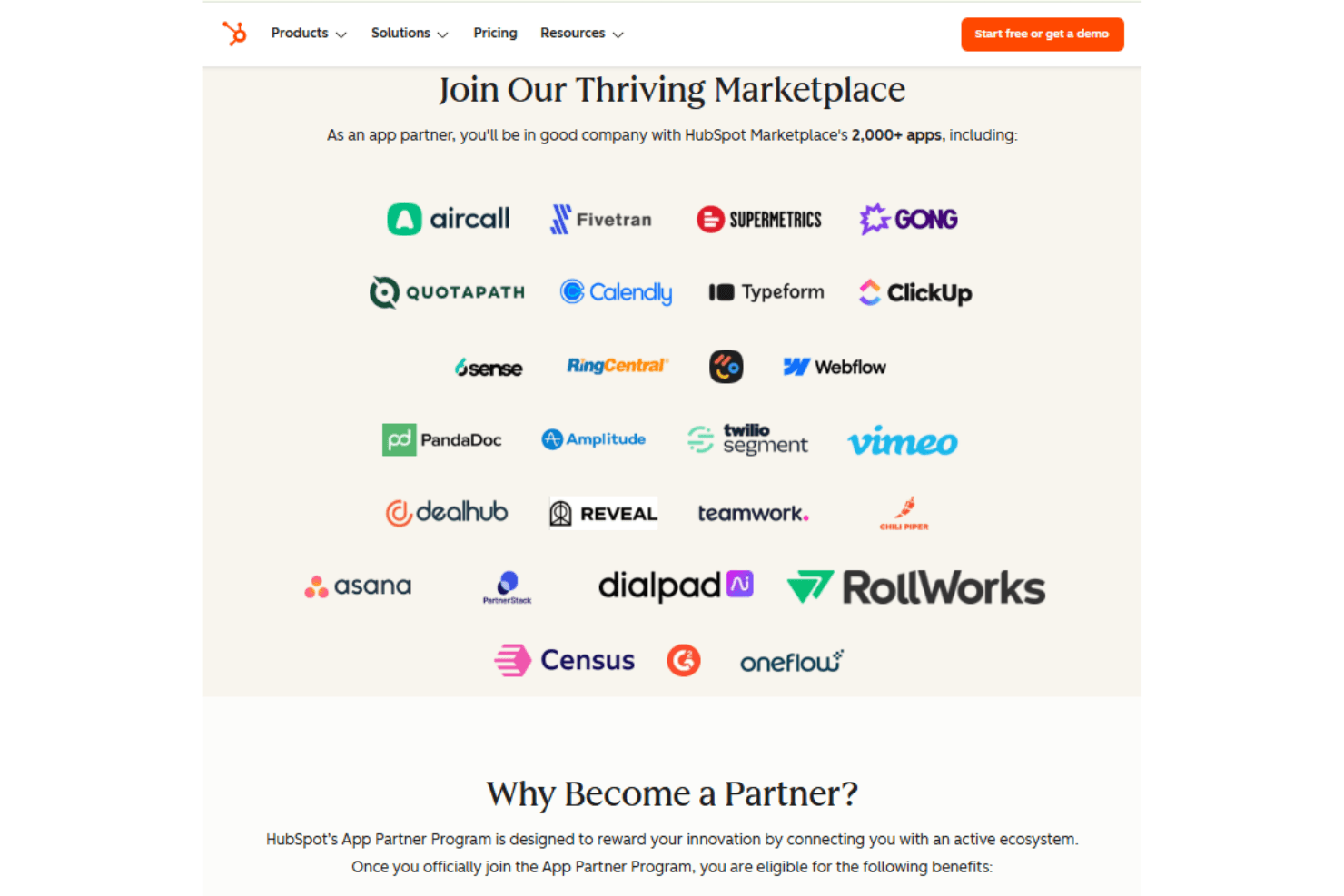
HubSpot integrates with Gmail, Google Calendar, Outlook, Slack, Zoom, Mailchimp, Shopify, WordPress, Microsoft Teams, Facebook Ads, and LinkedIn. HubSpot also offers an API and connects with third-party integration tools.
HubSpot Specs
- 2-Factor Authentication: Yes
- API: Yes
- Calendar Management: Yes
- Call Tracking: Yes
- Campaign Management: Yes
- Click-to-Dial: Yes
- Contact Management: Yes
- Contact Sharing: Yes
- Custom Data Forms: Yes
- Customer Management: Yes
- Dashboard: Yes
- Data Export: Yes
- Data Import: Yes
- Data Visualization: Yes
- Email Integration: Yes
- External Integrations: Yes
- File Sharing: Yes
- File Transfer: Yes
- Google Apps Integration: Yes
- Lead Management: Yes
- Lead Scoring: Yes
- Marketing Automation: Yes
- Mobile App: Yes
- Multi-User: Yes
- Notifications: Yes
- Pipeline Management: Yes
- Sales Automation: Yes
- Scheduling: Yes
- Social-Media Integration: Yes
- Task Scheduling/Tracking: Yes
- Third-Party Plugins/Add-Ons: Yes


