

Lightspeed-anmeldelse 2026: Fordele, ulemper, funktioner og priser
Lightspeed skiller sig ud med sine robuste funktioner til detailhandel og restauranters POS-systemer og tilbyder omfattende tilpasningsmuligheder og analyser, men er muligvis bedst egnet til virksomheder i vækst, der er klar til at investere i avancerede værktøjer.

We review tools independently, and commissions help fund our testing. See our transparency policy, our methodology, or suggest a tool.
Lightspeed is a cloud-based POS system built for retailers and restaurant operators managing complex inventory, multiple locations, or both in-store and online sales. I'd consider it if you're finding something like Square too limited—Lightspeed gives you deeper inventory control, more granular reporting, and stronger multi-location management without requiring a fully custom enterprise build.
Lightspeed Evaluation Summary
4.1/5
- From $89/month (billed annually)
- 14-day free trial
Why Trust Our Software Recommendations
6,700+
Reviews
20
Industry experts
16+
Evaluation factors
14
Years
Our team has been testing and reviewing software since 2012. As retail leaders ourselves, we know how difficult—and important—it is to choose the right software.
For this guide, we evaluated tools using hands-on testing and independent research, scoring tools using our selection criteria.
Our reviews reflect our independent judgment—not a sales pitch.
Lightspeed Overview
If you’re judging POS systems on inventory depth, multi-store management, and built-in analytics, I think Lightspeed is a top contender. Its interface is intuitive, onboarding is straightforward, and integrations cover e-Commerce, accounting, and loyalty. Pricing is higher than some, but you get advanced features like product variants and purchase ordering. Support is responsive, and I’ve found the training resources thorough.
Lightspeed is best for retailers or restaurants with complex inventory or multi-location needs who want a modern, scalable system. If you’re comparing options, Lightspeed stands out for customization but may be more than smaller shops need.
Pros
- Advanced inventory management with variants, transfers, and purchase ordering.
- Strong omnichannel platform combining POS, ecommerce, and payments.
- Real-time analytics across multiple locations and sales channels.
Cons
- Merchants not using Lightspeed Payments may face extra fees.
- Back-office setup can be complex with a learning curve.
- Pricing increases quickly with add-ons, registers, and locations.


Is Lightspeed Right For Your Needs?
Who Would be a Good Fit for Lightspeed?
Lightspeed is a strong choice for businesses that need advanced inventory management, multi-location support, and detailed analytics. Retailers and restaurants with complex product catalogs, high transaction volumes, or multiple locations will get the most value. Teams that want built-in ecommerce, loyalty, and purchase ordering features will also benefit. Lightspeed’s robust reporting and 24/7 support make it ideal for operators who need real-time insights and reliable help.
- Apparel StoresMatrix inventory supports size, color, and style variations easily.
- Bike ShopsSerialized inventory and work order tracking fit specialty retail needs.
- Full-Service RestaurantsStrong table management, menu configuration, kitchen workflows, and service pacing tools.
- Multi-Store & Omnichannel RetailersCentralized inventory, ecommerce, and reporting keep locations and channels aligned.
- Franchise OperationsCentralized controls and permissions help manage franchise networks.
- Golf & Hospitality OperatorsLightspeed has a dedicated golf platform (tee sheets, bookings, pro shop, F&B), which is unusually specialized.
Who Would be a Bad Fit for Lightspeed?
Lightspeed may not be the best fit for very small businesses, pop-up shops, or those with basic POS needs. If you only need simple checkout, have a limited product range, or want the lowest possible monthly cost, Lightspeed’s advanced features and pricing may be more than you need. Teams with minimal inventory or single-register setups might find the platform too complex.
- Nonprofit Gift ShopsBudget constraints and simple needs make Lightspeed excessive.
- Seasonal Pop-UpsShort-term operations may not justify Lightspeed’s monthly fees.
- Micro RetailersSmall shops with limited inventory may not use advanced tools.
- Single-Register KiosksLightspeed’s advanced features are unnecessary for basic checkout needs.
- Freelance VendorsSolo sellers with minimal inventory won’t benefit from Lightspeed’s depth.
- Food TrucksMobile-first POS options are simpler and more cost-effective.
Our Review Methodology
How We Test & Score Tools
We’ve spent years building, refining, and improving our software testing and scoring system. The rubric is designed to capture the nuances of software selection and what makes a tool effective, focusing on critical aspects of the decision-making process.
Below, you can see exactly how our testing and scoring works across seven criteria. It allows us to provide an unbiased evaluation of the software based on core functionality, standout features, ease of use, onboarding, customer support, integrations, customer reviews, and value for money.
Core Functionality (25% of final scoring)
The starting point of our evaluation is always the core functionality of the tool. Does it have the basic features and functions that a user would expect to see? Are any of those core features locked to higher-tiered pricing plans? At its core, we expect a tool to stand up against the baseline capabilities of its competitors.
Standout Features (25% of final scoring)
Next, we evaluate uncommon standout features that go above and beyond the core functionality typically found in tools of its kind. A high score reflects specialized or unique features that make the product faster, more efficient, or offer additional value to the user.
We also evaluate how easy it is to integrate with other tools typically found in the tech stack to expand the functionality and utility of the software. Tools offering plentiful native integrations, 3rd party connections, and API access to build custom integrations score best.
Ease of Use (10% of final scoring)
We consider how quick and easy it is to execute the tasks defined in the core functionality using the tool. High scoring software is well designed, intuitive to use, offers mobile apps, provides templates, and makes relatively complex tasks seem simple.
Onboarding (10% of final scoring)
We know how important rapid team adoption is for a new platform, so we evaluate how easy it is to learn and use a tool with minimal training. We evaluate how quickly a team member can get set up and start using the tool with no experience. High scoring solutions indicate little or no support is required.
Customer Support (10% of final scoring)
We review how quick and easy it is to get unstuck and find help by phone, live chat, or knowledge base. Tools and companies that provide real-time support score best, while chatbots score worst.
Customer Reviews (10% of final scoring)
Beyond our own testing and evaluation, we consider the net promoter score from current and past customers. We review their likelihood, given the option, to choose the tool again for the core functionality. A high scoring software reflects a high net promoter score from current or past customers.
Value for Money (10% of final scoring)
Lastly, in consideration of all the other criteria, we review the average price of entry level plans against the core features and consider the value of the other evaluation criteria. Software that delivers more, for less, will score higher.
Core Features
Inventory Management
Track stock levels, product variants, and reorder points across locations. Users can manage serialized items and automate purchase orders.
Sales Reporting
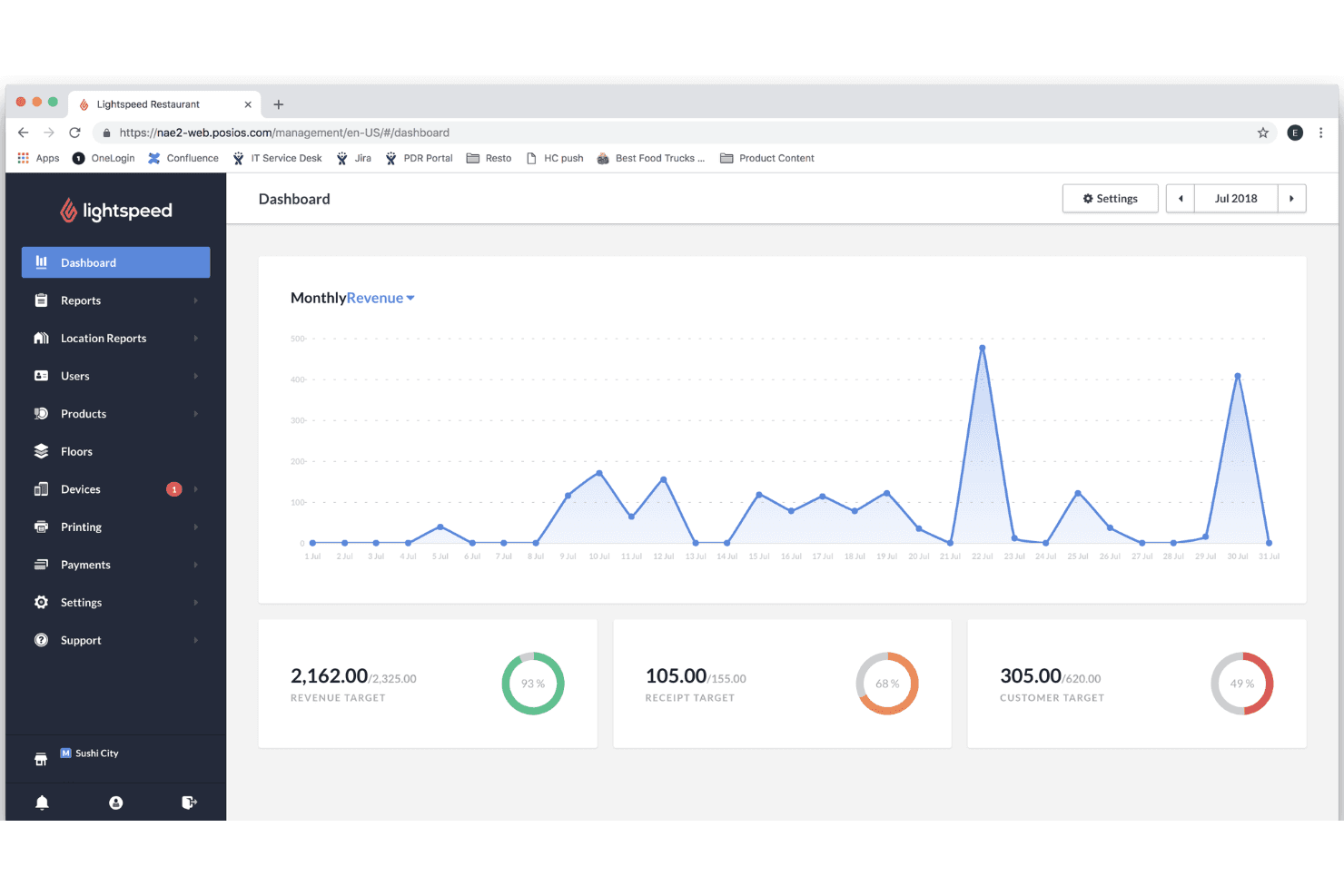
Access real-time sales data, performance dashboards, and custom reports. This helps teams spot trends and make data-driven decisions quickly.
Multi-Location Support
Manage inventory, pricing, and staff across multiple stores from one dashboard. Centralized controls make scaling and oversight easier.
Customer Management
Store customer profiles, purchase history, and loyalty details in one place. Teams can personalize service and run targeted promotions.
Integrated Ecommerce
Sync in-store and online sales, inventory, and orders seamlessly. This feature supports unified commerce and reduces manual entry.
Employee Permissions
Set custom roles and access levels for staff. Managers can track sales by employee and control sensitive functions.
.png&w=3840&q=75)
Ease of Use
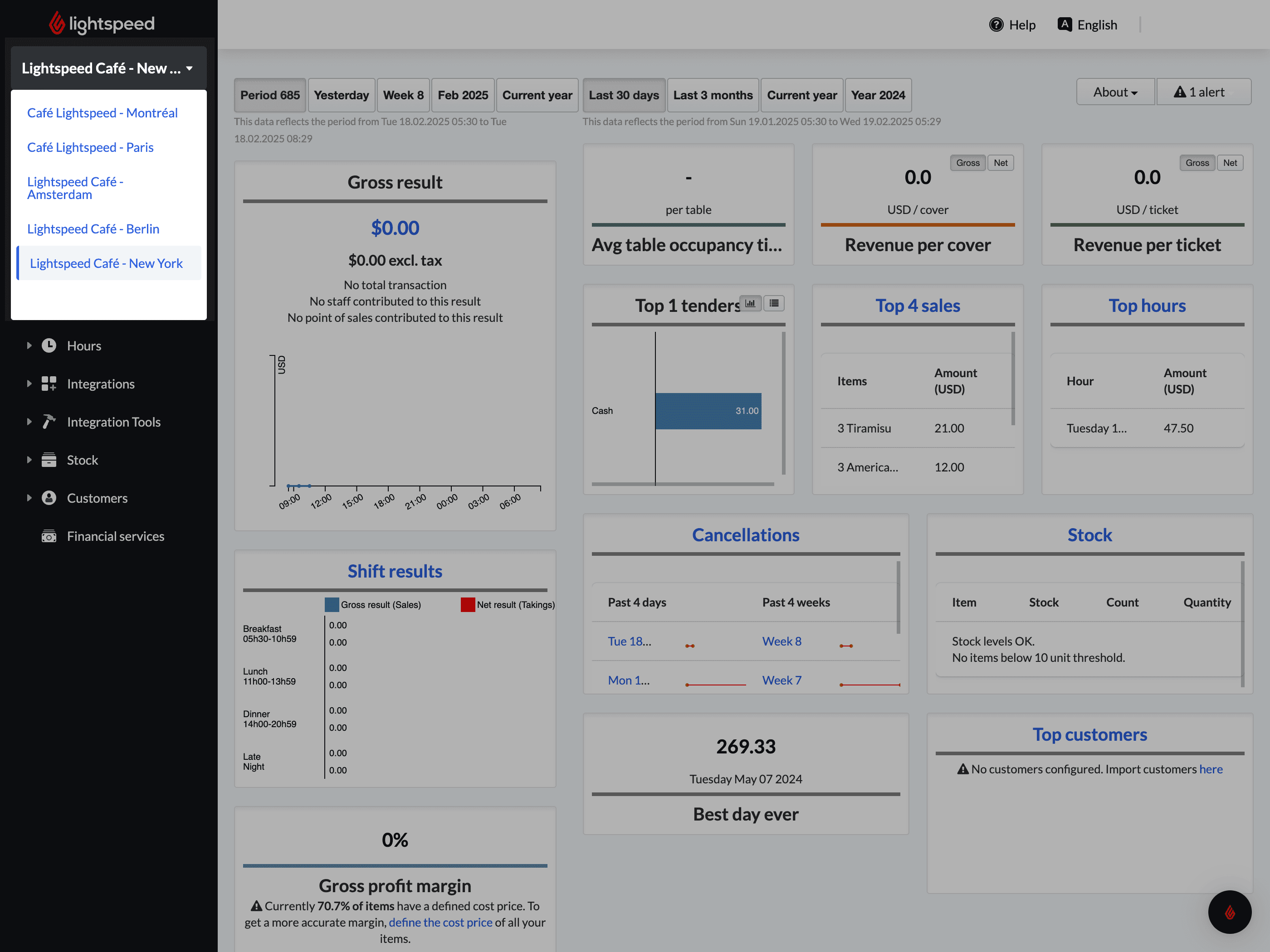
Lightspeed’s interface is clean and intuitive, making it easy for staff to learn and navigate daily tasks. I’ve seen users praise the guided onboarding and in-app tutorials, which help teams get up to speed quickly.
Features like drag-and-drop menu editing and centralized dashboards reduce complexity, even for multi-location businesses. While some advanced tools require extra setup, most users find the workflow logical and the support resources helpful for troubleshooting or training new employees.
Integrations
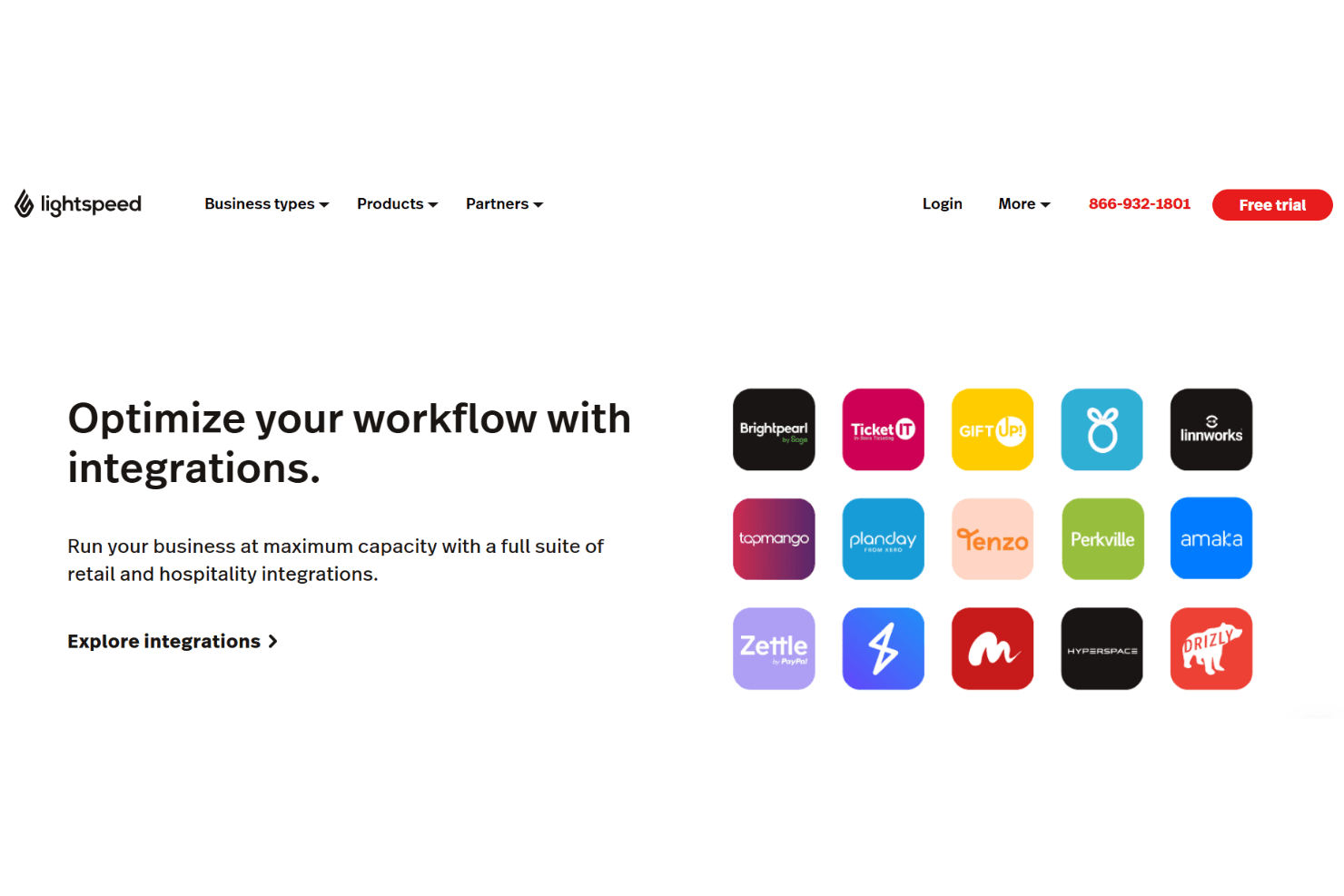
Lightspeed integrates with QuickBooks, Xero, Shopify, BigCommerce, WooCommerce, Mailchimp, 7shifts, MarketMan, Homebase, and OpenTable, among others.
Lightspeed also offers an API and connects with third-party integration tools.
Lightspeed Specs
- API: Yes
- BitCoin: No
- Contact Management: Yes
- Customer Management: Yes
- Data Export: Yes
- Data Import: Yes
- External Integrations: Yes
- Inventory Tracking: Yes
- Multi-User: Yes
- Notifications: Yes
- Order Management: Yes
- PayPal: No
- Sales Motivator: No
- Shipping Management: No
- Stripe: No
- Supplier Management: Yes
- Third-Party Plugins/Add-Ons: Yes


